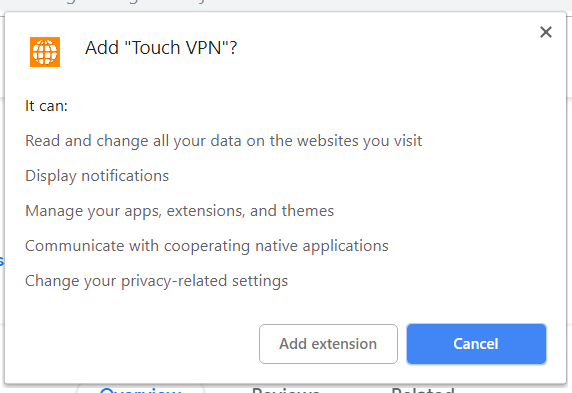
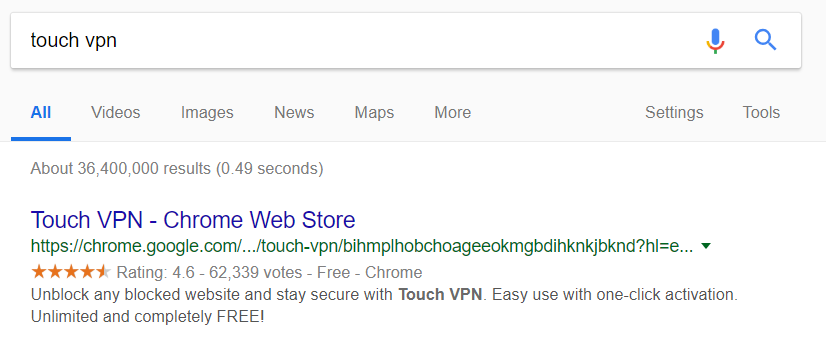
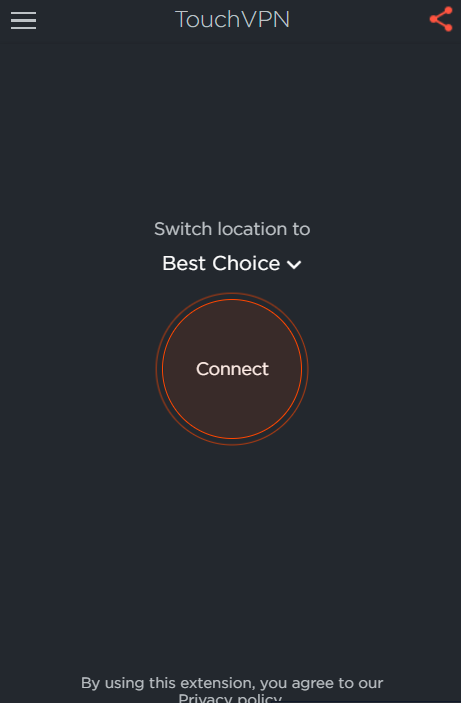
Cum setezi vpn direct din browser cu ajutorul extensiei Touch VPN Data 20/09/2018 Autor Costinel Cirstea Categorie OS - Windows, Configurare program, Aplicatii specifice 0 747 Configurare noua (How To) SituatiePentru a utiliza vpn in Chrome, putem folosi extensia Touch VPN. Pasii de urmat pentru a instala extensia sunt urmatorii: Solutie Pasi de urmat Deschidem o pagina de Google si scriem Touch VPN Selectati Add to Chrome Selectati Add Extension Click pe iconita Touch VPN apoi click pe Connect Tip solutiePermanent Voteaza Up Down (26 din 52 persoane apreciaza acest articol) ShareTweetShare Despre Autor Costinel Cirstea Solutii Asemanatoare Your Android phone’s battery has a limited lifespan -1 5 Samsung settings you should change on every new Galaxy -1 Your Android Status Bar is cluttered with Icons? -3 Go to the bottom of the page in Google Chrome -1 Google Chrome – open a link, and jump to it 3 Shortcut switch to the previous tab in Google Chrome v2 -1 Leave A Comment? × Cancel Reply Save my name, email, and website in this browser for the next time I comment. − three = six
Leave A Comment?