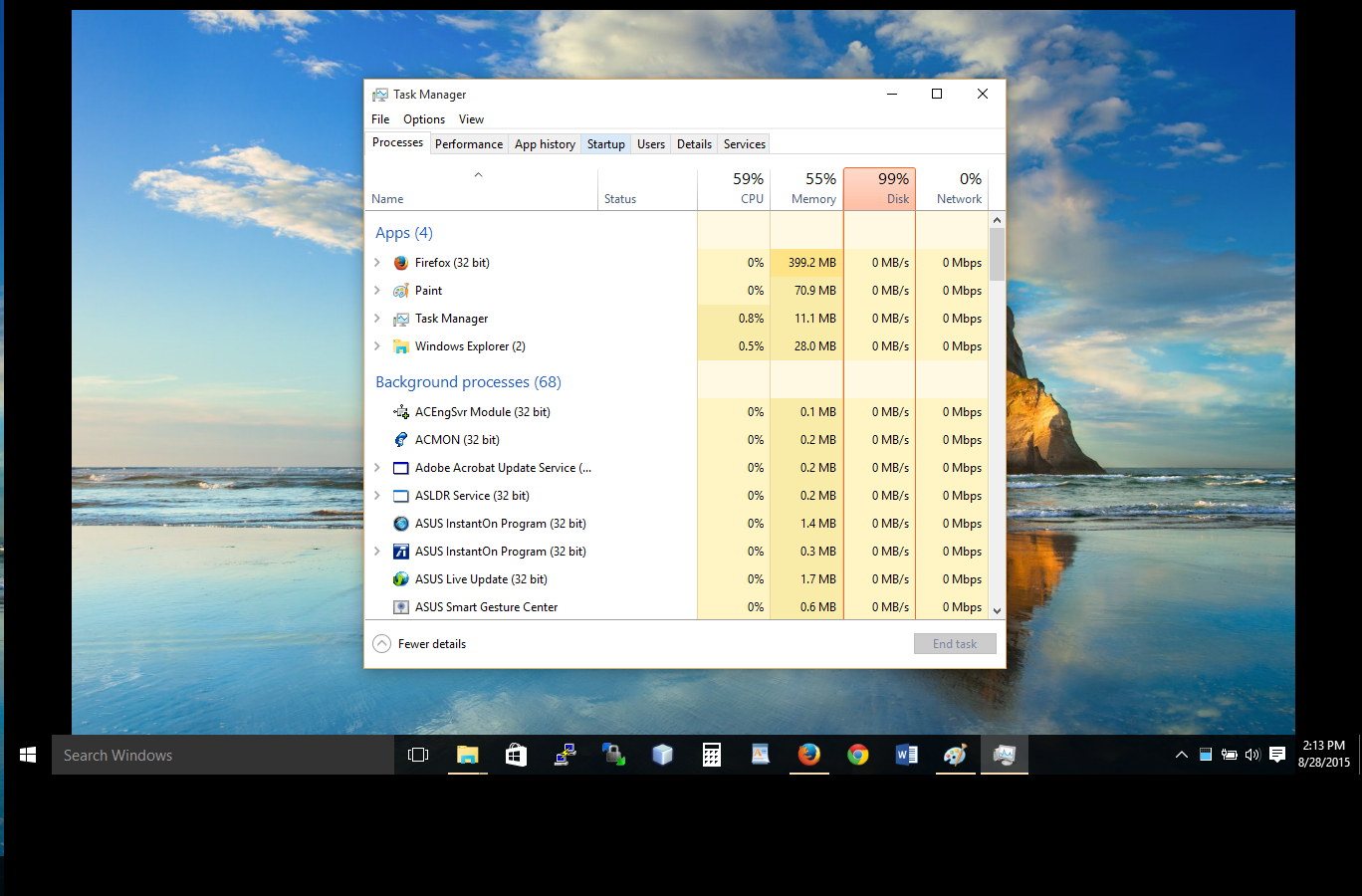
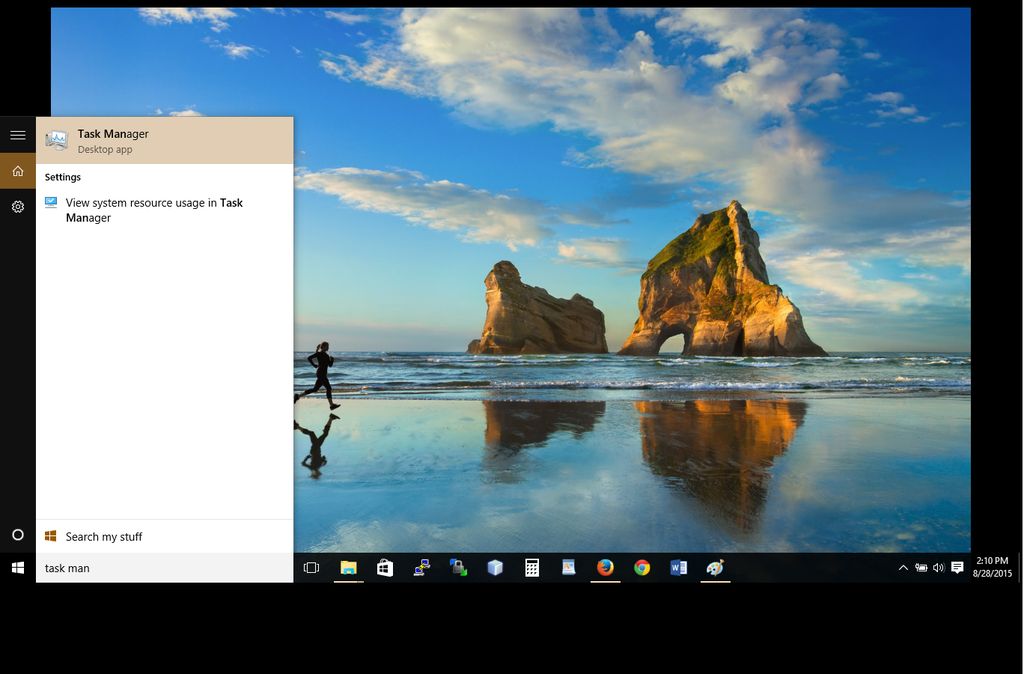
Dezactivare touchpad in 3 pasi Data 17/07/2019 Autor Alexandru Ciobanu Categorie Soluții 1 513 Configurare noua (How To) SituatieDezactivarea touchpad-ului se poate face rapid in doar 3 pasi. Backup Deschide task manager ca in imaginea de mai jos: Solutie Pasi de urmat Selecteaza Startup Options: In fereastra dechisa dezactiveaza ETD Control Center: Tip solutiePermanent Voteaza Up Down (21 din 40 persoane apreciaza acest articol) ShareTweetShare Despre Autor Alexandru Ciobanu Solutii Asemanatoare Windows 11 – previzualizarea fișierelor PDF nu funcționează în File Explorer 3 How to reset a Googlebook to factory settings 5 Tint App Icons to match your New iPhone 18 Pro Color 1 How to verify Windows 11 ISO file authenticity using PowerShell 3 Rezolvarea situatiei cand un laptop se blocheaza -2 Configurare gmail 1 Leave A Comment? × Cancel Reply Save my name, email, and website in this browser for the next time I comment. two + five =
Leave A Comment?