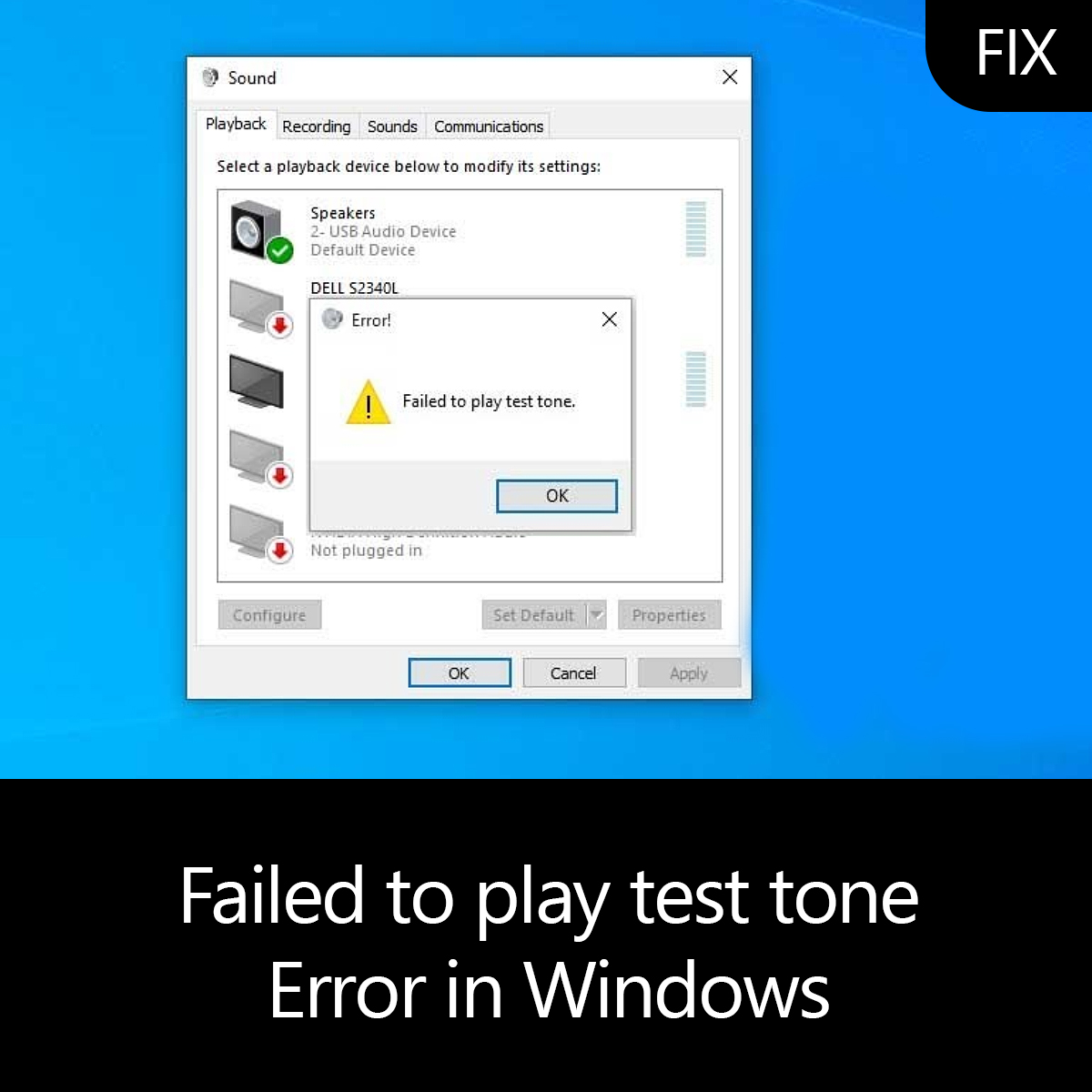
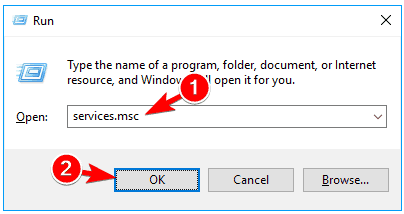
FIX: Failed to play test tone on Windows 10 via windows services Data 23/08/2021 Autor Ionut Pavel Categorie OS - Windows 2 567 Rezolvare problema (Fix IT) Situatie Solutie Pasi de urmat Press Windows Key + R and enter services.msc. Click OK or press Enter. The Services window will now appear. Locate Windows Audio service, right-click it and choose Restart from the menu. Tip solutiePermanent Voteaza Up Down (28 din 54 persoane apreciaza acest articol) ShareTweetShare Despre Autor Ionut Pavel Solutii Asemanatoare Go to the bottom of the page in Google Chrome -1 Google Chrome – open a link, and jump to it 3 Shortcut switch to the previous tab in Google Chrome v2 -1 Shortcut jump to the next open tab in Google Chrome v2 -3 Cum urmărești doar o parte dintr-o fereastră cu PowerToys Crop And Lock -4 Windows 11 – previzualizarea fișierelor PDF nu funcționează în File Explorer 12 Leave A Comment? × Cancel Reply Save my name, email, and website in this browser for the next time I comment. three + = 5
Leave A Comment?
