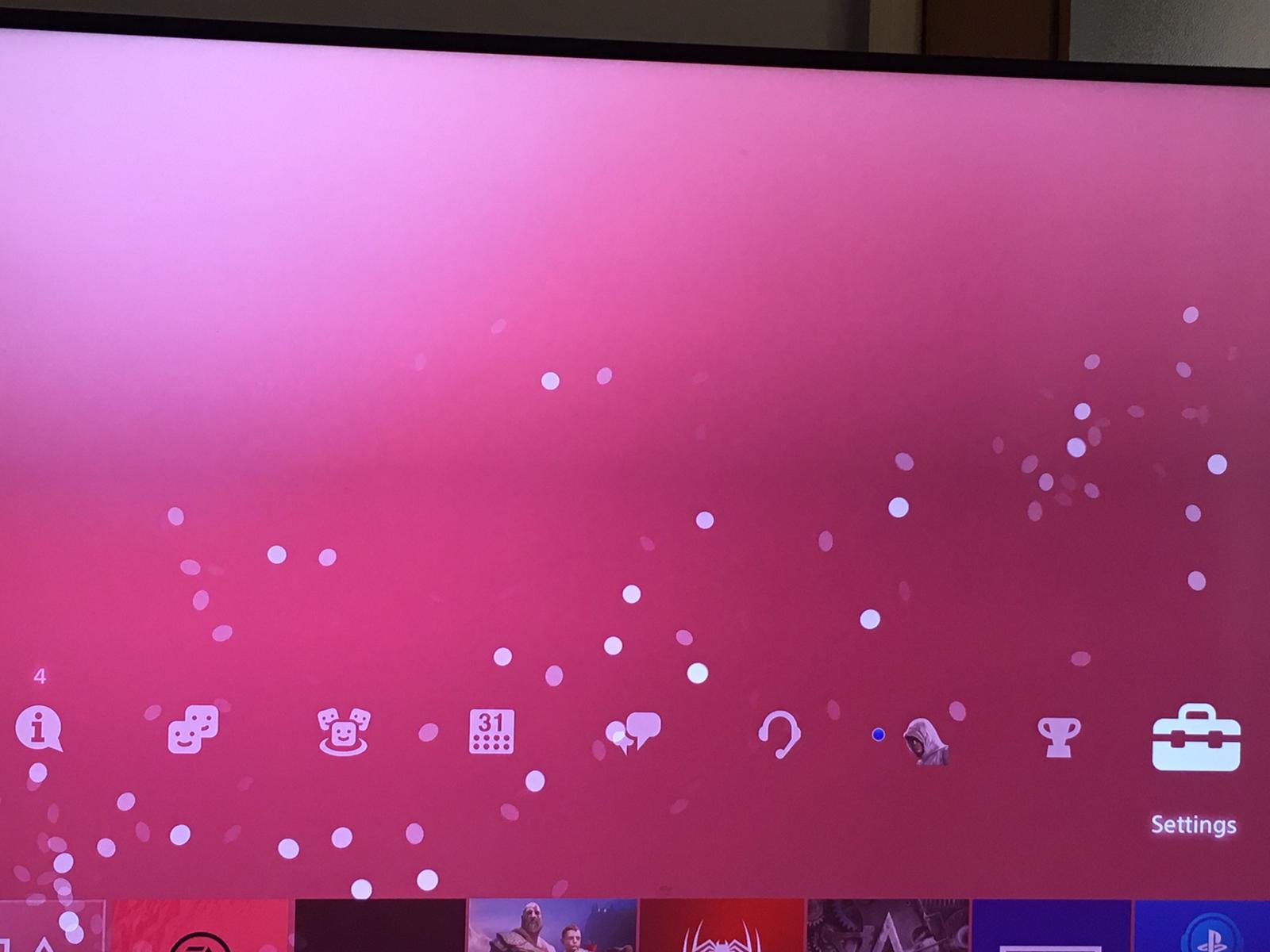
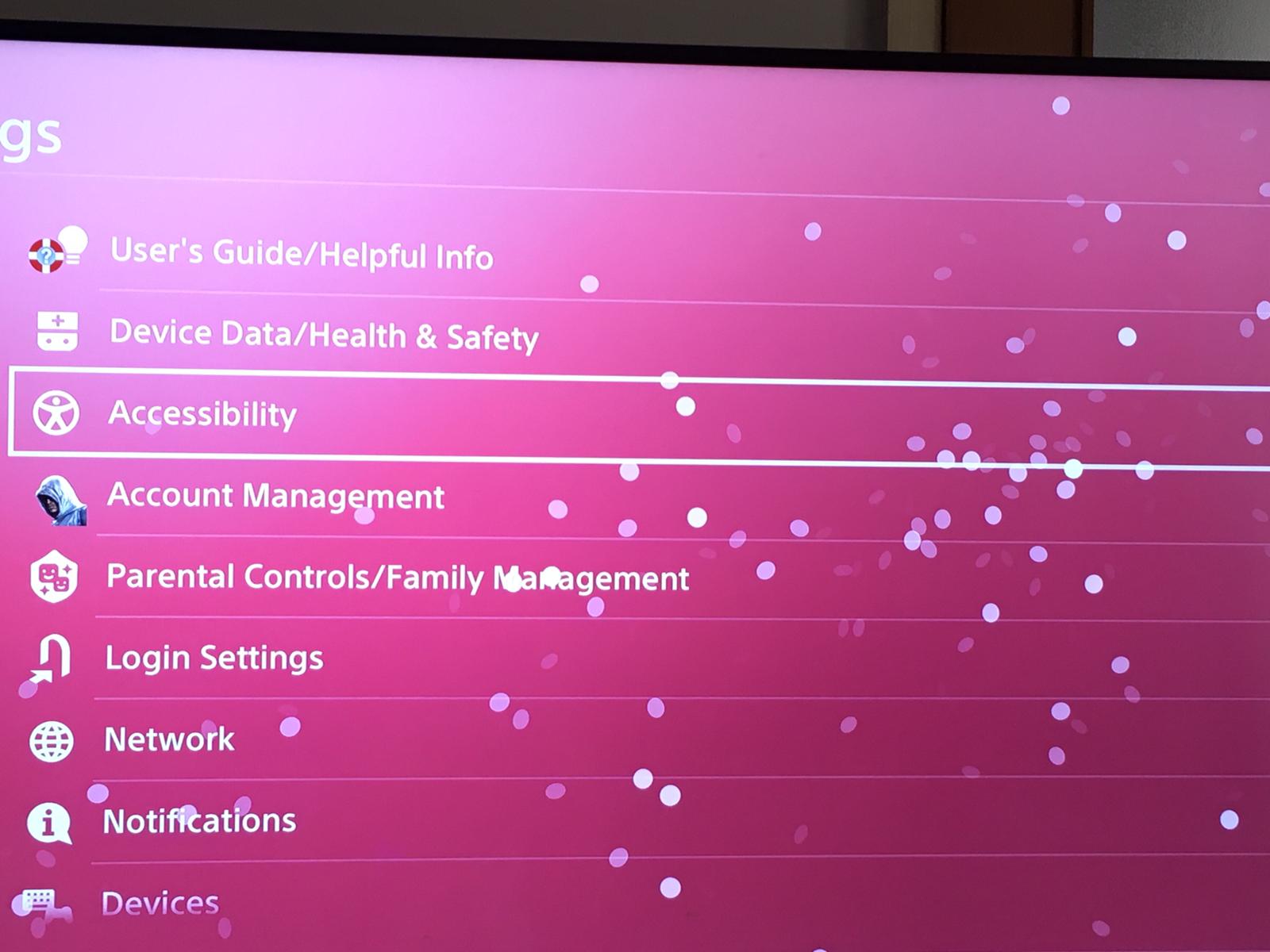
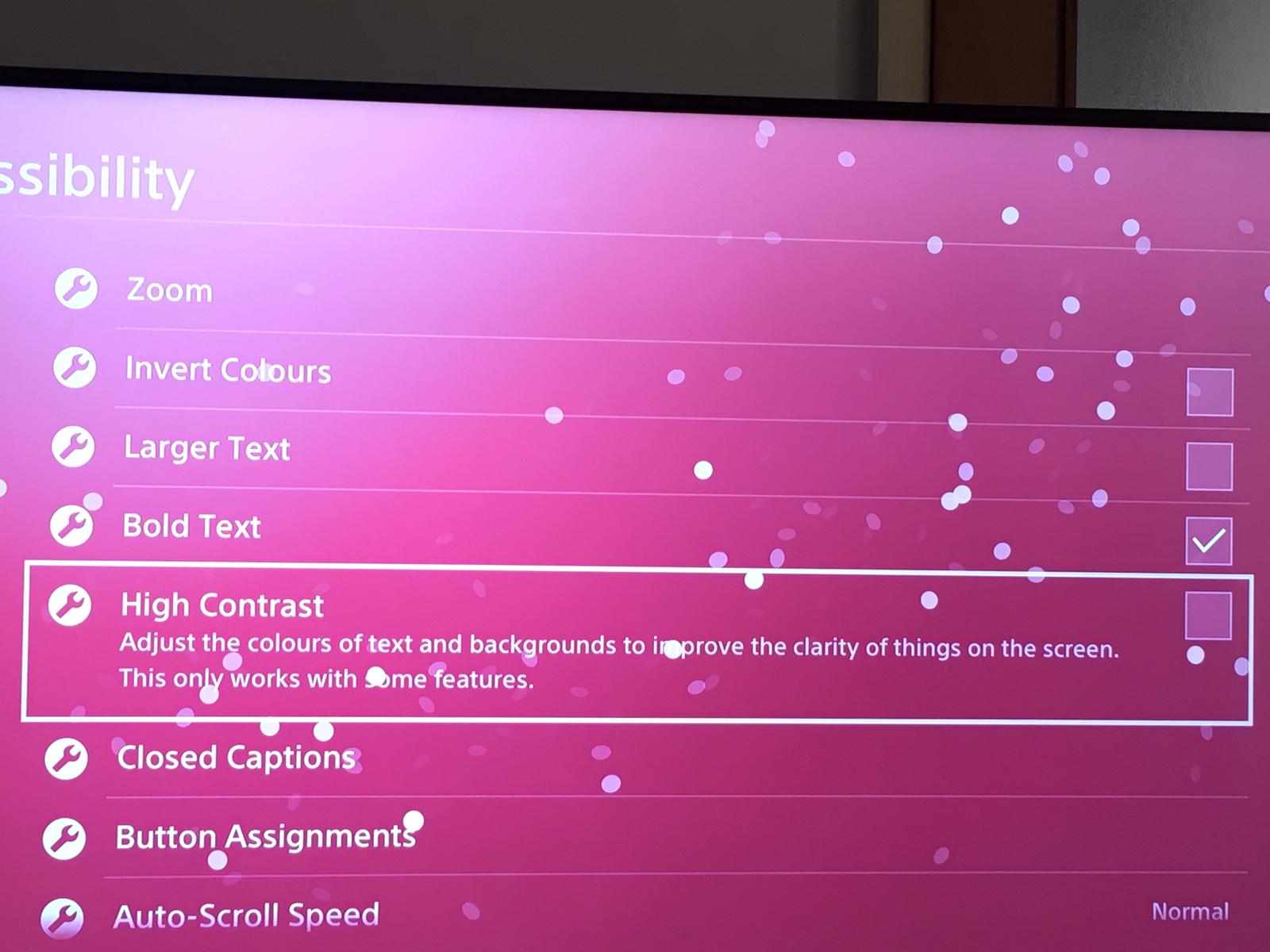
How to adjust High Contrast PS4 Data 10/03/2020 Autor Dragos Popescu Categorie Soluții -4 542 Configurare noua (How To) SituatieAdjust High Contrast PS4 Backup 1.Go to Settings 2.Select Accessibility 3.Select High Contrast 4.Check the High Contrast box Solutie Tip solutiePermanent Voteaza Up Down (18 din 40 persoane apreciaza acest articol) ShareTweetShare Despre Autor Dragos Popescu Solutii Asemanatoare Windows 11 – previzualizarea fișierelor PDF nu funcționează în File Explorer 1 How to reset a Googlebook to factory settings 4 Tint App Icons to match your New iPhone 18 Pro Color -1 How to verify Windows 11 ISO file authenticity using PowerShell 1 Rezolvarea situatiei cand un laptop se blocheaza -5 Configurare gmail 1 Leave A Comment? × Cancel Reply Save my name, email, and website in this browser for the next time I comment. + 5 = 9

Leave A Comment?