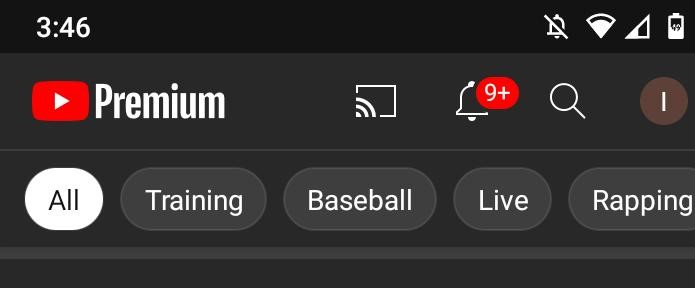
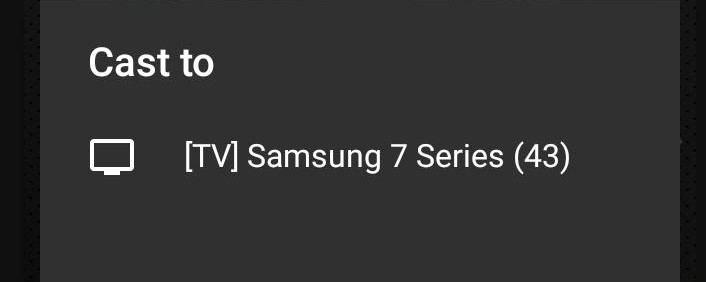
How to Cast YouTube to Smart TV Data 15/11/2020 Autor digulescu gabriel ionut Categorie Soluții -14 535 Configurare noua (How To) Situatie Solutie 1.Open Youtube 2.Select the Cast icon 3.Make sure your Smart TV is on and connected to Internet 4.Select your TV Tip solutiePermanent Voteaza Up Down (20 din 54 persoane apreciaza acest articol) ShareTweetShare Despre Autor digulescu gabriel ionut Solutii Asemanatoare Windows 11 – previzualizarea fișierelor PDF nu funcționează în File Explorer 7 How to reset a Googlebook to factory settings 4 Tint App Icons to match your New iPhone 18 Pro Color 1 How to verify Windows 11 ISO file authenticity using PowerShell 6 Rezolvarea situatiei cand un laptop se blocheaza -5 Configurare gmail 0 Leave A Comment? × Cancel Reply Save my name, email, and website in this browser for the next time I comment. four − = zero

Leave A Comment?