
Situatie
Microsoft Defender regularly downloads security intelligence updates (signatures) to identify the latest viruses, ransomware, and spyware.
Solutie
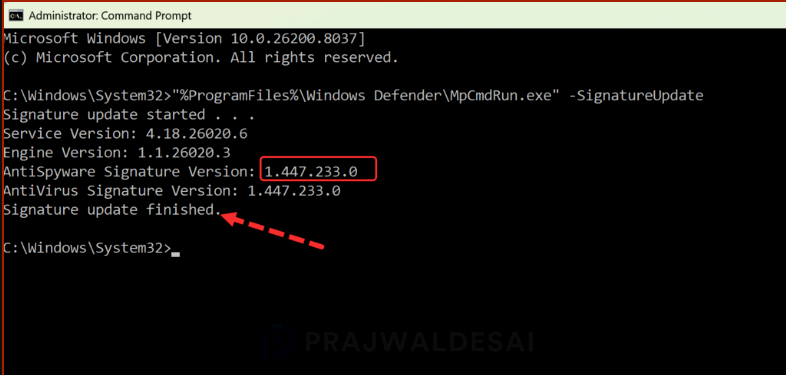
You can use the Command Prompt to check the AV signature version on any Windows computer. Launch the Command Prompt as administrator and run the below command.
"%ProgramFiles%\Windows Defender\MpCmdRun.exe" -SignatureUpdate
Leave A Comment?