
Situatie
The reason why Windows 11 BSOD caused by rtu53cx22x64.sys is mainly related to the compatibility issue of the Realtek USB network card driver.
Solutie
- Press the Win + X keys and select Device Manager
- Expand Network adapters and find the device with Realtek USB GBE Family Controller or similar in its name
- Right-click the device and select Properties
- Switch to the Driver tab and click the Roll Back Driver button if it is clickable.
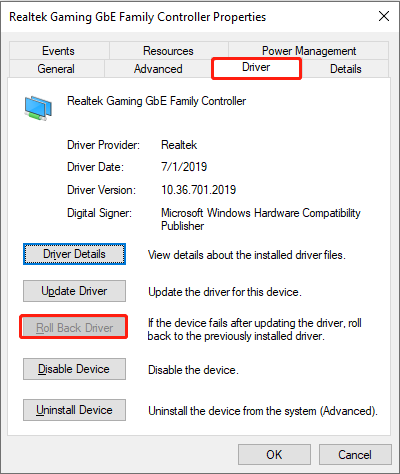
Select the reason for the rollback (optional) and confirm. And the system will automatically revert to the previous driver version.
Leave A Comment?