
Situatie
Solutie
Pasi de urmat
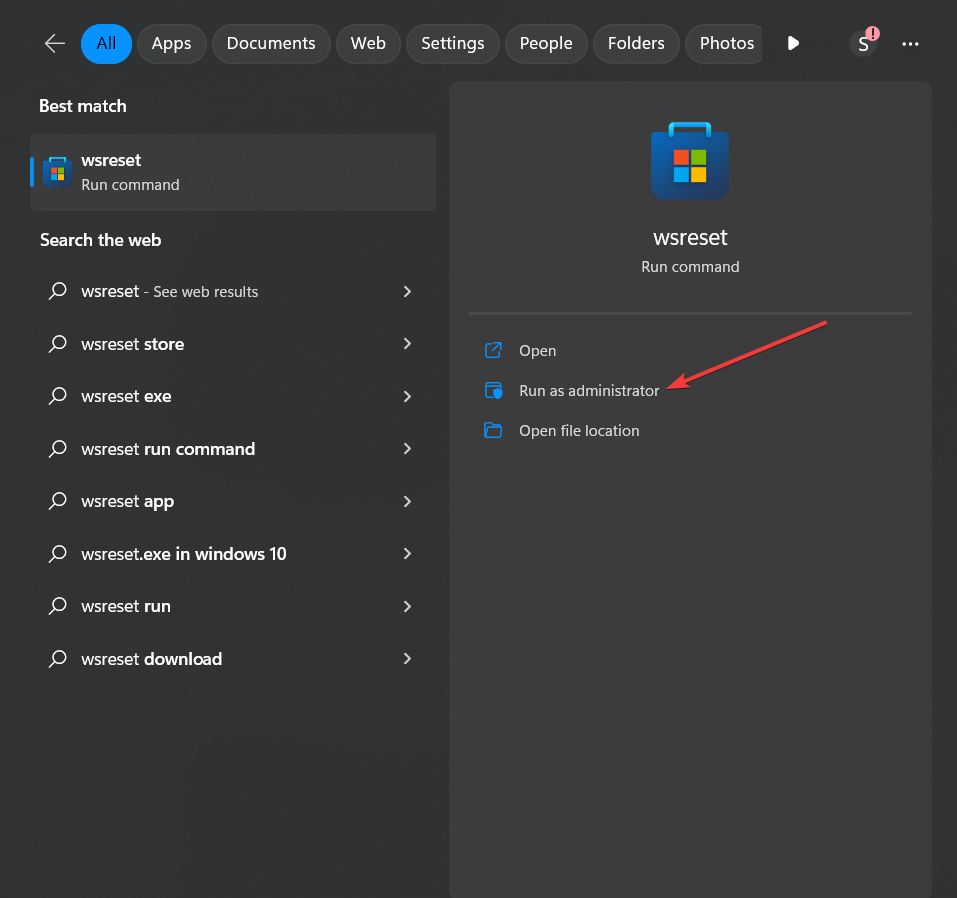
- Press the Windows key and type wsreset in the search bar
- Click on Run as administrator under wsreset
A Command Prompt window will open, and the Microsoft Store cache will be reset
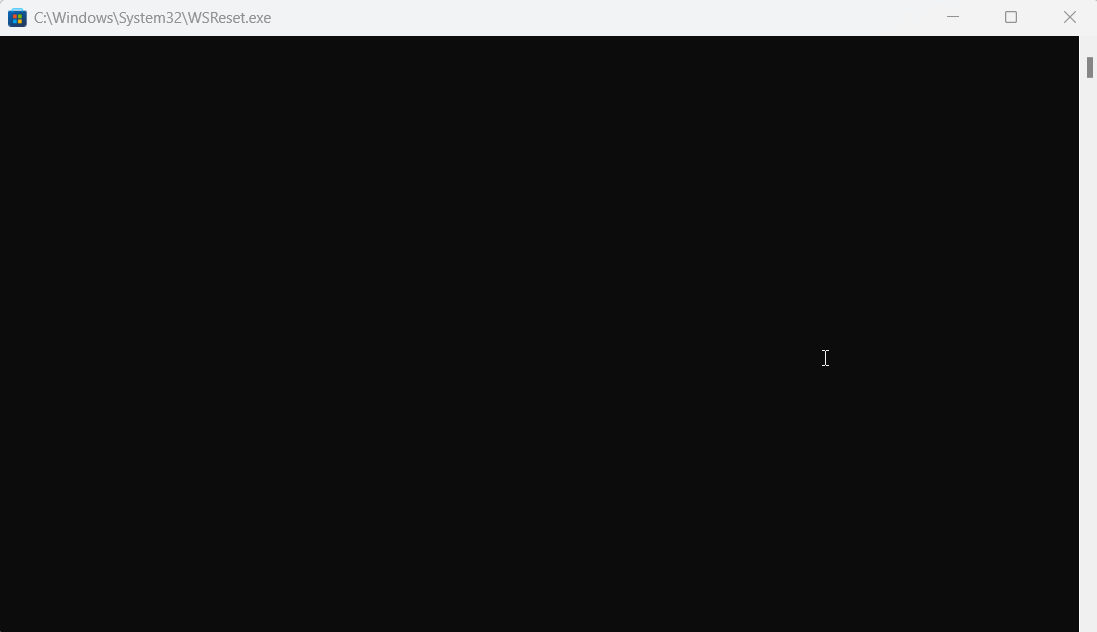
- Wait for the process to complete, and the Microsoft Store will automatically launch afterward
- Check if the error 0x80072ee7 is resolved when accessing the Microsoft Store.
Leave A Comment?