
Situatie
NVIDIA Instant Replay is a feature in GeForce Experience or NVIDIA App, allowing you to continuously record your gameplay in the background without manually starting and stopping recording.
Solutie
- Access Windows Security via Windows Search
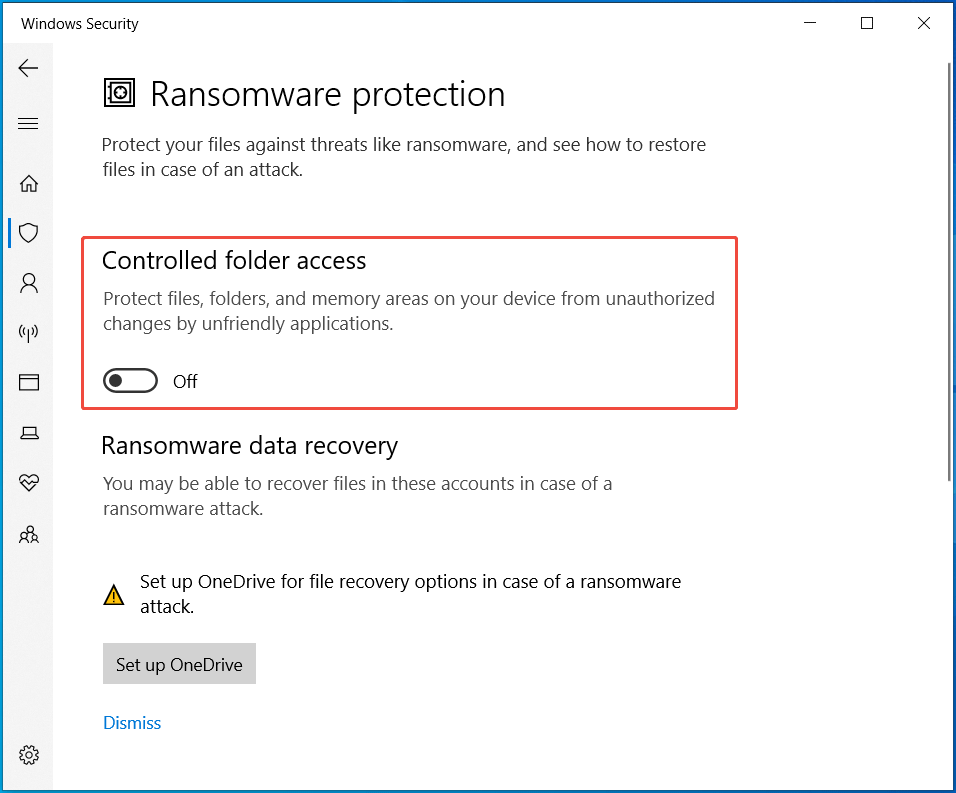
- Navigate to Virus & threat protection > Manage ransomware protection
- Disable Controlled folder access.
Leave A Comment?