
Situatie
The error is preventing users from downloading the available cumulative or security updates on their systems.
Solutie
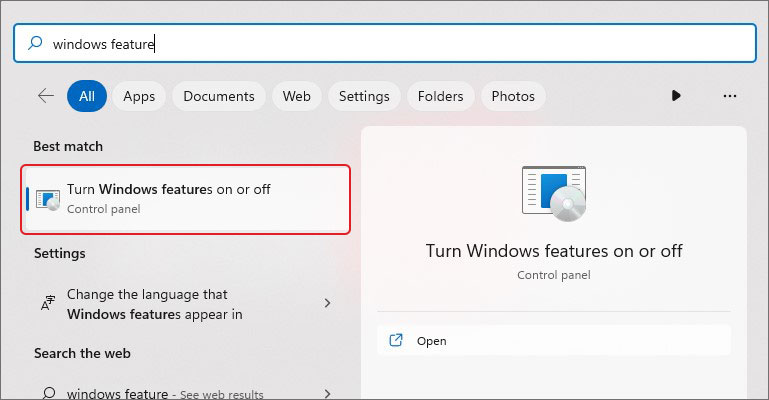
- Go to Windows Search by pressing Windows + S
- Type Windows Feature in the search bar, you’ll see Turn Windows Features on or off.
- Click Open
- Check the boxes related to .NET Framework and click OK
Finally, restart the system and reinitiate the update installing process.
Leave A Comment?