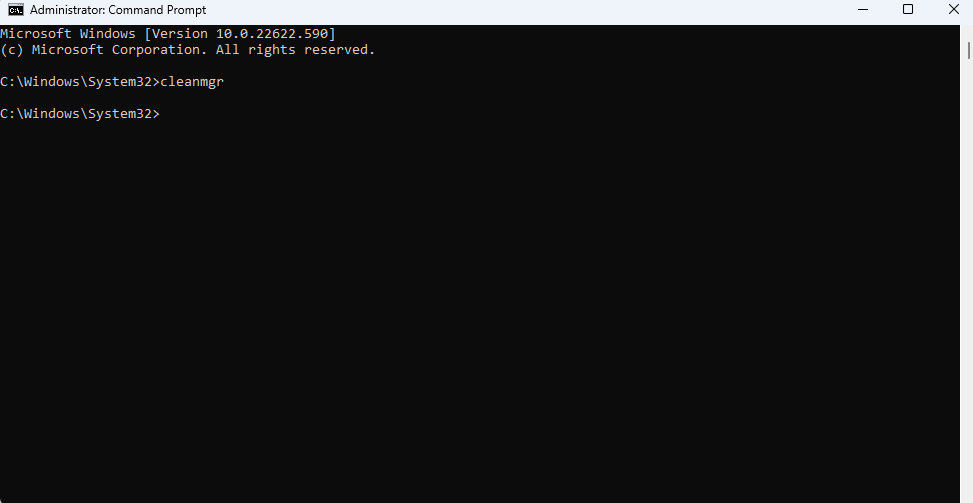
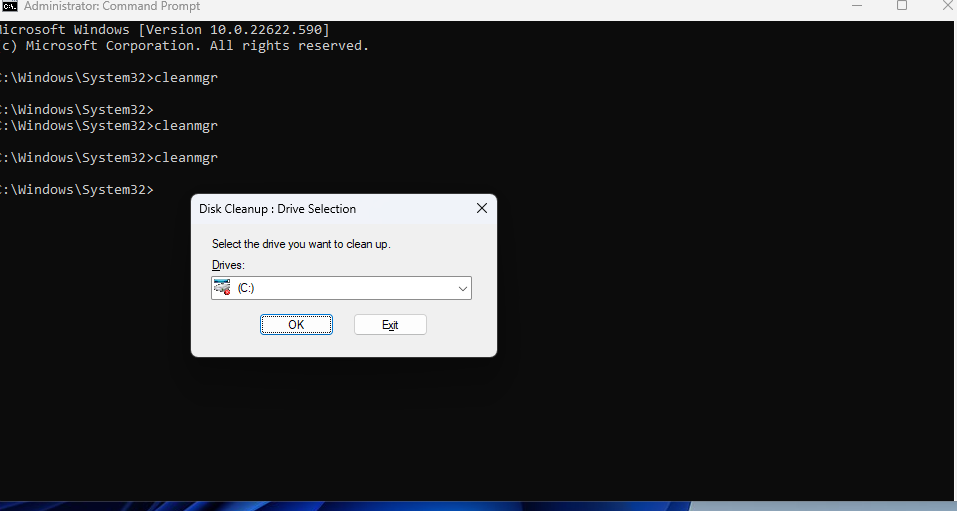
How to start Disk Cleanup by using CMD Windows 11 Data 05/09/2022 Autor razvan martes Categorie Soluții -5 573 Configurare noua (How To) Situatie Open Command Prompt. Type cleanmgr in CMD, and then press Enter. Select the disk you want to Cleanup Solutie Tip solutiePermanent Voteaza Up Down (13 din 32 persoane apreciaza acest articol) ShareTweetShare Despre Autor razvan martes Cel Mai Apreciat Autor Solutii Asemanatoare These 5 free open-source apps fix everything Windows 11 got wrong 0 Configurarea Uptime Kuma pentru monitorizarea serviciilor și serverelor -3 BAD_POOL_CALLER Blue Screen on Windows 11 0 Local NTFS volumes are required to complete the operation 0 Cum instalăm Apple Devices pe Windows 10/11 -1 Cum instalăm Apple TV pe Windows 10/11 -1 Leave A Comment? × Cancel Reply Save my name, email, and website in this browser for the next time I comment. two + = seven

Leave A Comment?