
Situatie
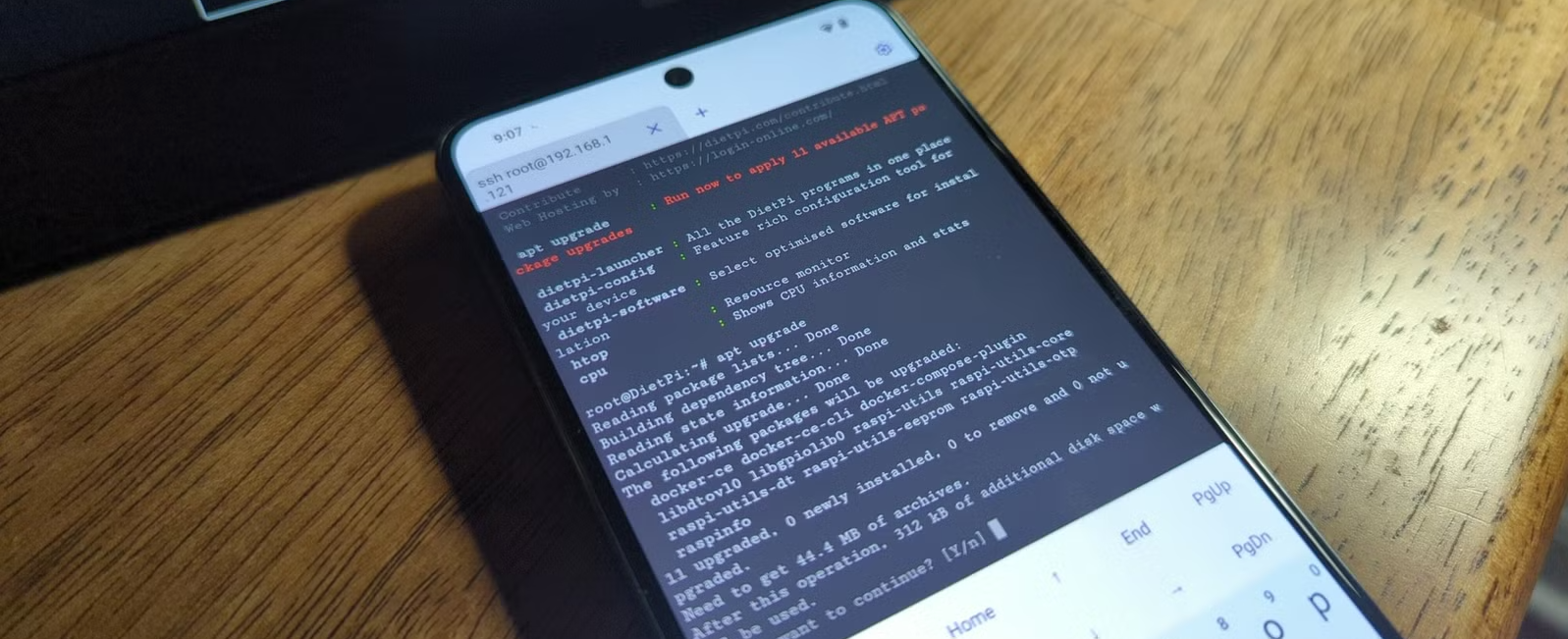
If you have an old phone lying around or like to experiment on your current devices, Termux is probably my favorite app. I decided to use an old Samsung phone, specifically my wife’s old Samsung phone, to build a pocket Linux server. My plan is to use the server as a home for my Syncthing drive that’s more convenient and portable for my purposes.
Solutie
Preparing the old phone for reassignment
A few steps to take before getting started
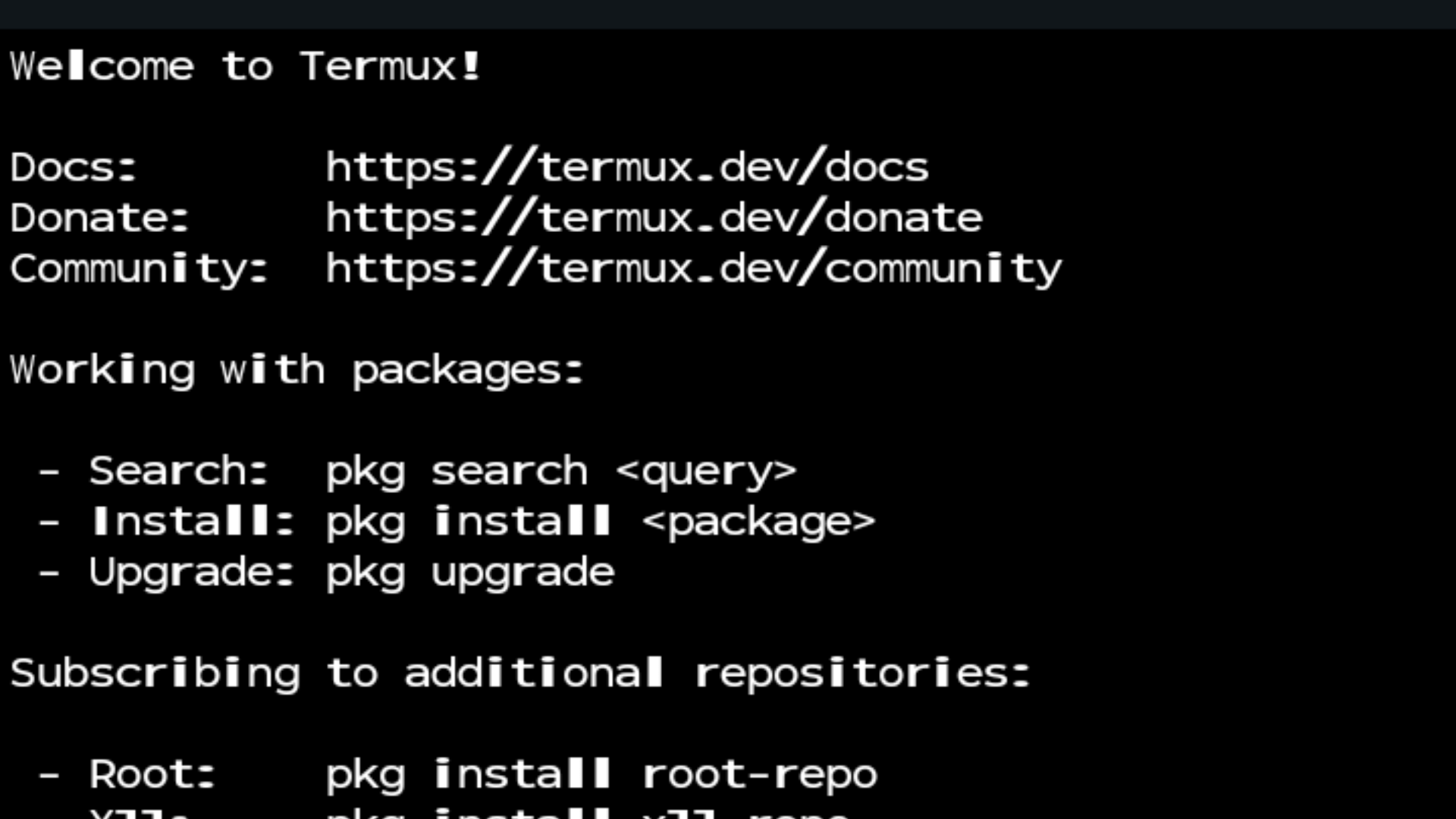
As with any project, there are some steps you must follow for diving in. For purposes of this experiment, I’ll go over what I did with my device.
I used an old phone. I performed a factory reset, followed by a de-bloat using Canta and Shizuku. After that, I installed an APK of F-Droid and grabbed Termux from there.
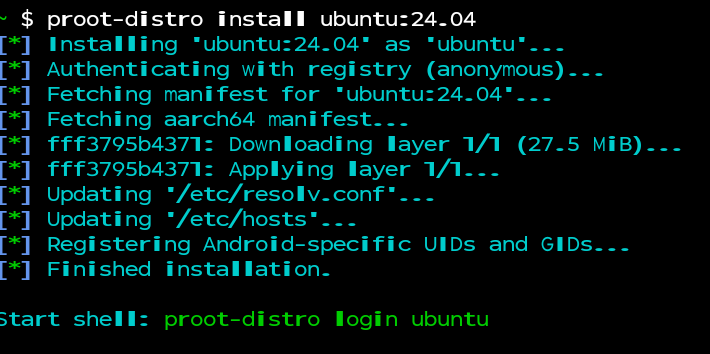
Then, I followed our handy guide to installing Linux on Android. I chose to install Ubuntu using proot-distro install [your Linux distro container]. I selected Ubuntu.
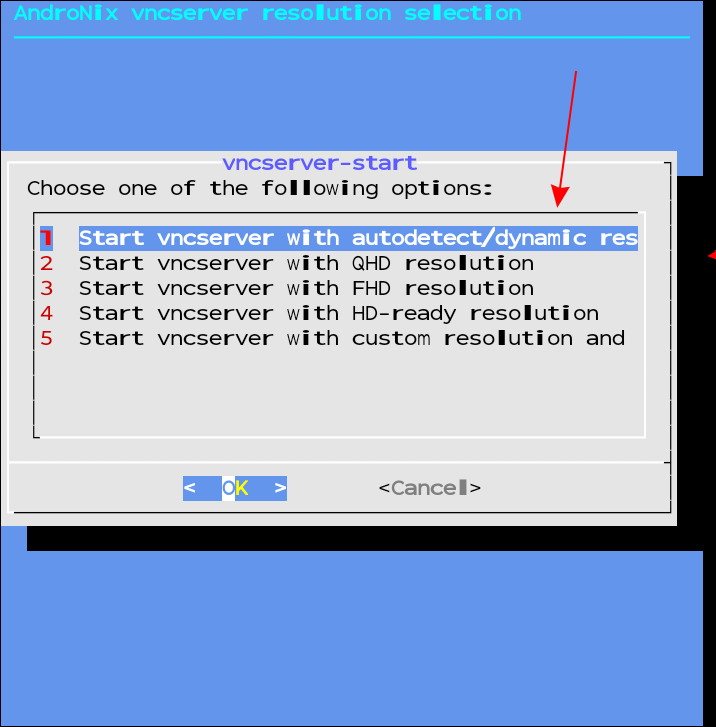
Since I’m setting up my pocket server to use Syncthing, I figured it would be easier to have a desktop interface, so I downloaded Andronix (an app that installs your Linux distro and a desktop for it) and RVNC (a server where you interact with your Linux desktop).
After running the Andronix > Termux > RVNC Server process, I had Ubuntu running on my wife’s old phone.
The first challenge was getting online
There was an immediate compatibility issue
Getting onto Ubuntu wasn’t difficult, although it felt like the installation through Termux took an eternity to complete. I immediately loaded the Terminal Emulator and punched in apt install syncthing.
It installed the application just fine. So far, so good. I opened the web browser. Instant input/output error. Modern versions of Ubuntu use snaps for packages, but they won’t work on the phone.
This is because proot-distro doesn’t have root access and can’t use systmd. Essentially, running in a containerized environment. Fortunately, there was a workaround.
How to access your server once installed
There are multiple methods available
On the desktop instance of Ubuntu, I tried using Dillo, but it didn’t work because it doesn’t support JavaScript (Syncthing requires it). I also tried Falkon, but Ubuntu really didn’t like it.
So, I ditched the GUI and ran everything straight through Termux. I set up a new user, so I wouldn’t be running Syncthing as root.
It’s also less temperamental than trying to use a modern browser inside what is essentially a shared kernel container.
Getting things in sync
How I actually use the pocket server
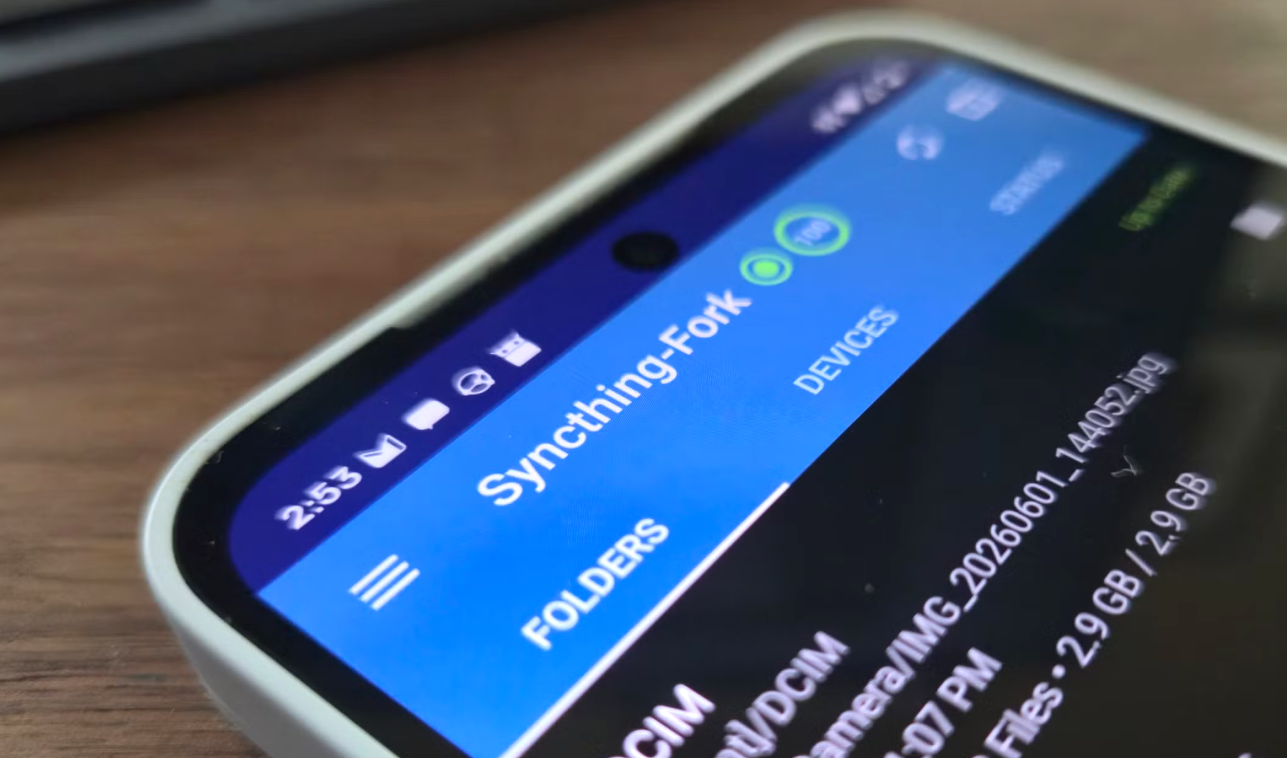
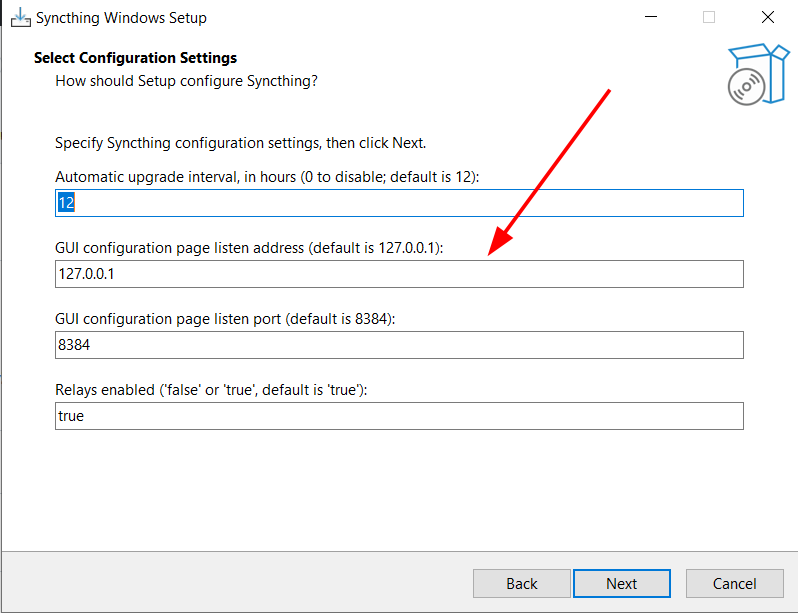
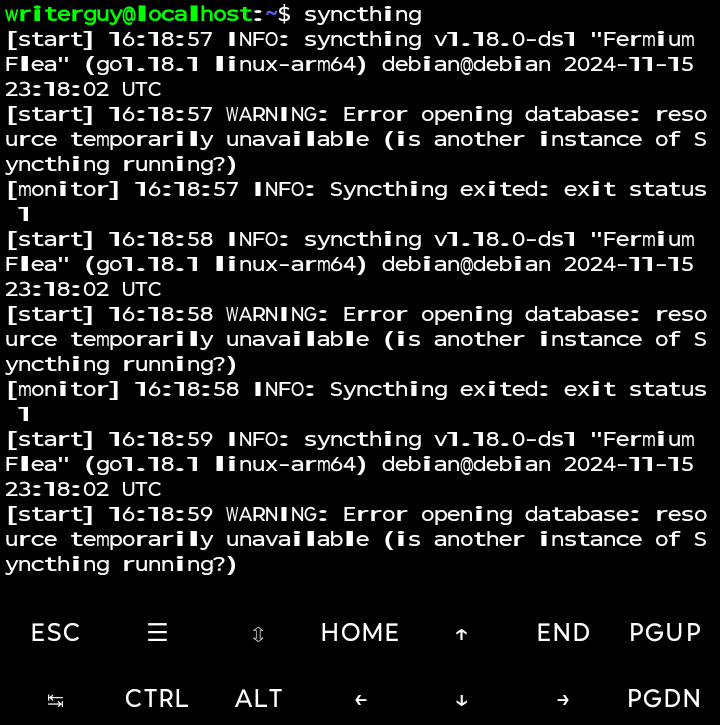
Things ran much more smoothly when I switched to just the command line. I switched users and launched Syncthing by typing syncthing into the command line on Termux. To open the Syncthing GUI, you need the GUI Listen address, which is 127.0.0.1:8384 . It only listens for connections from the same computer running Syncthing, making it a safer option. I set up a username and password to further increase security.
Then, I set up a folder in Syncthing (using the same method I have in the past) and attached the two other devices I’ll be using with it.
The devices need to be connected to the same Wi-Fi network so they can talk to each other. Beyond that, connecting devices with Syncthing is straightforward.
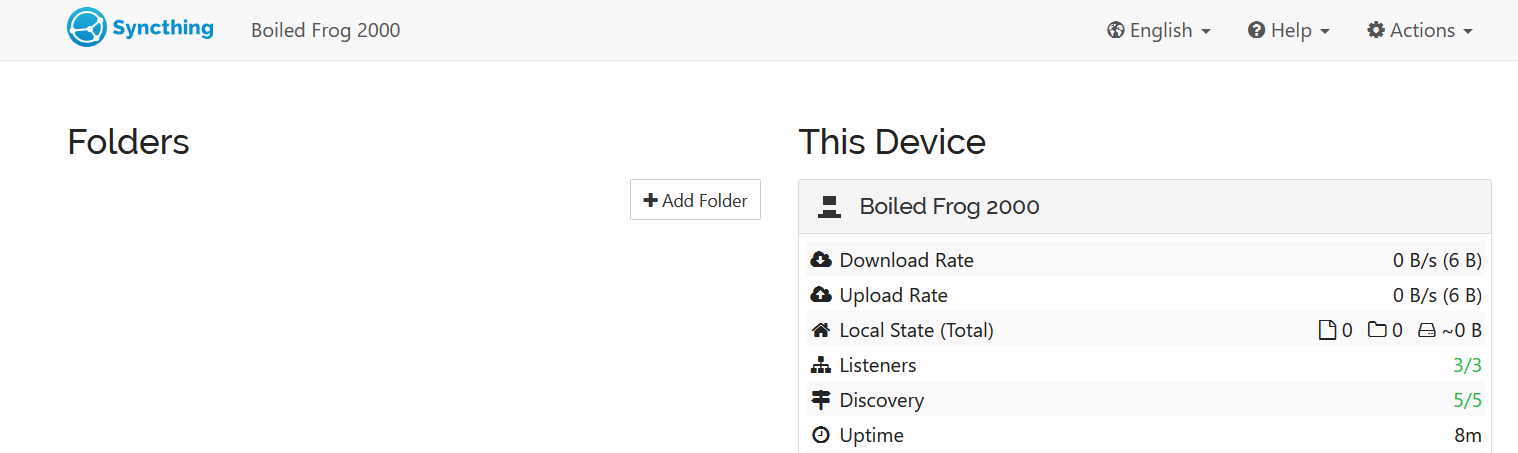
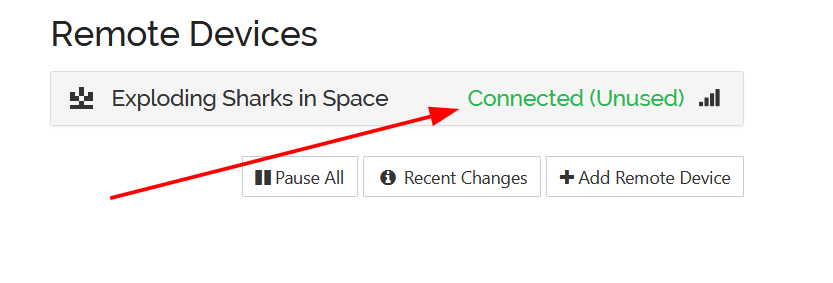
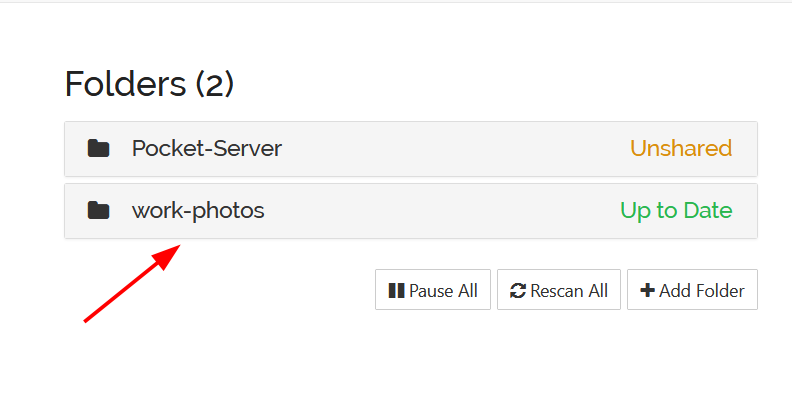
I upload music or other files to be instantly accessible from any shared device.
I can use this to help my workflow. I take a lot of pictures for articles. Getting them to my computer is easier with something like this, simply because I’ll take them with the same phone (the camera still works fine), save them to my synced folder, and then just download them on my connected machine.
Setting the stage for long-term use
Some things to consider before using the server
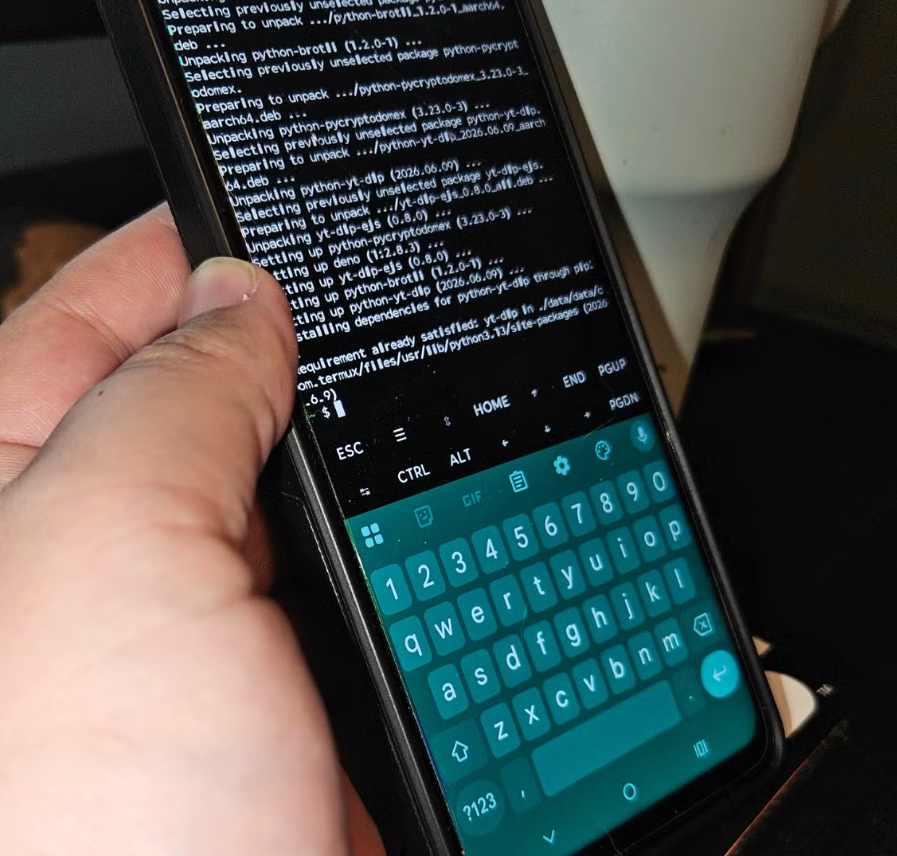
Keeping the server running without interruptions is probably the biggest challenge when using this type of setup. Termux already helps with offering a wake lock, which you can turn on using termux-wake-lock to prevent the phone from going into a deep sleep.
Since I’ll be using this device daily and keeping it on, adjusting battery settings to prevent the phone from going into power-saving mode (and killing the app), and preventing your browser from killing the Syncthing GUI by disabling page preloading.
And since it’ll likely be plugged in constantly, keep an eye out for battery swelling.
Leave A Comment?