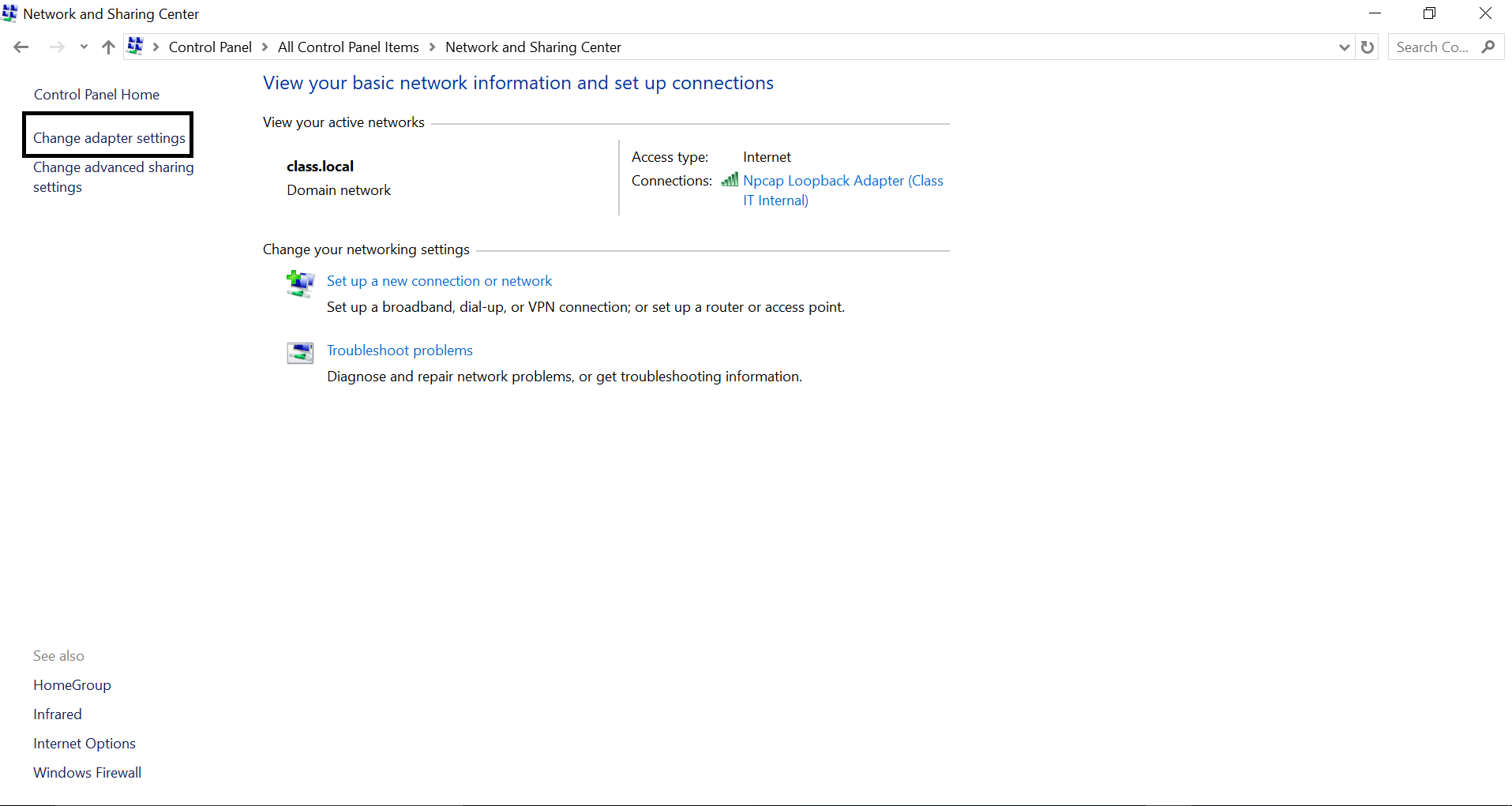
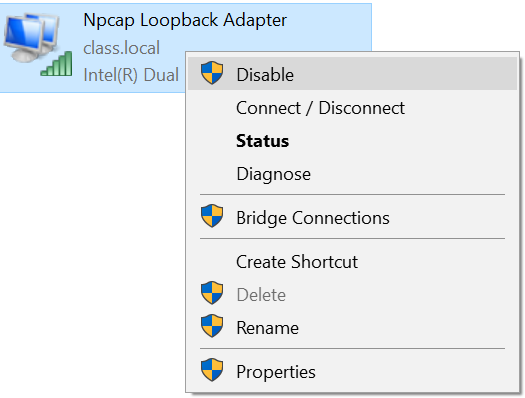
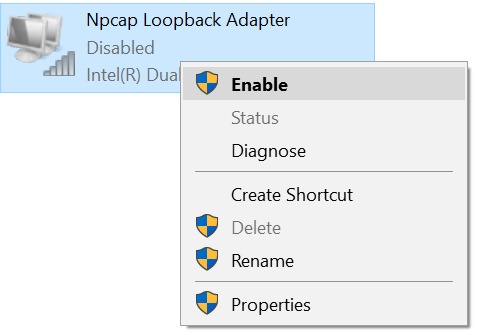
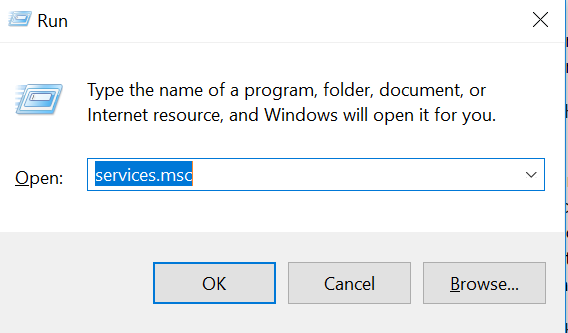
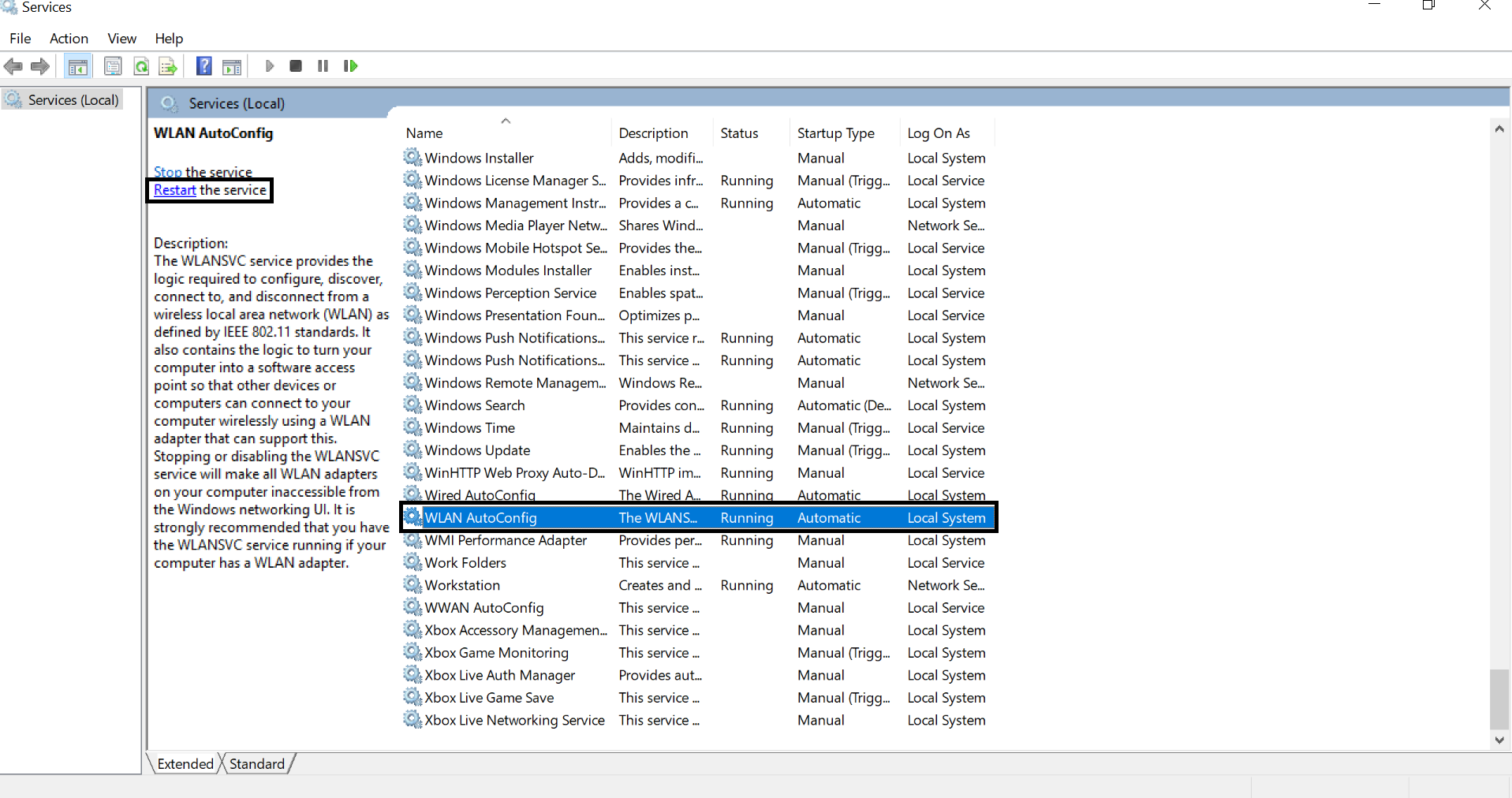
Microsoft Windows WLAN AutoConfig Data 08/11/2017 Autor mihai florea Categorie OS - Windows -11 1120 Rezolvare problema (Fix IT) SituatieAvem eroarea: WLAN Extensibility Module has failed to start.Module Path:C:WindowsSystem32IWMSSvc.dllError Code: 258 Solutie Dezactivati si reactivati placa de retea wireless pe care o folositi. Restartati serviciul WLAN AutoConfig (Wlansvc) Restartati calculatorul. Tip solutiePermanent Etichetare: askitaskit.roAutoConfigeroare WLAN Extensibility Module has failed to start.Module Path:C:WindowsSystem32IWMSSvc.dllError Code: 258microsoft windowsMicrosoft Windows WLAN AutoConfigrestartare pcWindows WLANWLAN AutoConfig Voteaza Up Down (36 din 84 persoane apreciaza acest articol) ShareTweetShare Despre Autor mihai florea Solutii Asemanatoare Cum remediem: you can’t Sign in with this account error In Windows 11 0 Remediere: ASSIGN_DRIVE_LETTERS_FAILED 3 Shortcut close the current window of Google Chrome 1 Shortcut close the current tab in Google Chrome -1 Shortcut open a new tab and switch to it in Google Chrome 1 Shortcut open a new window in Google Chrome 1 Leave A Comment? × Cancel Reply Save my name, email, and website in this browser for the next time I comment. 3 + six =
Leave A Comment?