
Situatie
Solutie
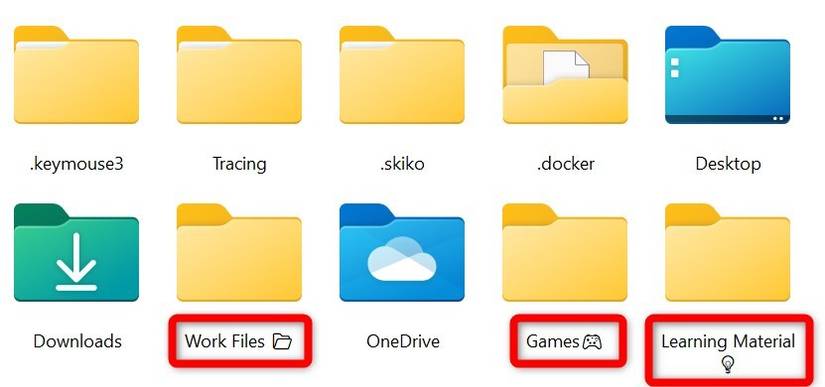
A clever way I use to differentiate various types of files in a single folder is by adding a unique emoji or symbol to the folder name. For example, I use a 📁 emoji for work-related folders, 🎮 for games, and 💡 for learning materials. This visual cue helps me quickly locate the relevant folders by scanning for the specific symbol.
To add an emoji or symbol, right-click the folder and select “Rename.” Position the cursor at the end of the folder name, press Win+period (.), and choose the emoji you want to add.
You can also change the folder’s icon as a visual marker, allowing you to easily identify and navigate to your folders without reading through all their names.
Leave A Comment?