
Situatie
Disconnect any Logitech gear connected to G HUB. If G HUB won’t open, you may be able to fix it by closing any running G HUB processes and then restarting the app. First, unplug any external Logitech webcams or other gear you use with G HUB.
Solutie
Pasi de urmat
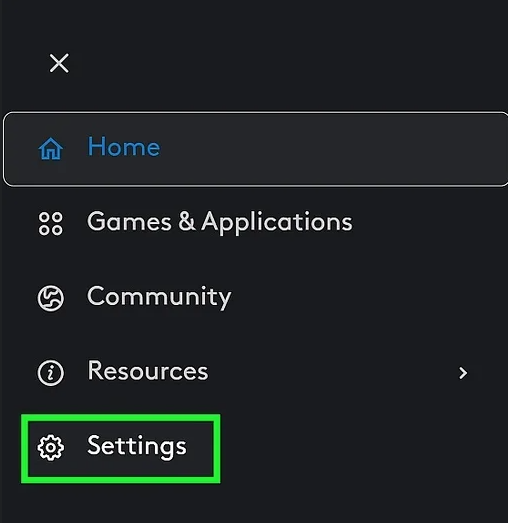
Click Settings. This displays G HUB settings that are separate from your camera settings.
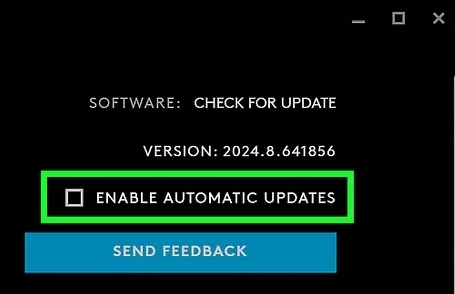
Uncheck the box next to “Enable Automatic Updates.”It’s at the top-right corner. This prevents G HUB from constantly scanning for updates, which could be the problem of the never-ending bug.
- You can click the back arrow to close out.
- Keep in mind that you will no longer get automatic updates. If a new feature comes out, you’ll need to add the checkbox back to update, or just download and run the latest installer.
Leave A Comment?