How to Fix “Your System Has Run Out of Application Memory” on a Mac
Does your Mac regularly grind to a halt? Do you see the same pop-up complaining about a lack of memory, asking you to kill some apps?
[mai mult...]
Soluții pentru problemele tale IT

Does your Mac regularly grind to a halt? Do you see the same pop-up complaining about a lack of memory, asking you to kill some apps?
[mai mult...]Pentru a accesa BIOS-ul dupa restartul echipamentului trebuie sa apasam de obicei fie tasta F2, fie Delete. De asemenea, in functie de echipamentul nostru, exista si alte taste care ne duc in BIOS: F1, F10, F12, etc. Pentru a intra din Windows direct in BIOS fara a mai apasa vreo tasta trebuie doar sa tastam o comanda in Command Prompt.
[mai mult...]
Windows redă un sunet de pornire și alte efecte sonore în mod regulat și pot deveni dezastruoase. Sunt deosebit de enervante pe Windows 7, unde Windows redă un sunet de clic de fiecare dată când schimbați folderele în Windows Explorer. Puteți să le dezactivați complet sau chiar să setați efecte sonore personalizate, dacă preferați.
[mai mult...]As a beginner, you may need to know how to change any default application in Ubuntu and this is what I am going to show you in this tutorial.
There are basically two ways you can change the default applications in Ubuntu:
1. Change default applications in Ubuntu from System Settings
Simply head to the System Settings:

In the System Settings, click on the Details option:

Now, click on the “Default Applications” option as highlighted in the screenshot below:
As you can see, there are only a few kinds of default applications that can be changed here. You can change the default applications for web browsers, email clients, calendar apps, music, videos and photo here. What about other kinds of applications?
Let’s say you have a markdown file (.md) which opens in Gedit text editor by default. But you want to use some other applications to open markdown files. Here’s what you need to do.
Right click on the file and then select Open with Other Application:

If you don’t see your choice of application, click on the View All Applications:

Locate the desire application and select it:


Keep in mind that this behavior is not applicable to web browser, music player, video player, email client, calendar and photo viewer. For that you need to use the first method.
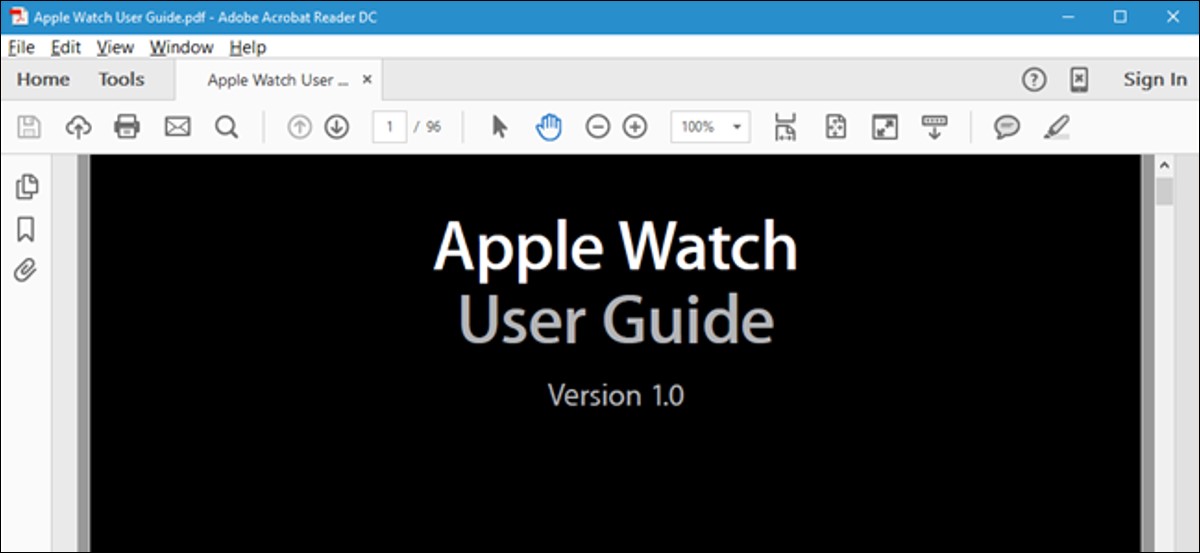
Formatul PDF este menit să asigure că formatarea unui document este păstrată atunci când este vizualizat pe diferite sisteme de operare și dispozitive. Dacă vizualizați un document pe un computer într-o cameră întunecată, este posibil să doriți să schimbați schema de culori, astfel încât ecranul să nu fie atât de luminos.