Soluții
How to back up Local Group Policy Editor Settings on Windows
Why You Should Back Up the Local Group Policy Editor Settings
The Local Group Policy Editor is a handy Windows utility that allows you to configure group policy settings on your computer. It’s mainly aimed at network administrators, but it can also be used by individuals to manage how their machine performs. You can use the Local Group Policy Editor to change password requirements, configure startup programs, define which applications and settings a user can change, and more. Because the Local Group Policy Editor manages a wide range of necessary settings, it’s important to back it up.
Doing so gives you the freedom to try out different apps, unstable Windows releases, and experimental features without worrying about losing your settings. Even if something goes wrong, you can quickly restore the Local Group Policy Editor settings to bring your computer back to a known good state. It also means that you can transfer the settings to another machine, if you have got a new computer or want to deploy the same configuration across multiple systems.
[mai mult...]How to display the date and time in the Linux Terminal
The date command is found in the Bash shell, which is the default shell in most Linux distributions and even macOS.
[mai mult...]7Zip vs Winrar
Both 7-Zip and WinRAR are popular file archiving utilities that allow you to compress files and create archives. The choice between them often depends on personal preference, specific needs, and cost considerations. Here are some reasons why you might consider using 7-Zip over WinRAR:
[mai mult...]Crearea unui spatiu de lucru in Microsoft Planner
Pentru a crea un spațiu de lucru în Microsoft Planner, urmați acești pași:
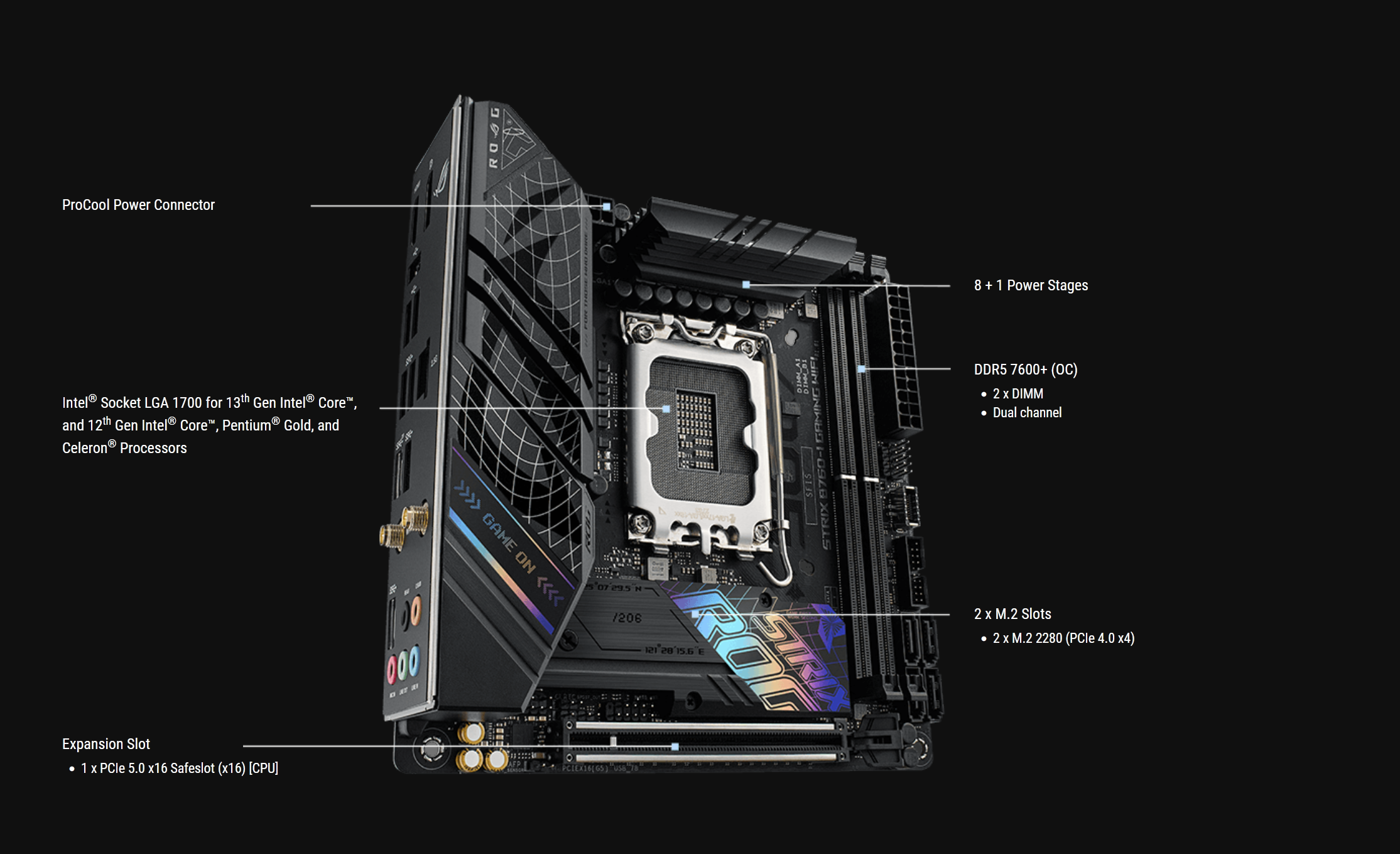
[mai mult...]Review: ROG STRIX B760-I GAMING WIFI