
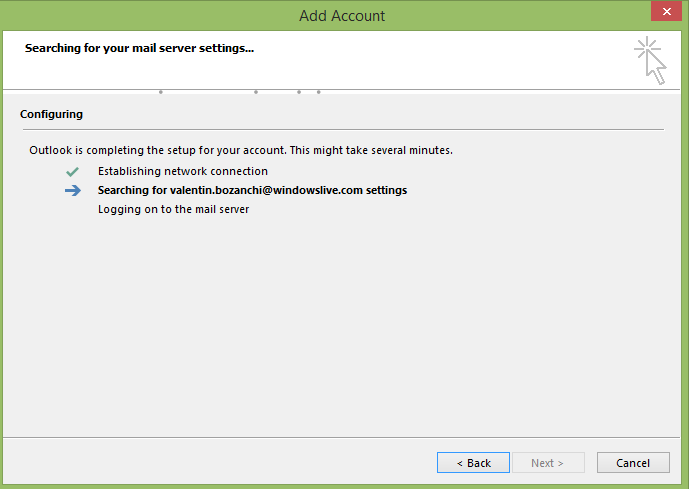
Configureaza contul de Windows Live in Outlook 2013 Data 16/03/2015 Autor Valentin Bozanchi Categorie E-mail, OS - Windows, Aplicații, Stații de lucru 10 1172 Configurare noua (How To) SituatieAvem un cont de email cu domeniul windowslive.com de Microsoft si dorim configurarea lui intr-un Outlook 2013 Solutie Pasi de urmat Se deschide Outlook 2013 Si completam datele de autentificare ale contului Microsoft –> apasam Next Acum se verifica datele de autentificare daca sunt corecte Contul a fost configurat cu succes! Tip solutiePermanent Voteaza Up Down (38 din 66 persoane apreciaza acest articol) ShareTweetShare Despre Autor Valentin Bozanchi Solutii Asemanatoare Framework Laptop — A new approach to personal computing -1 How to use LAMBDA in Excel to create scalable, reusable functions 1 Cum repari ecranul negru în OBS Studio 0 ChatGPT Codex pe înțelesul tuturor: ce poate face, cum funcționează și cât costă -3 How to find BitLocker recovery key on Windows 11 -2 Email Security – protejarea conturilor de email 3 Leave A Comment? × Cancel Reply Save my name, email, and website in this browser for the next time I comment. eight × four =

Leave A Comment?