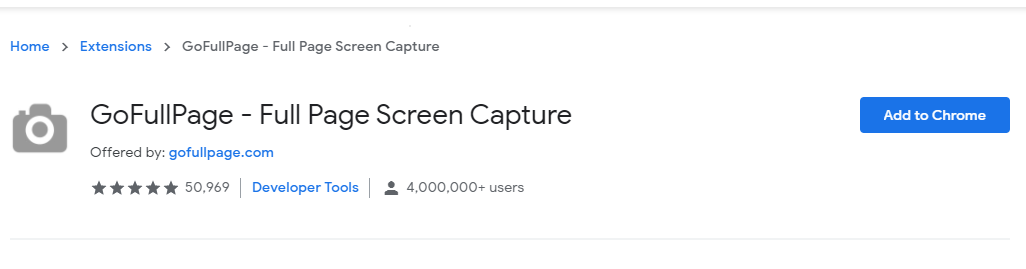
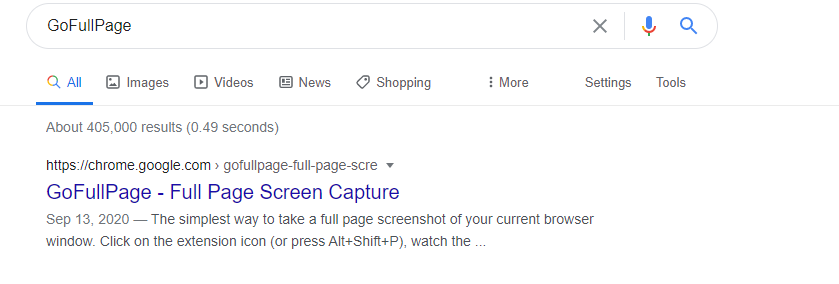
Cum instalam GoFullPage – Full Page Screen Capture Data 12/03/2021 Autor Costinel Cirstea Categorie OS - Windows, Soluții, Configurare program 0 777 Configurare noua (How To) SituatieO multime de pagini web deruleaza continuu si daca trebuie sa surprindeti cum arata totul, poate parea imposibil. Insa Full Screen Screen Capture o va face, parcurgand pagina si capturand un JPG. Solutie Pasi de urmat Deschidem o pagina de Google si scriem Gofullpage Selectati Add to Chrome Selectati Add Extension Tip solutiePermanent Voteaza Up Down (23 din 46 persoane apreciaza acest articol) ShareTweetShare Despre Autor Costinel Cirstea Solutii Asemanatoare Email security în SMB 1 Your Android phone’s battery has a limited lifespan 2 5 Samsung settings you should change on every new Galaxy 0 Your Android Status Bar is cluttered with Icons? -1 How to export your installed Apps and reinstall them on another PC with winget 0 How to set up SSH Key Authentication and disable Password Login on Linux 2 Leave A Comment? × Cancel Reply Save my name, email, and website in this browser for the next time I comment. + 6 = thirteen
Leave A Comment?