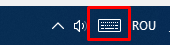
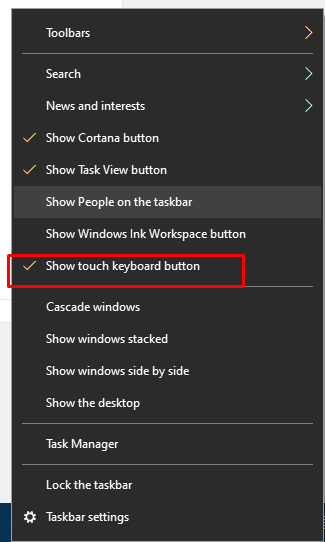
Cum să activați butonul tactil de la tastatură Data 07/03/2022 Autor tudorache mihai Categorie OS - Windows, Soluții -2 441 Configurare noua (How To) Situatie Solutie Pasi de urmat Accesați bara de activități și selectați Afișați butonul tactil de la tastatură La final se va afisa tastatura: Tip solutiePermanent Voteaza Up Down (15 din 31 persoane apreciaza acest articol) ShareTweetShare Despre Autor tudorache mihai Solutii Asemanatoare Cum urmărești doar o parte dintr-o fereastră cu PowerToys Crop And Lock 0 Windows 11 – previzualizarea fișierelor PDF nu funcționează în File Explorer 0 How to reset a Googlebook to factory settings 4 Tint App Icons to match your New iPhone 18 Pro Color 1 How to verify Windows 11 ISO file authenticity using PowerShell 1 Rezolvarea situatiei cand un laptop se blocheaza -5 Leave A Comment? × Cancel Reply Save my name, email, and website in this browser for the next time I comment. + 6 = 9


Leave A Comment?