
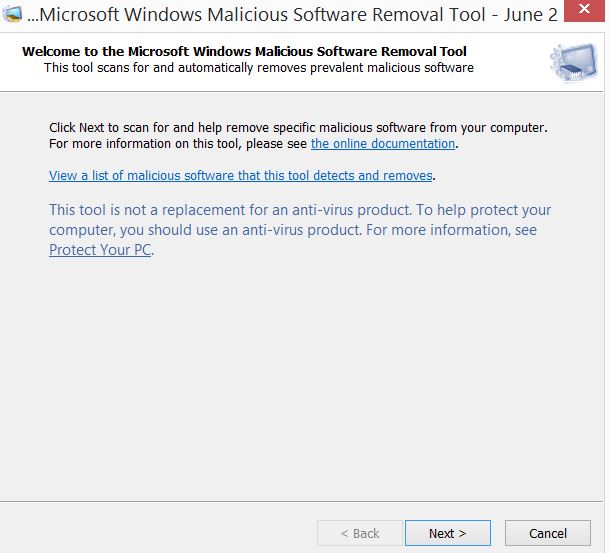
Cum sa folosesti Windows Malicious Software Utility din cmd Data 15/07/2015 Autor Claudiu Gherghinoiu Categorie Depanare, OS - Windows, Stații de lucru 10 1807 Configurare noua (How To) SituatieWindows Malicious Software Utility este un tool gratuit care vine odata cu orice varianta de Windows, se gaseste de obicei in directorul C:WindowsSystem32 Solutie Pasi de urmat Start > Run and type mrt.exe then click OK Next se alege tipul de scan Tip solutiePermanent Voteaza Up Down (41 din 73 persoane apreciaza acest articol) ShareTweetShare Despre Autor Claudiu Gherghinoiu Solutii Asemanatoare Stop using Rufus to burn ISOs, these 2 tools for Windows and Linux are better 4 Tuxedo OS install guide 1 Spyware-ul pe înțelesul tuturor: cum îl eviți? 1 How to enable hidden CPU performance boost mode on Windows 11 3 Cum remediem: you can’t Sign in with this account error In Windows 11 1 Remediere: ASSIGN_DRIVE_LETTERS_FAILED 2 Leave A Comment? × Cancel Reply Save my name, email, and website in this browser for the next time I comment. 6 × = 6
Leave A Comment?