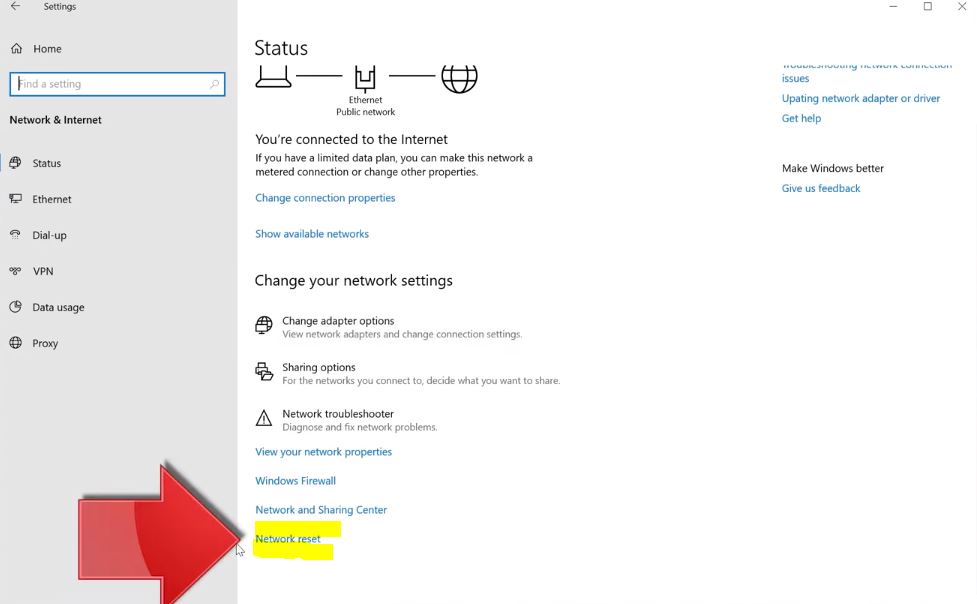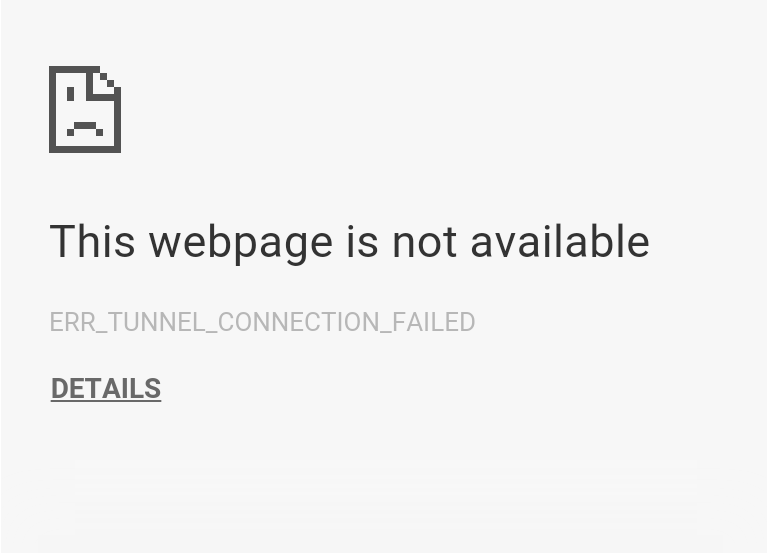
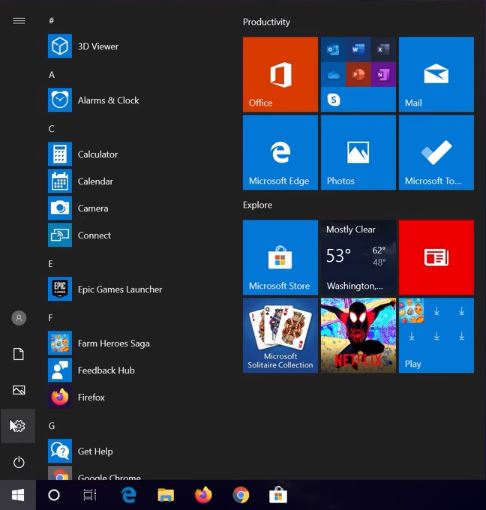
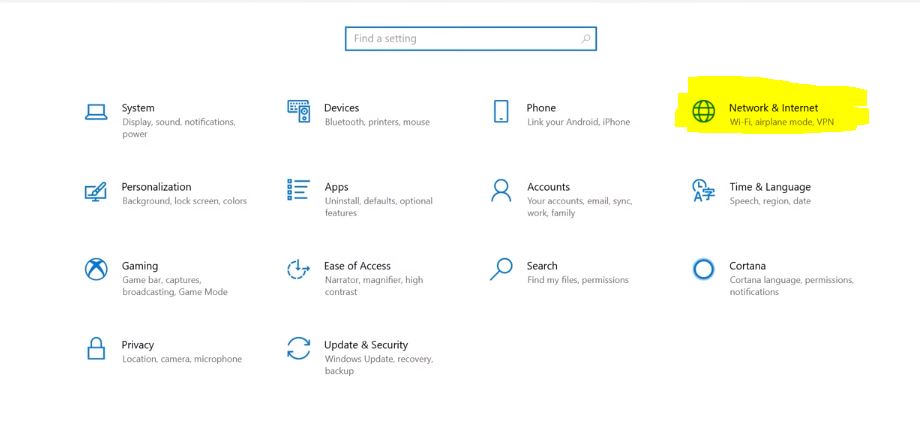
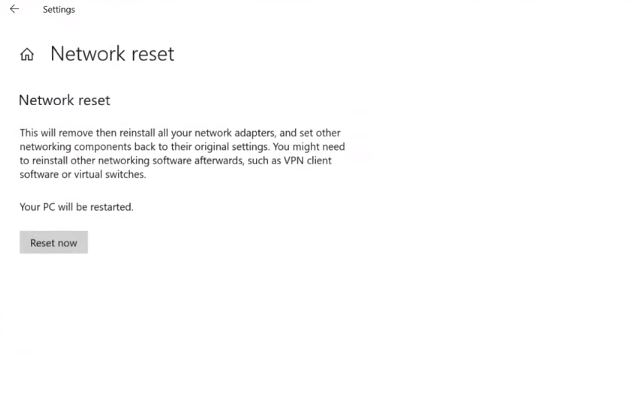
ERR_TUNNEL_CONNECTION_FAILED Google Chrome Data 06/01/2020 Autor Tiberiu Gache Categorie Configurare program, Aplicatii specifice, Aplicații, Stații de lucru -14 704 Rezolvare problema (Fix IT) Situatie Simptome Solutie Pasi de urmat Click pe butonul Start apoi pe Settings Deschideti Network & Internet apoi clic pe Network reset Apasati Reset now , apoi OK si Restart statiei. Tip solutiePermanent Etichetare: ERR_TUNNEL_CONNECTION_FAILED Google Chrome Voteaza Up Down (20 din 54 persoane apreciaza acest articol) ShareTweetShare Despre Autor Tiberiu Gache Solutii Asemanatoare Diagnosticarea și rezolvarea erorii „Kernel panic – not syncing: Attempted to kill init!” 0 Diagnosticarea și rezolvarea erorii „Bus error (core dumped)” în Linux 2 Activarea multi-sesiunilor pentru Remote Desktop pe Windows Server 2 Cum actualizezi toate programele instalate in Windows cu o singura comanda 4 Cum muti toate programele pe un PC nou cu winget export si import -1 Cum dezinstalezi bloatware-ul dintr-un Windows 11 nou cu winget, fara utilitare externe 6 Leave A Comment? × Cancel Reply Save my name, email, and website in this browser for the next time I comment. three + = six
Leave A Comment?