
Situatie
Header and Footer areas are used for inserting document information, such as the name of the document, the copyright, sheet name, page numbers, number of pages, and creation date.
Solutie
Pasi de urmat
Access the Header and Footer tab by using any one of the above options.
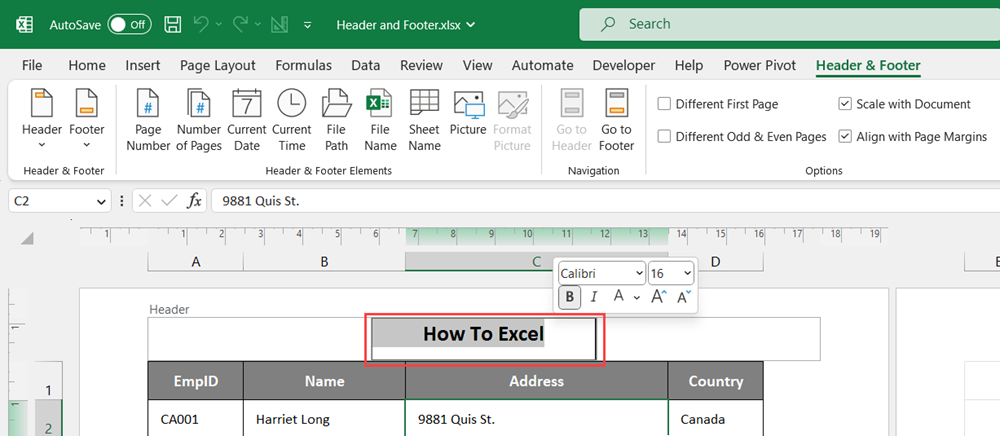
In the Page Layout view, you will notice that the Header & Footer menu appears in the ribbon.
To add a footer in Excel, click either the Go to footer navigation button from the Header & Footer tab or scroll to the bottom of the page.
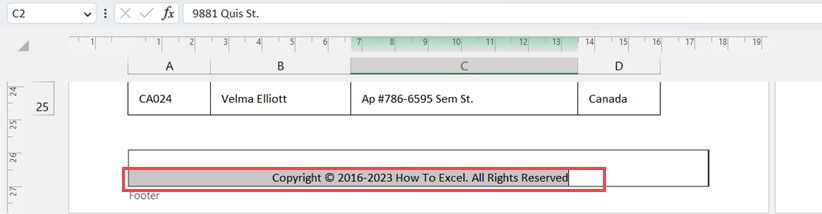
Select the section of the footer and your text.
Leave A Comment?