
Situatie
You can spruce up the wallpaper on your Android to match the time of day. Instead of a boring static wallpaper, you can set the phone to change wallpapers dynamically. For example, you could have your phone display a light mode wallpaper during the day, which transitions to a dark mode wallpaper at night. I’m going to show you three ways you can do so.
Solutie
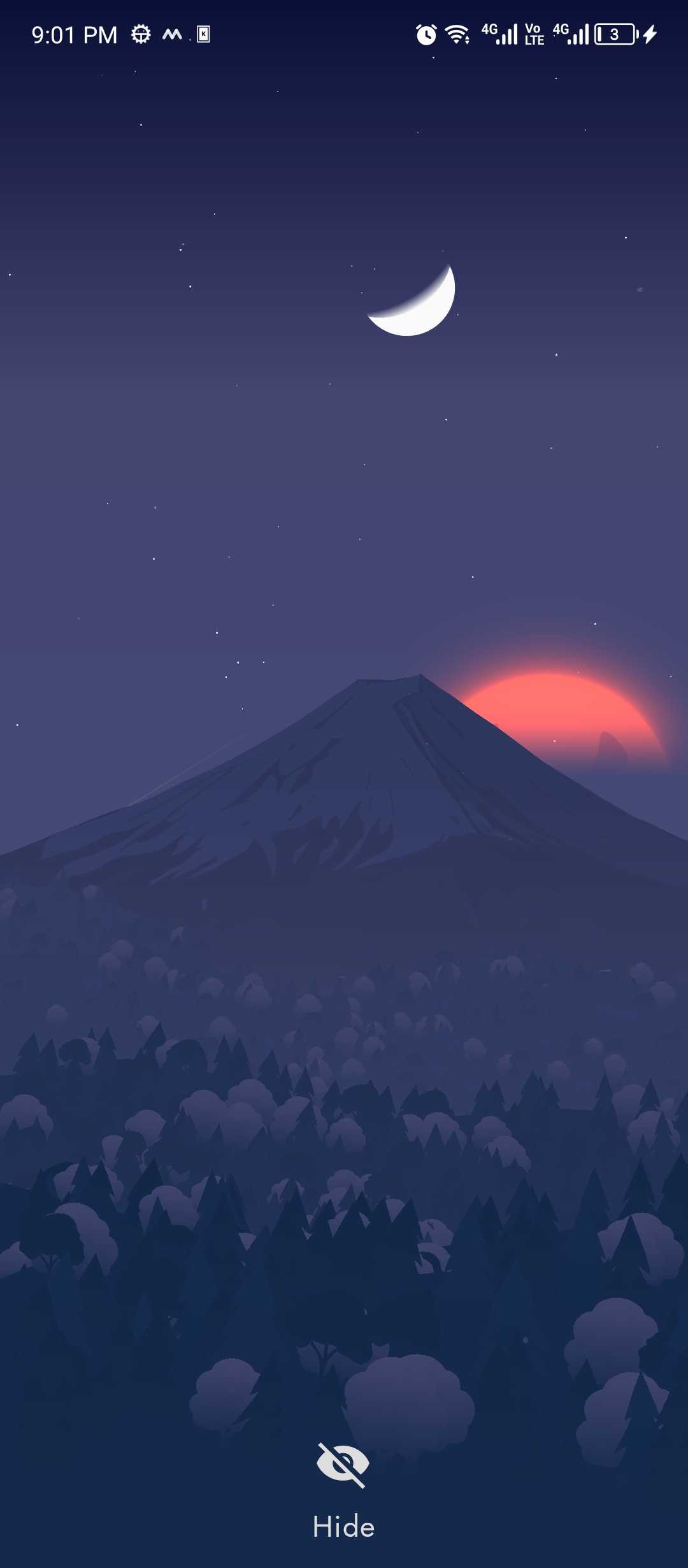
As opposed to static image wallpapers, live wallpapers are interactive and animated. Most live wallpapers are just interactive and animated, but there are some live wallpapers that are also designed to change based on ambient weather, current time, or season. All you have to do is install a live wallpaper like that, set it up, and you’re good to go.
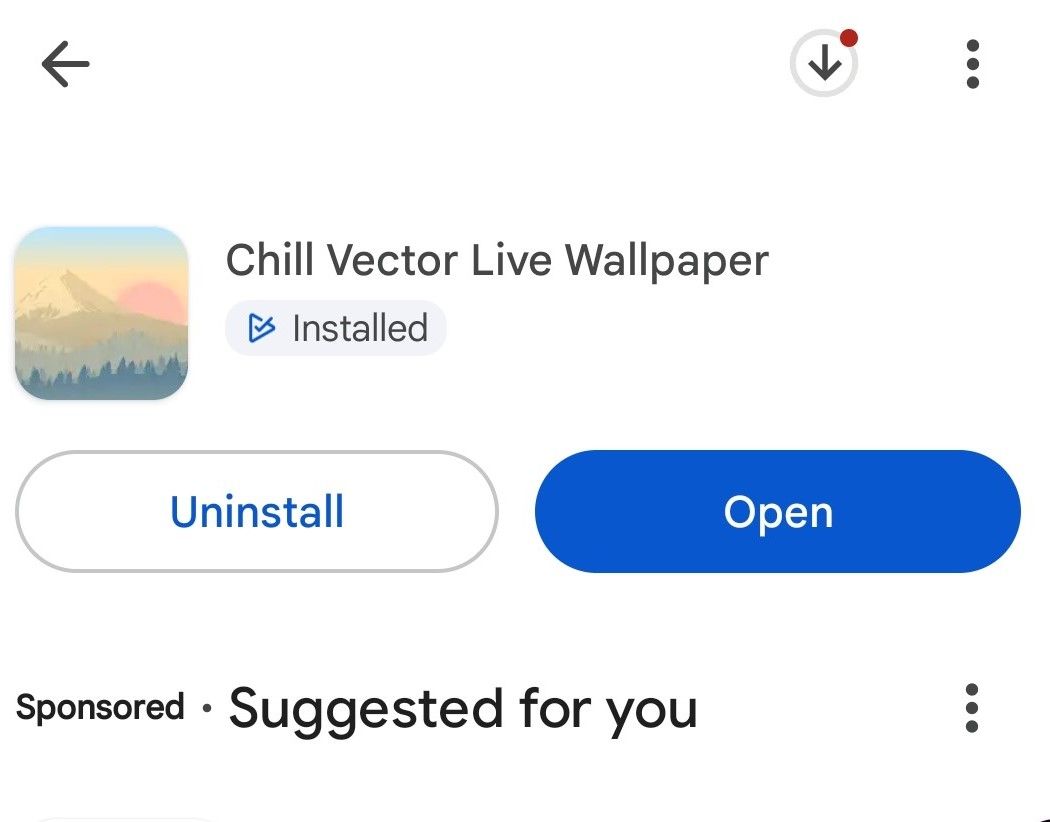
I’m using an app called Chill Vector Live Wallpaper for this demo. It’s free, doesn’t have ads, doesn’t collect any data (according to the Play Store page), and doesn’t require any permissions. Plus, it has a ton of customization features. The Play Store has a bunch of similar live wallpapers that change depending on what time it is, so you can take your pick.
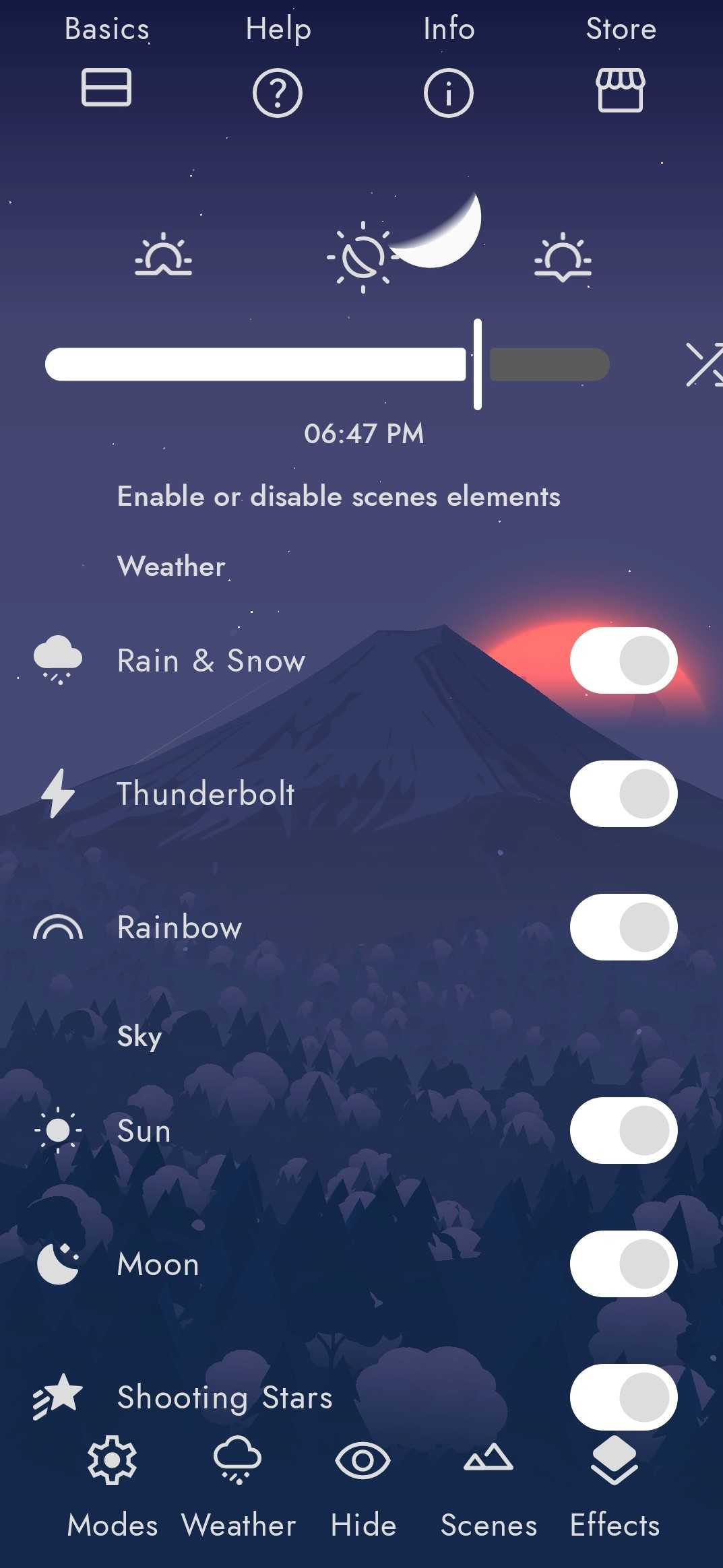
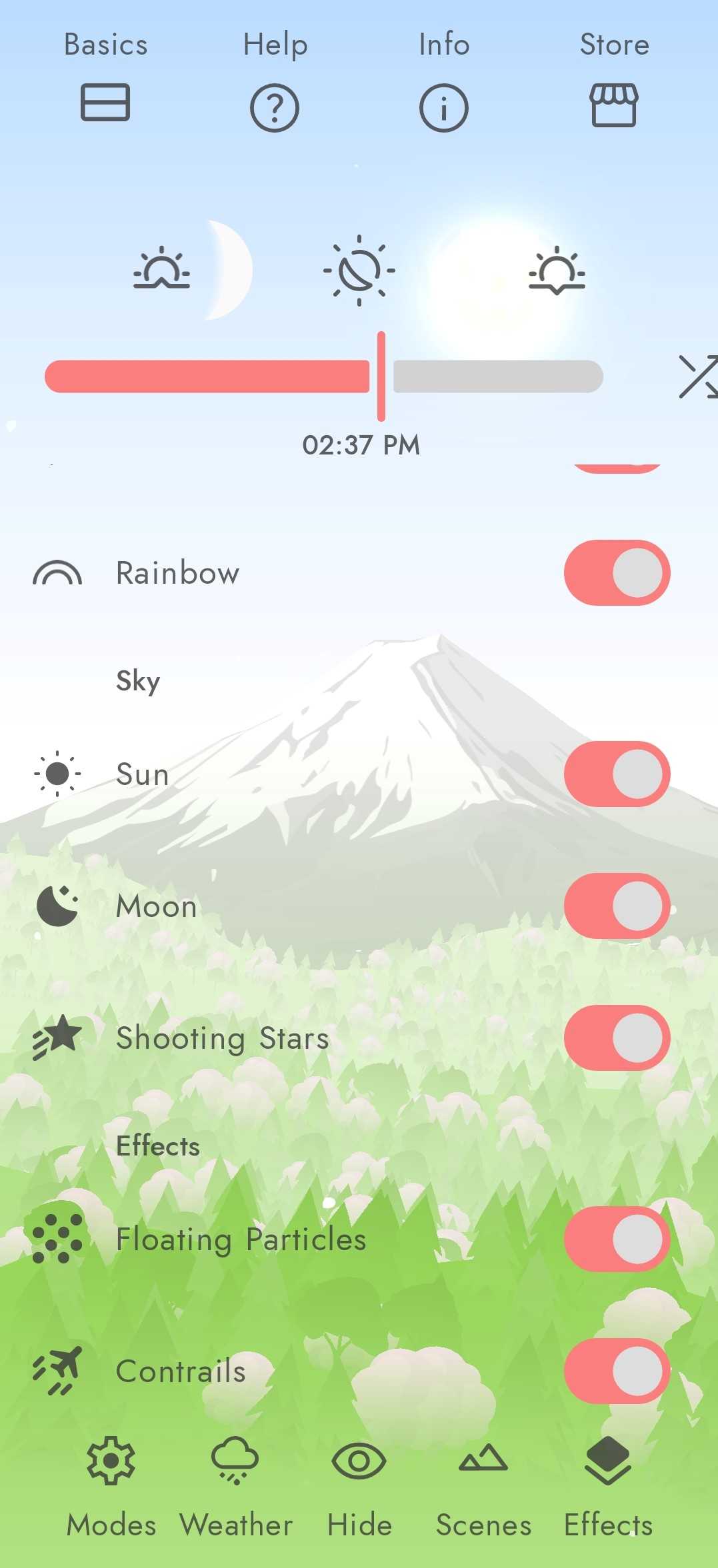

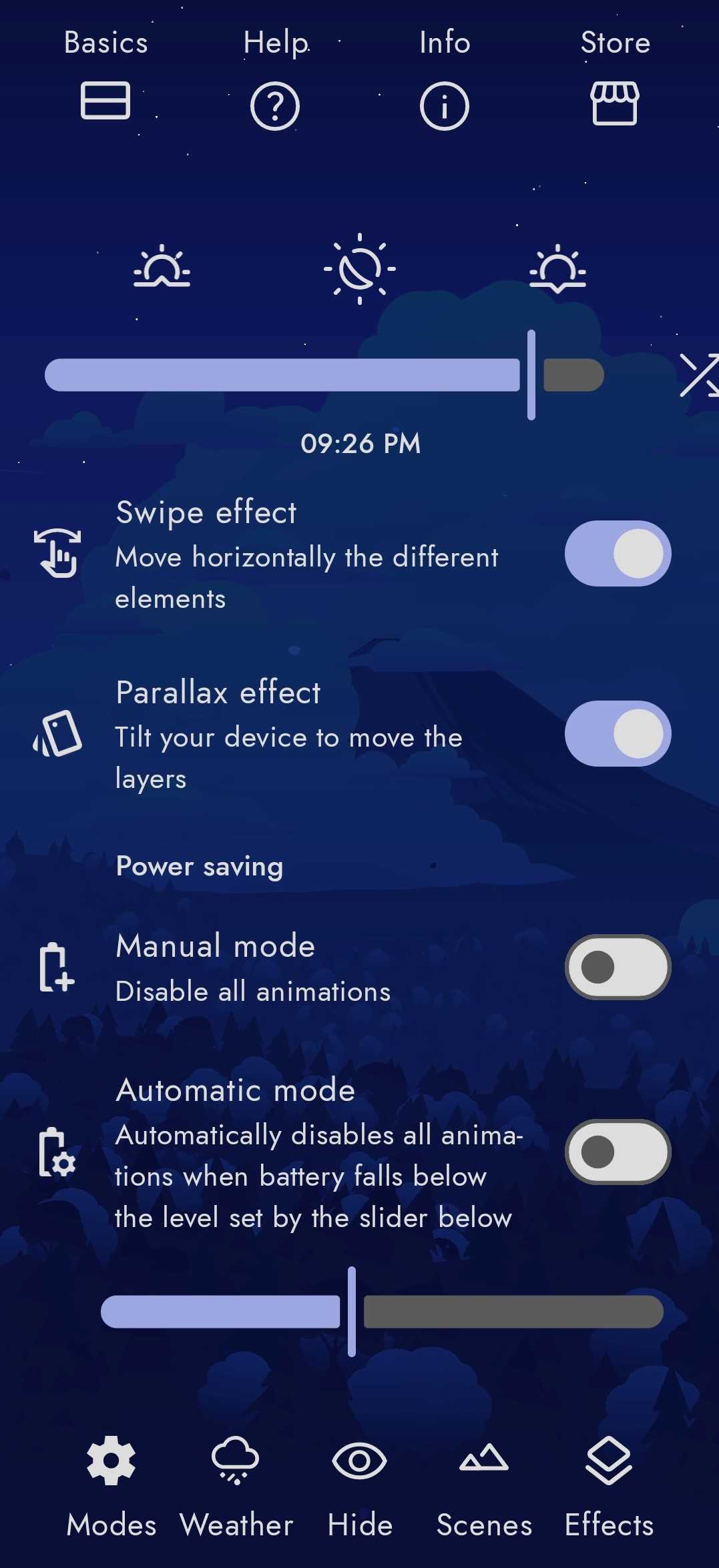
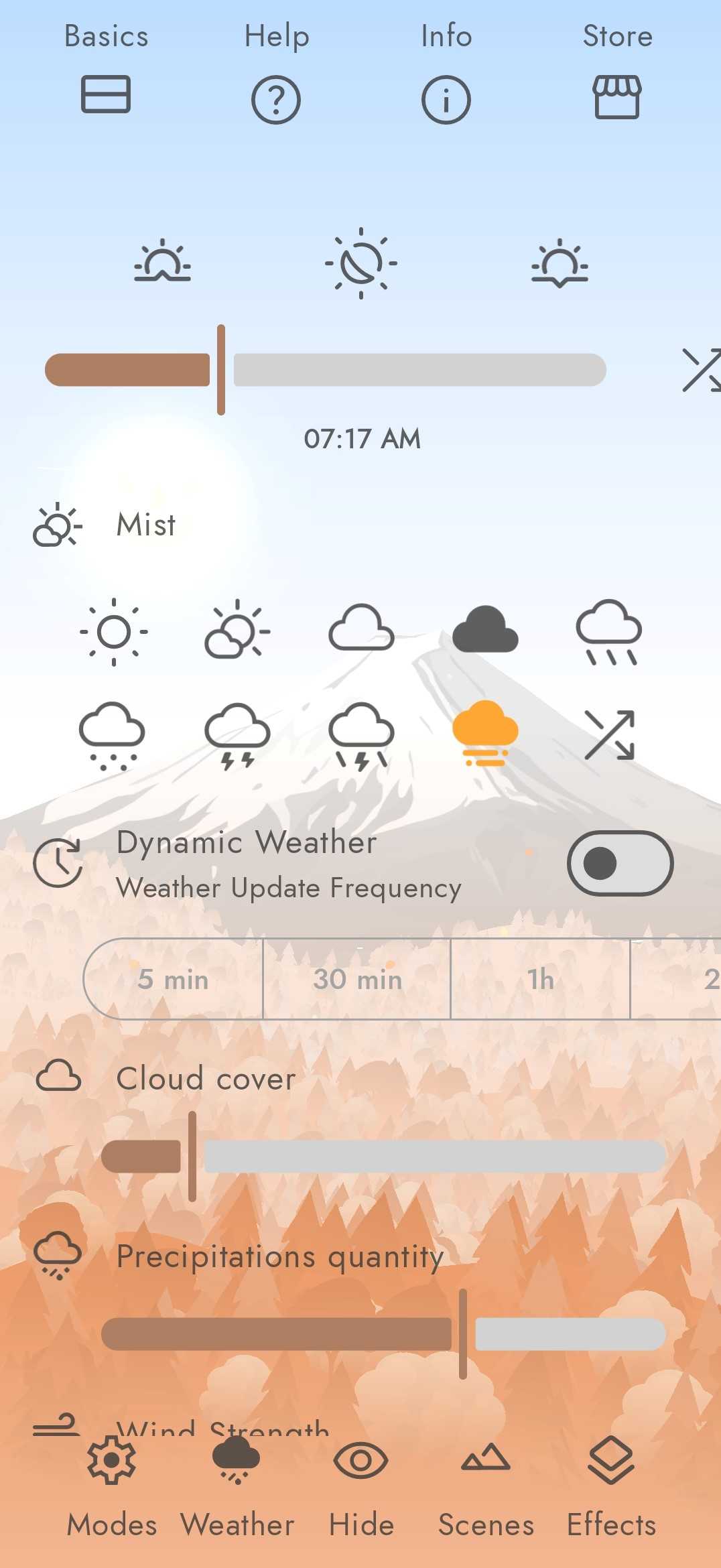
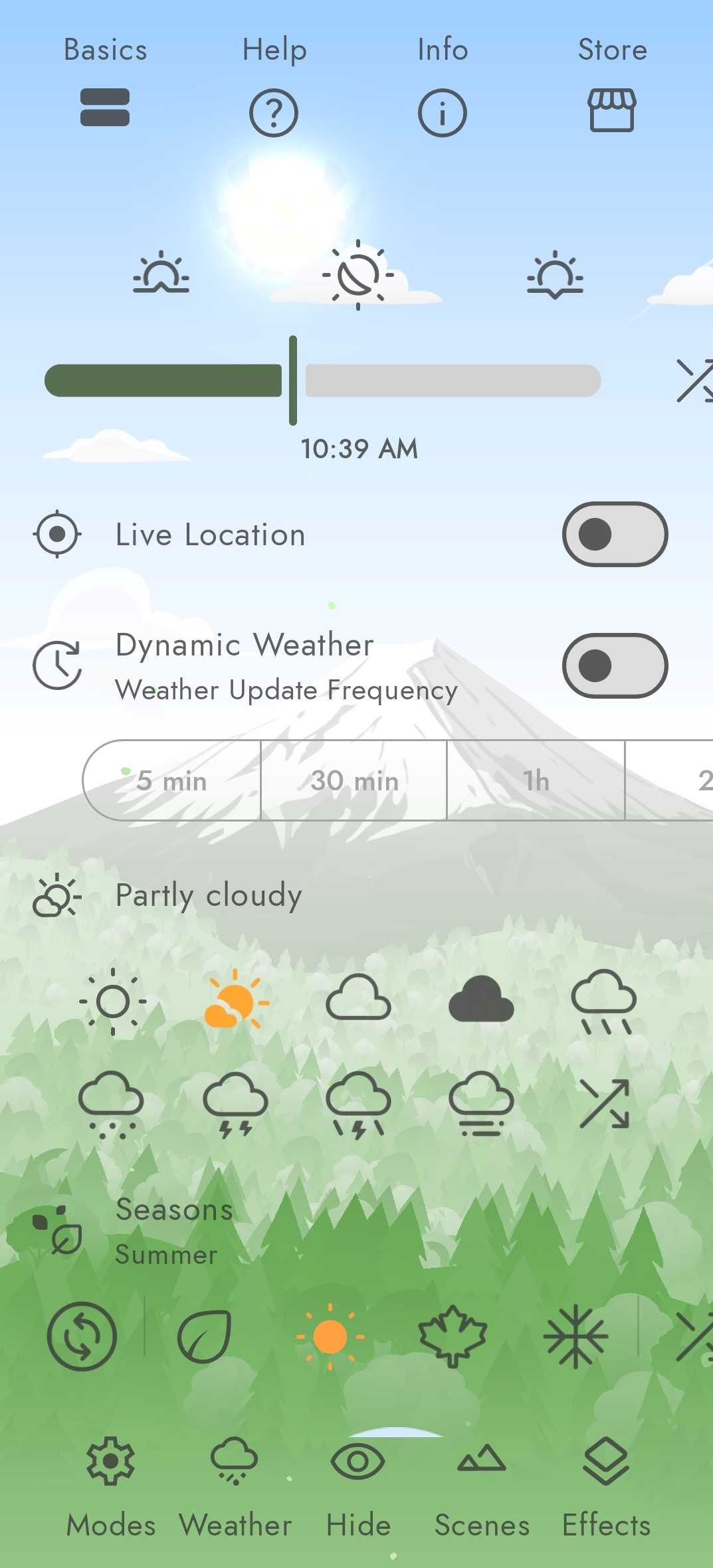
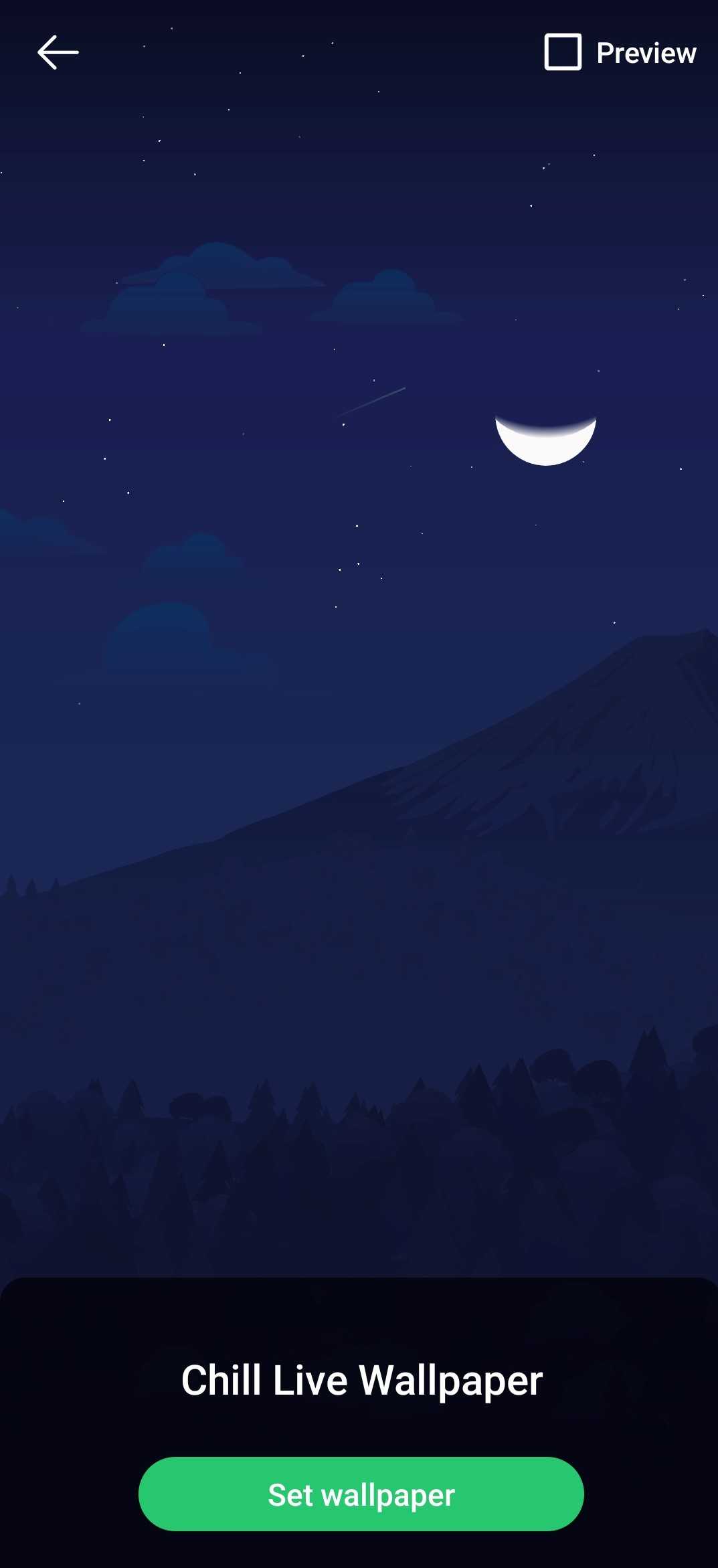
Create your own dynamically changing wallpaper (medium difficulty)
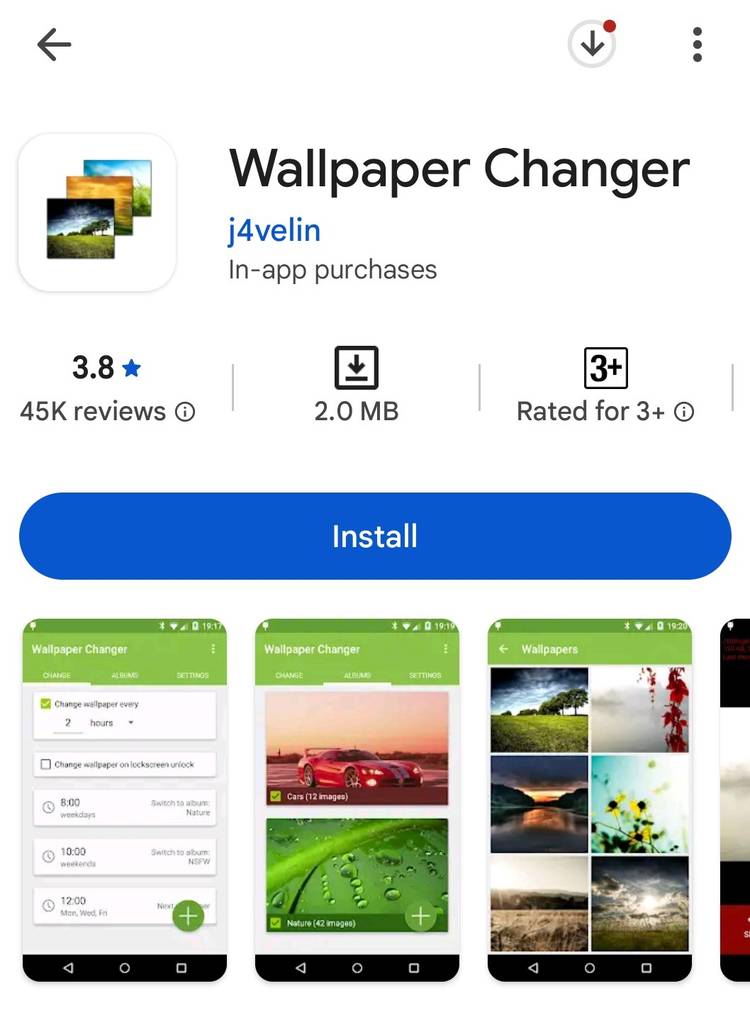
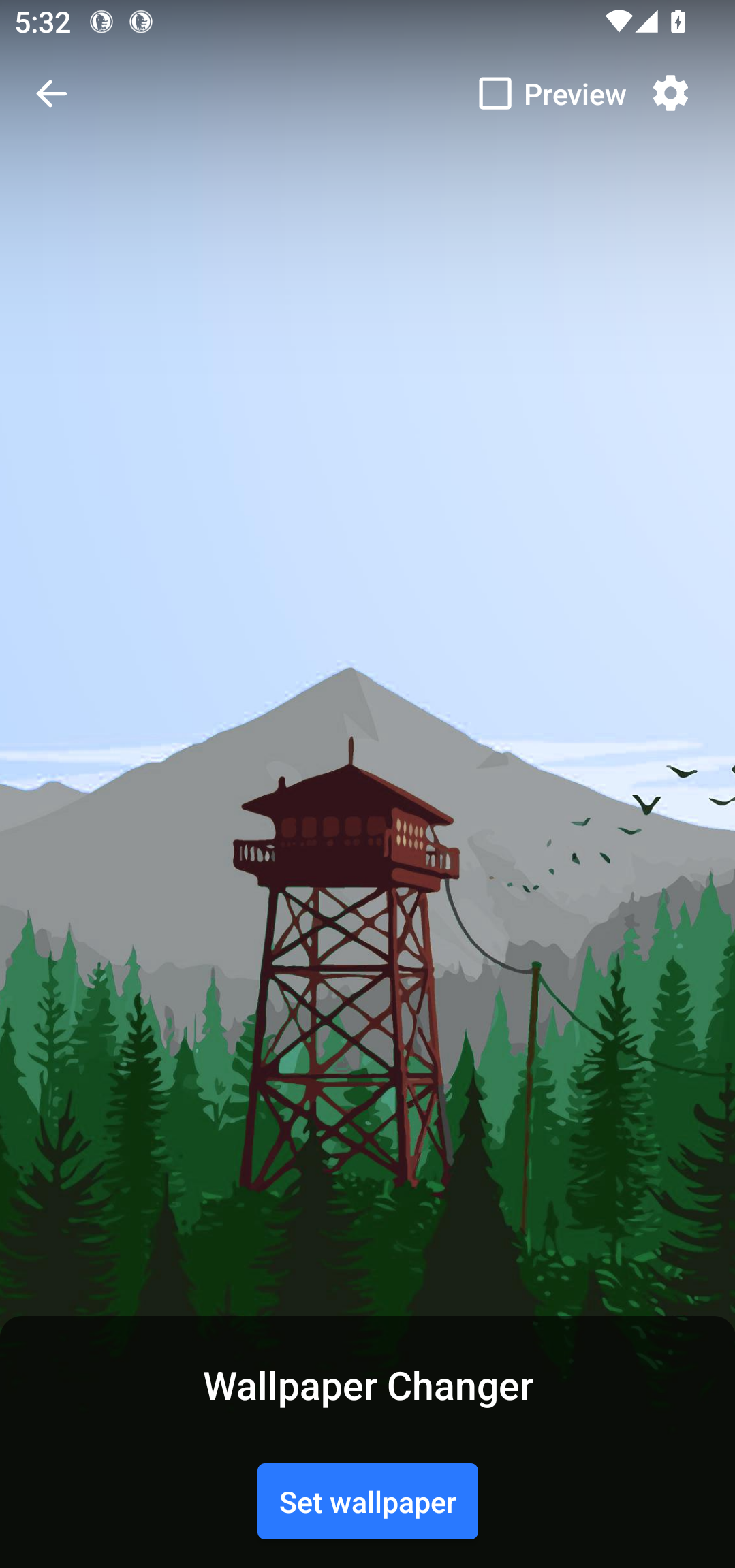
With a live wallpaper app like Chill Vector, you can’t change the wallpaper itself. What you can do is create a live wallpaper of your own that changes the images on a timer. There are dedicated apps like Wallpaper Changer that you can configure with pictures of your choice, set them to change over time automatically, and set the collection as a live wallpaper.
Start by downloading the wallpapers you want to use for the transitions. Then install the app from the Google Play Store.
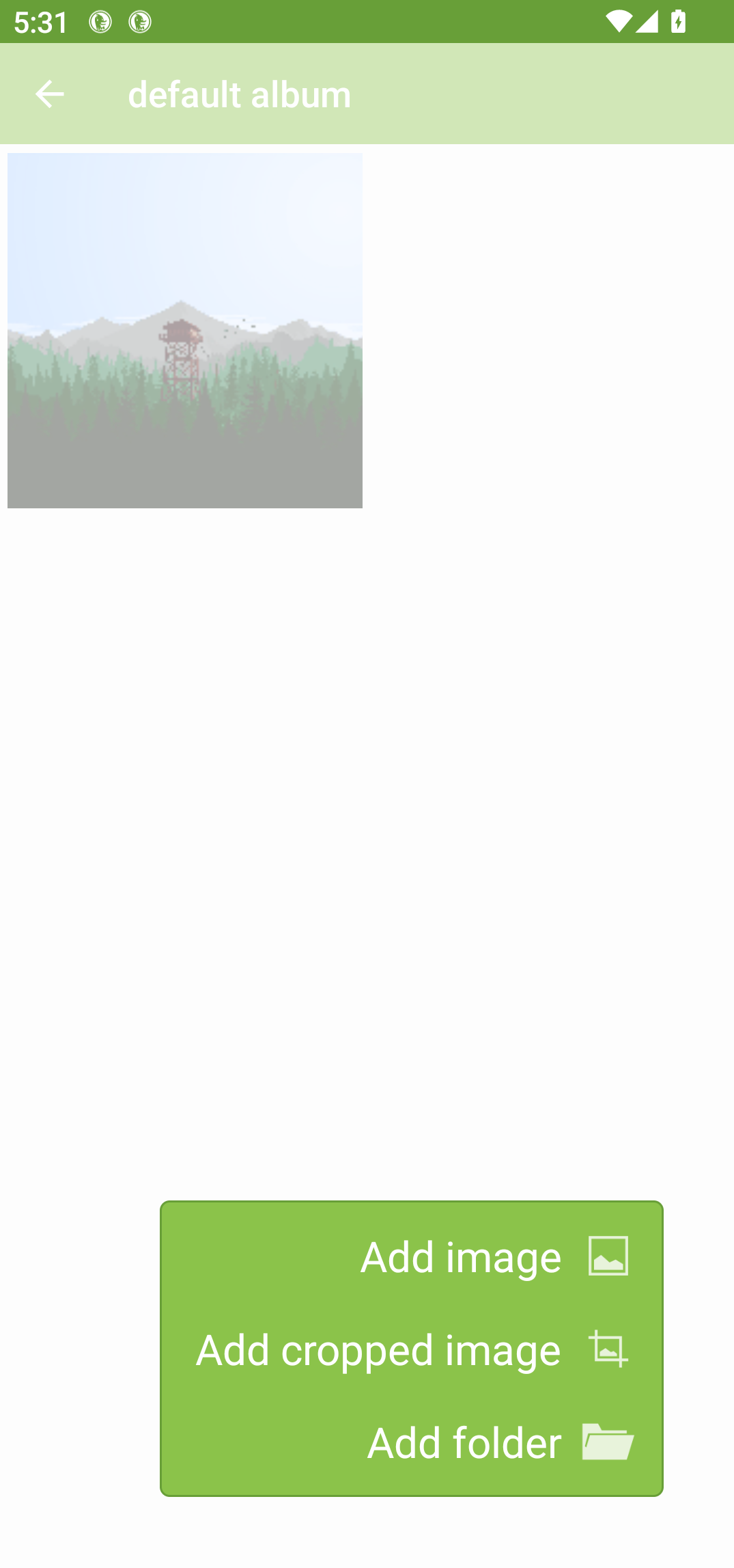
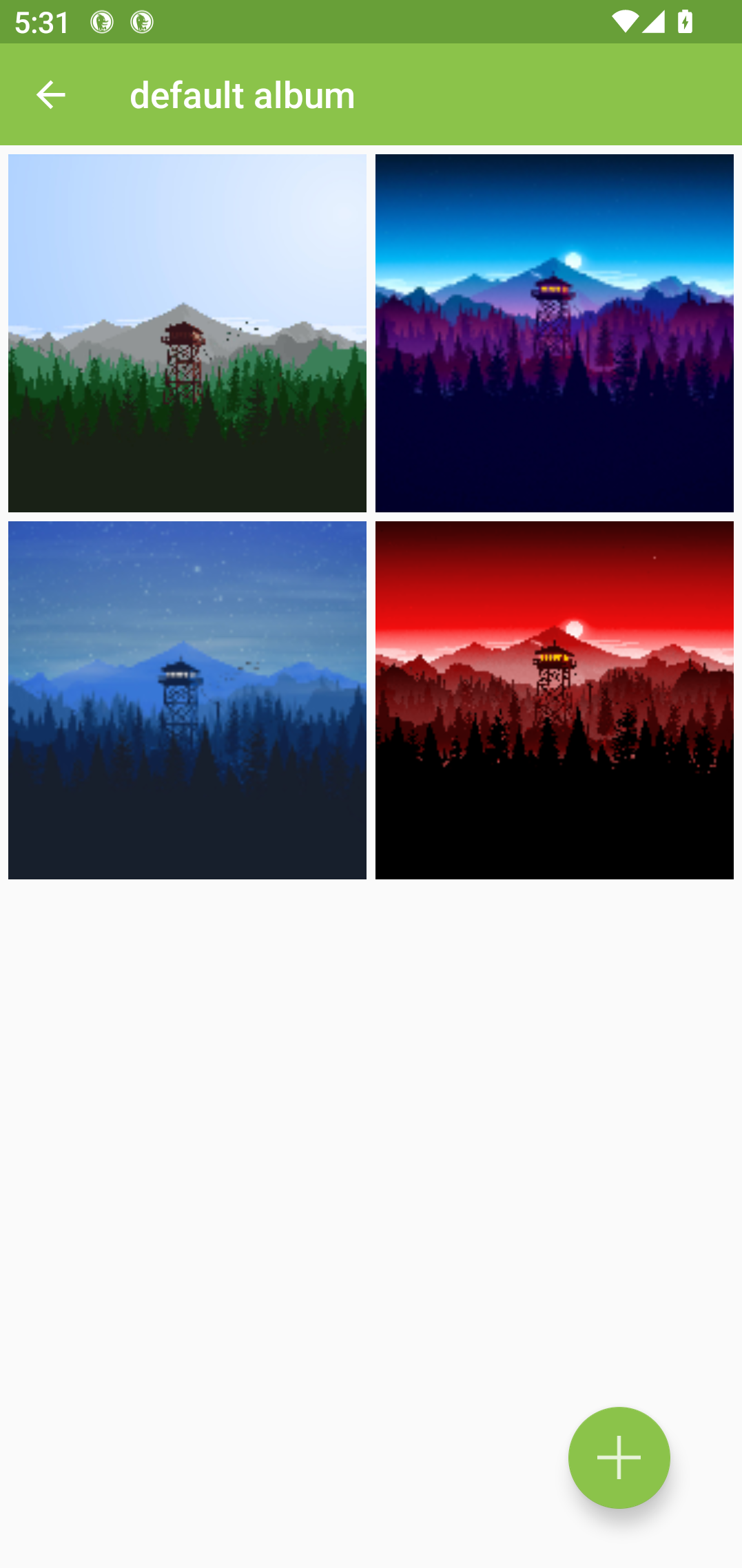
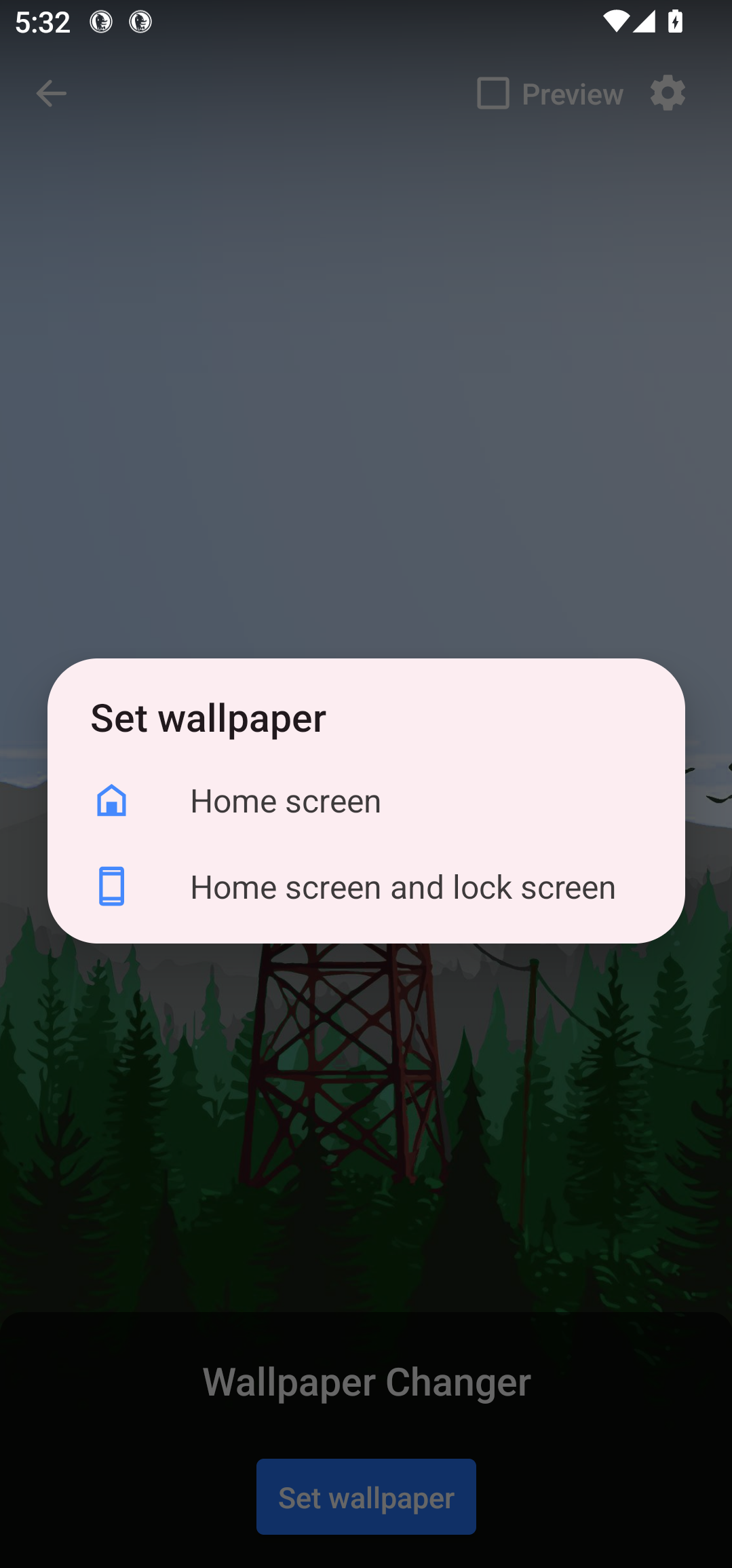
Open the app and switch over to the Albums tab. Tap “Default Album” and then tap the “+” icon at the bottom. The app will let you add an entire folder or separate images to the album. I’ve chosen four wallpaper images for the album and set the app to change the wallpaper every six hours.
Create an automation flow to change the wallpaper (for power users)
If you don’t want to install a dedicated app just for changing the wallpaper, you can set up an automation to do the same. You can use an automation app to do plenty of useful stuff (like creating an automatic wallpaper changer), so it’s worth having it on your phone.
Any automation app should work for this purpose. I recommend Automate, Tasker, or MacroDroid. Automate is totally free, but it comes with a little bit of a learning curve. Tasker is incredibly powerful, and it can handle some pretty complex automation tasks. MacroDroid sits in a nice middle ground—easy to figure out, and powerful enough for most jobs. So I’ll be using MacroDroid for the demo. Do keep in mind that it’s a paid service, but you can use the free version with ads.
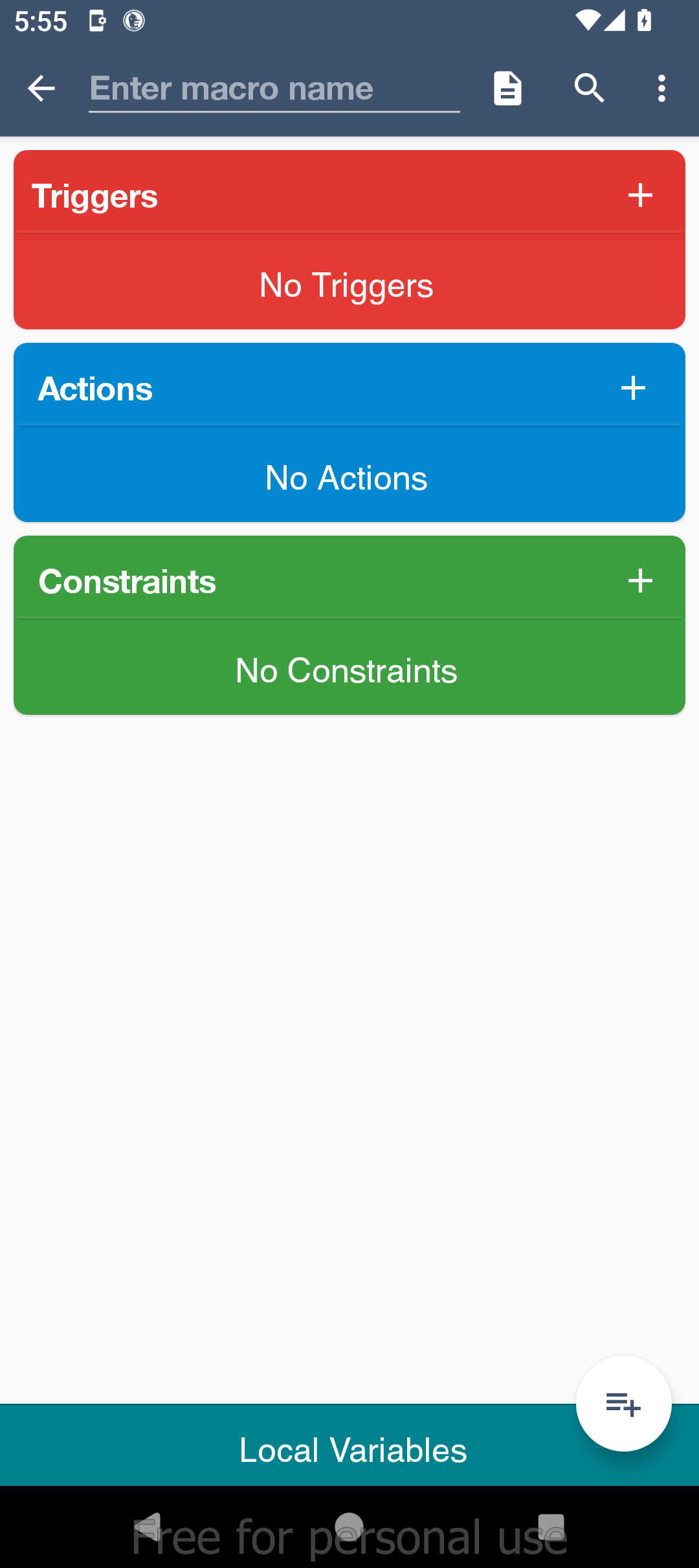
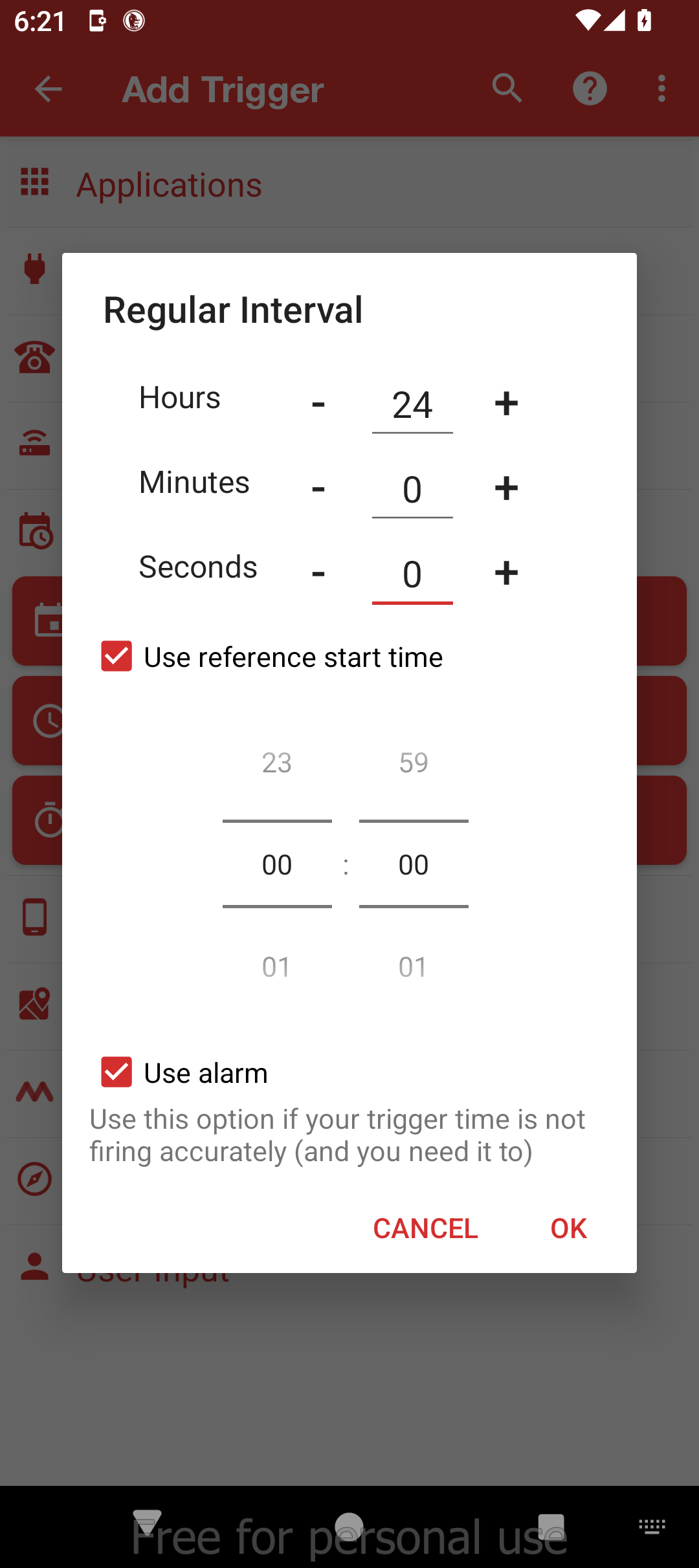
MacroDroid automations are called Macros. Macros are made of triggers (like a timer to change the wallpaper) and Actions (like changing the wallpaper). Here’s how you can set a macro for automatically changing the wallpaper every few hours.
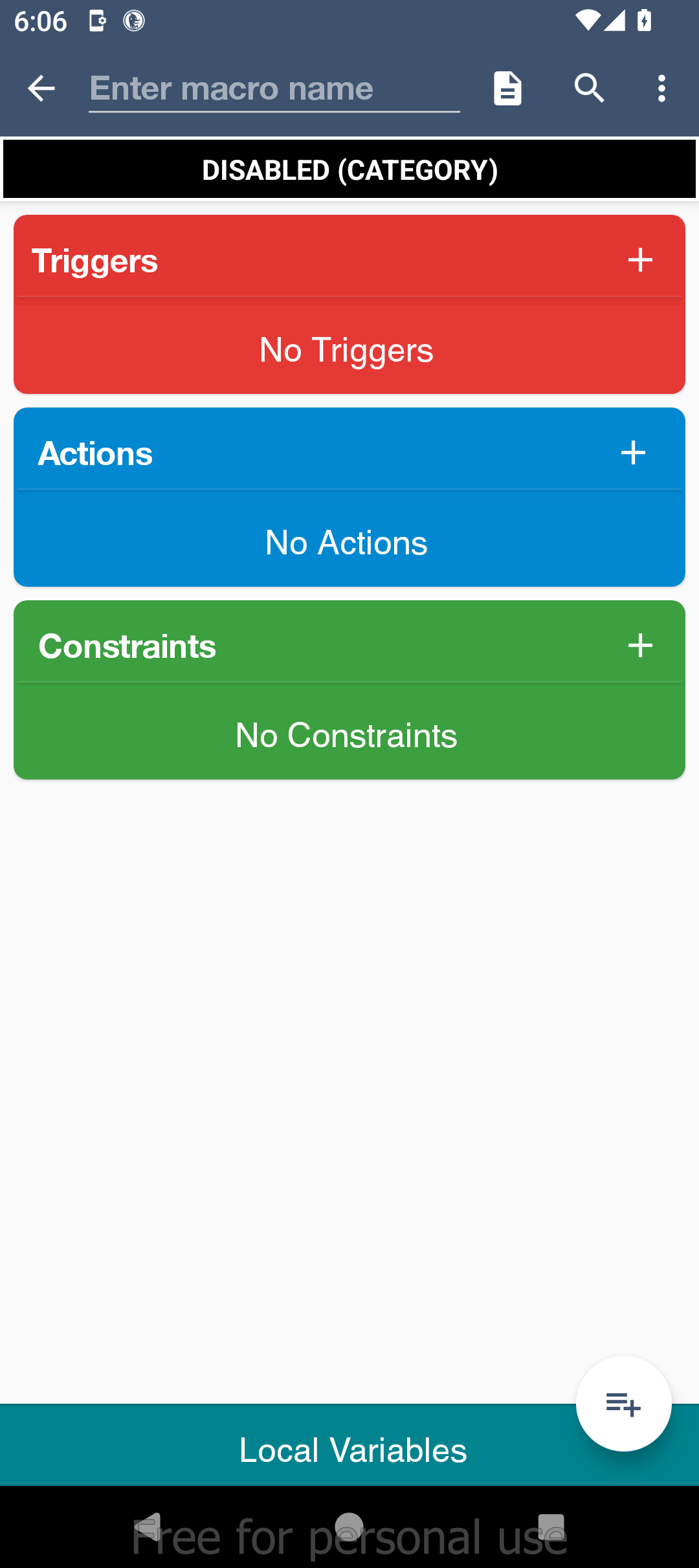
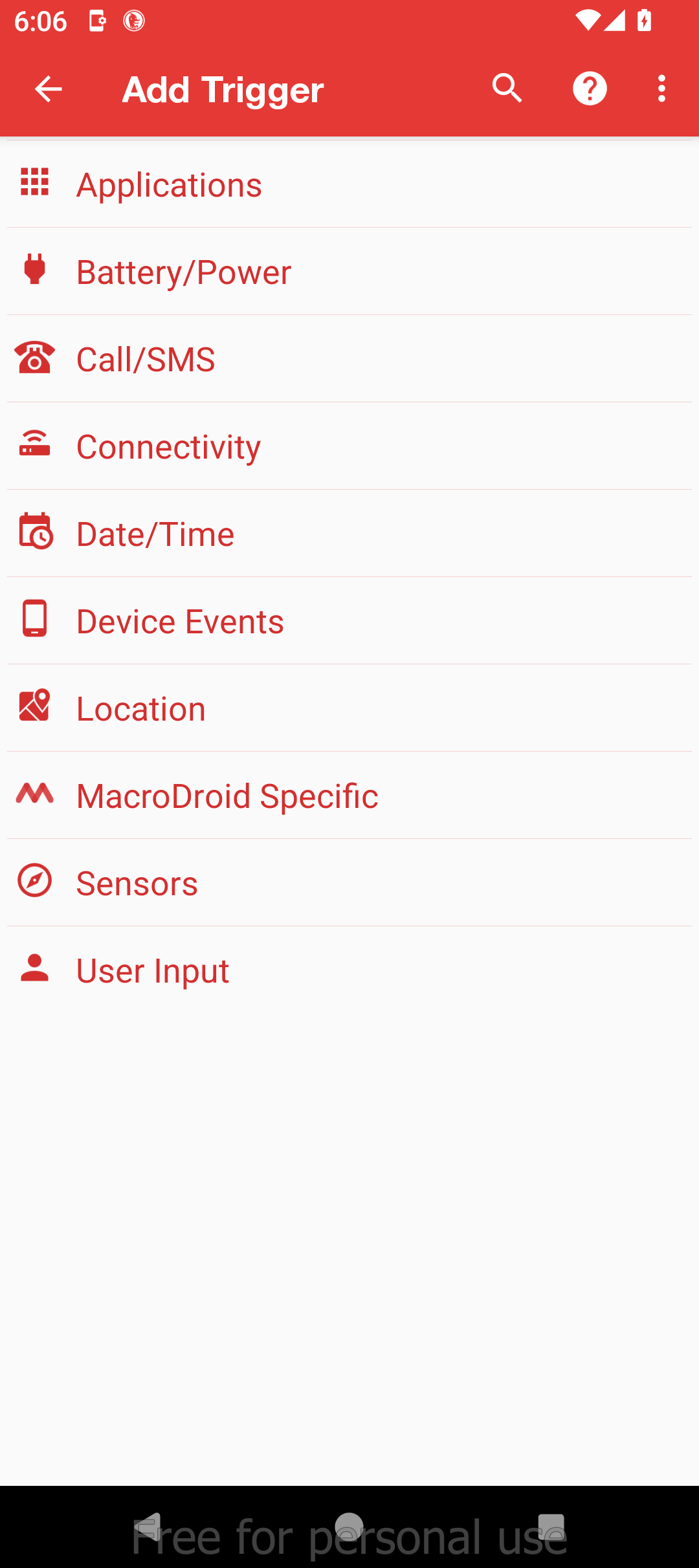
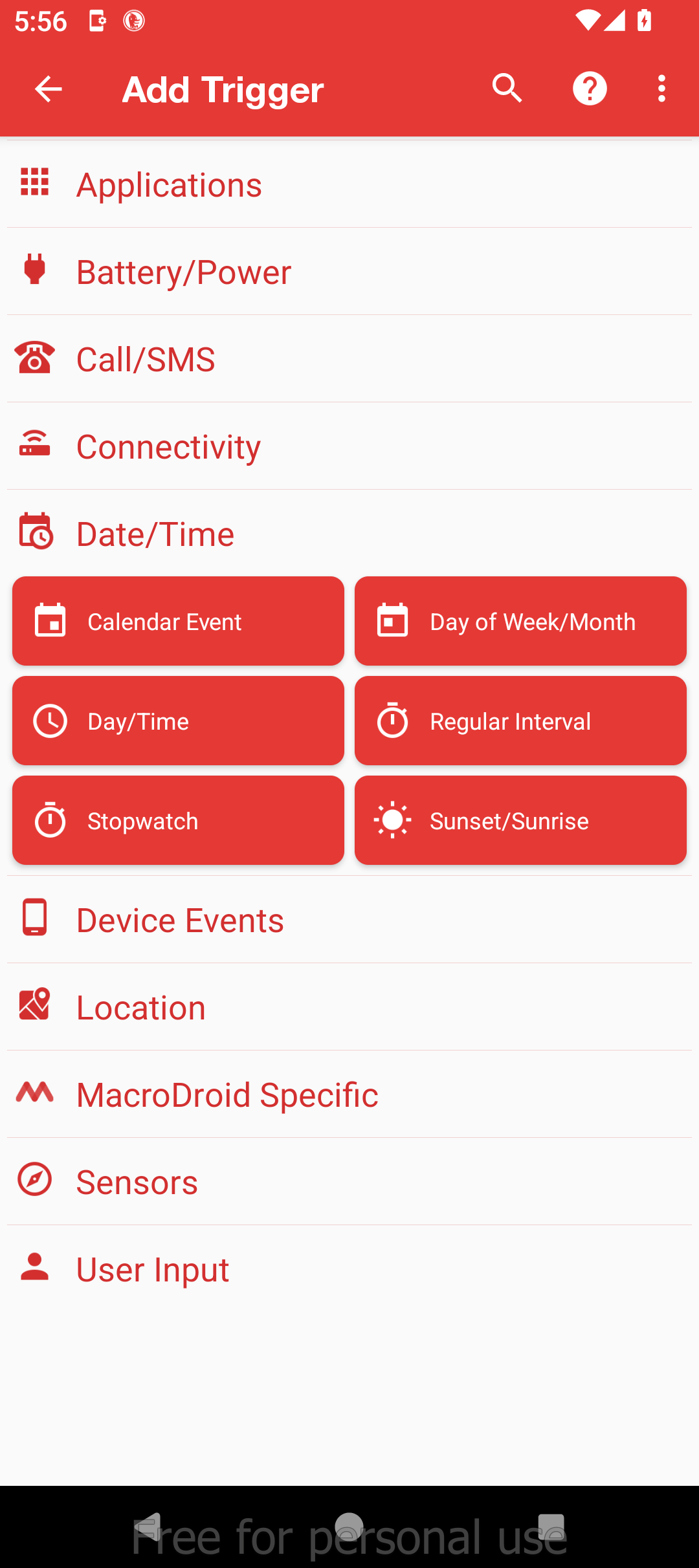
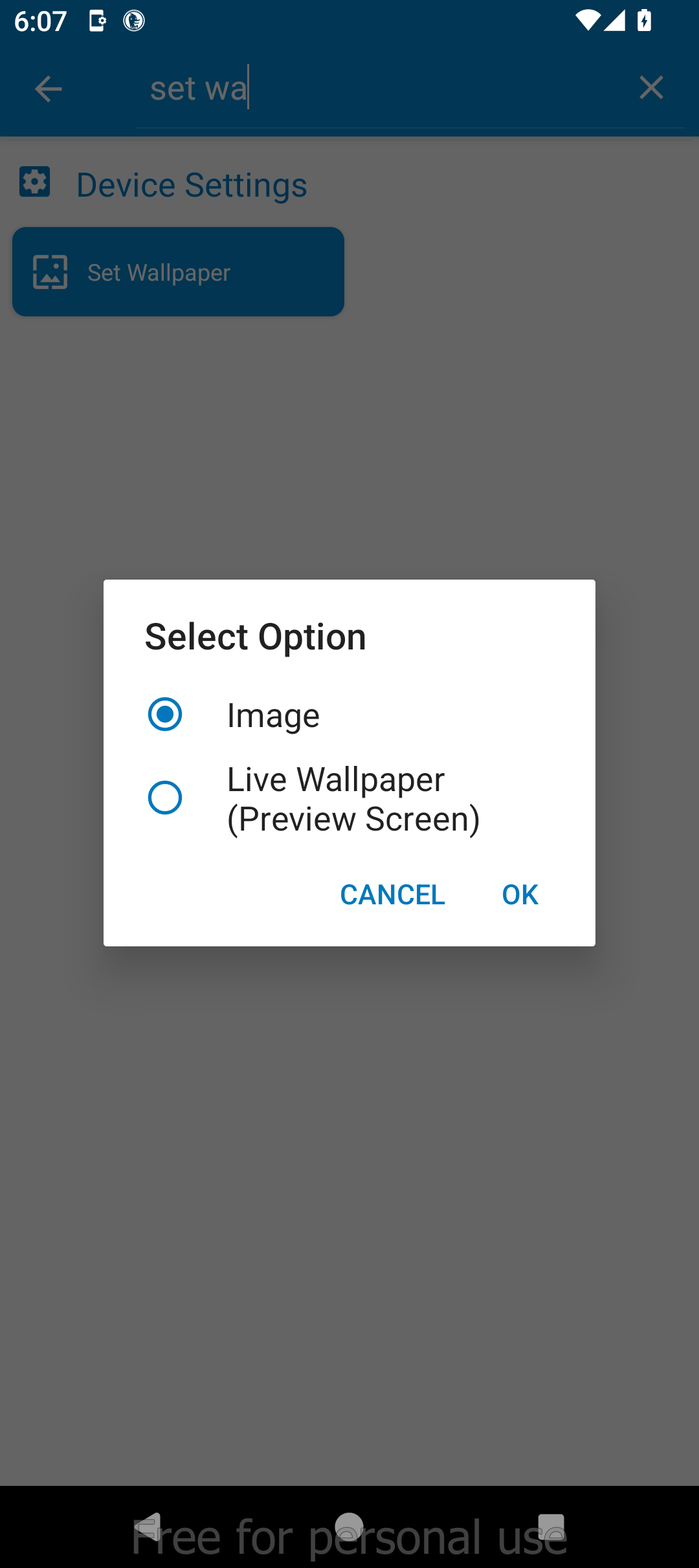
Now tap the “+” icon on the Actions card and search for “Set Wallpaper.” Tap it, choose “Static File” name, then tap the file icon and select the first wallpaper of the day. Tap “OK”.
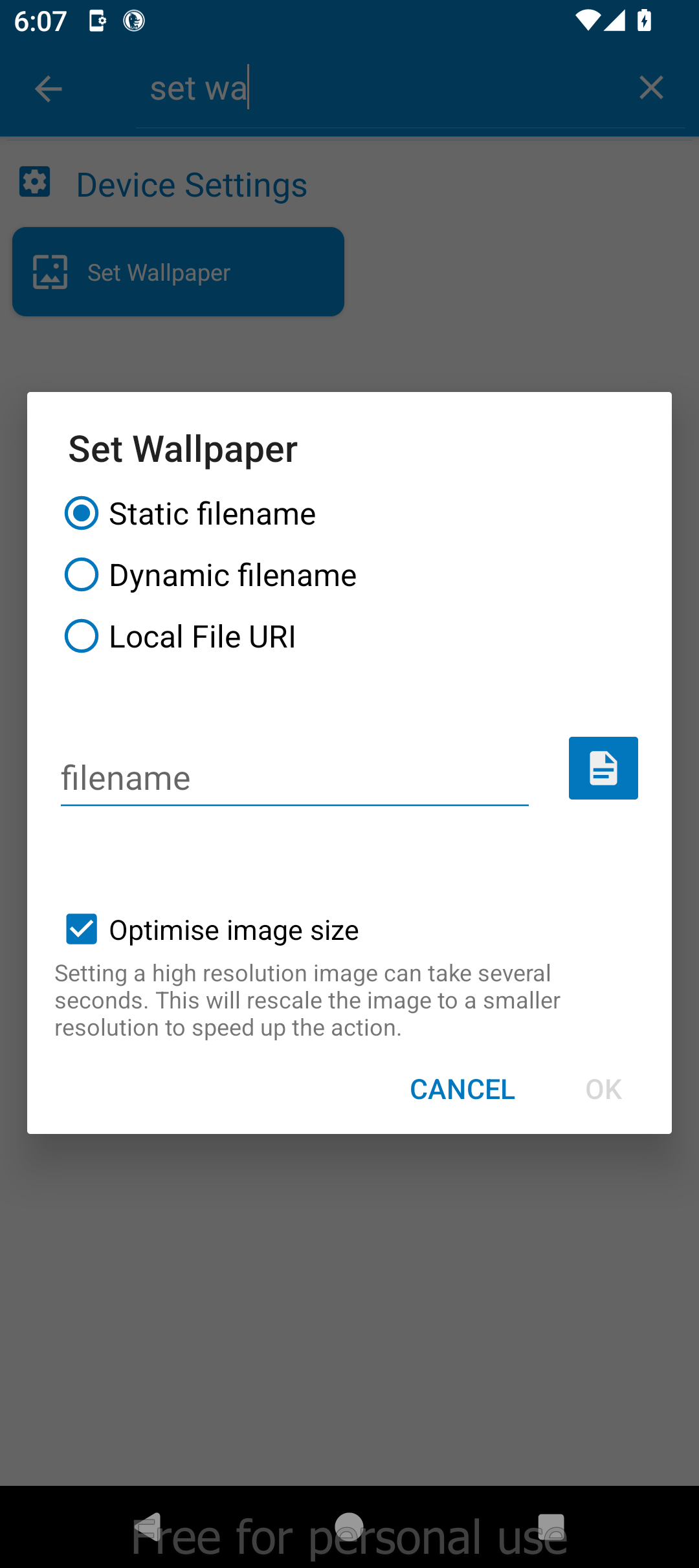
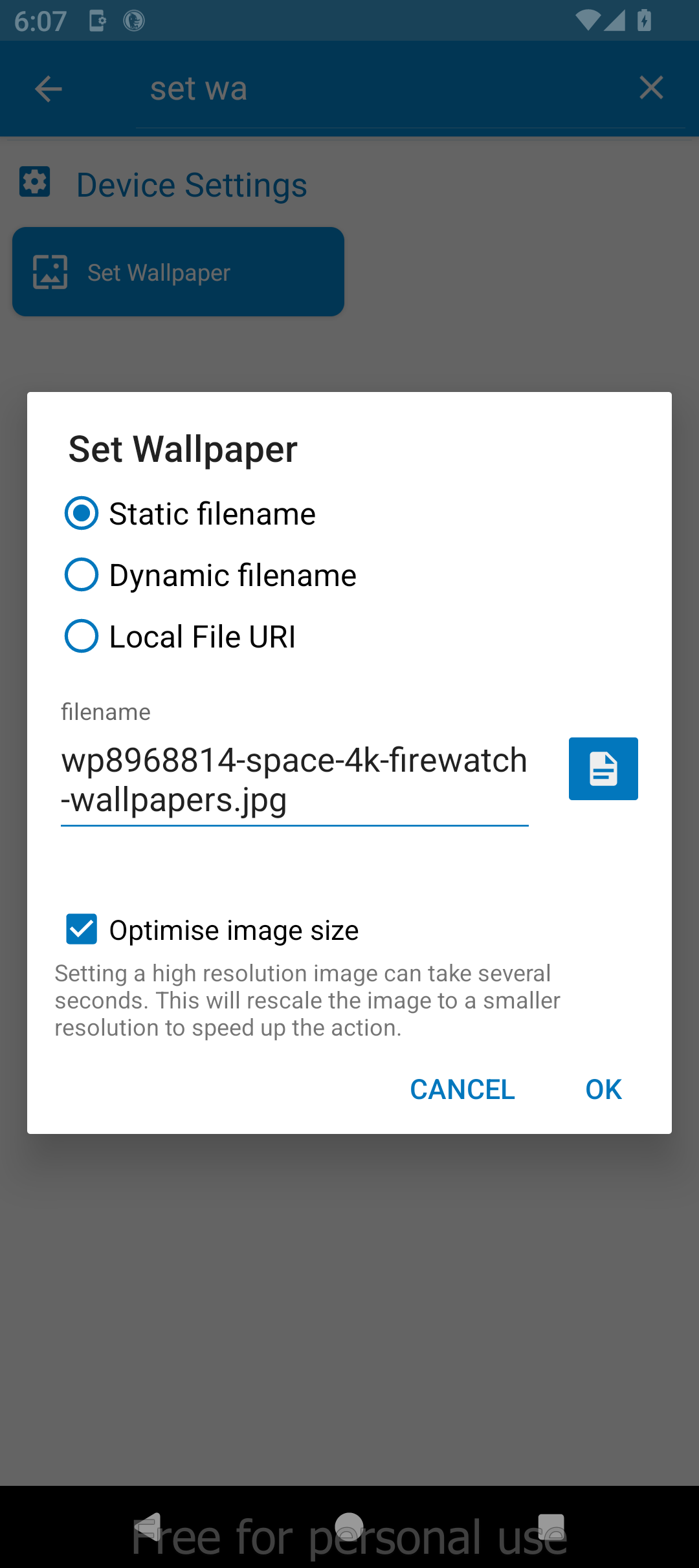
Once again, tap the “+” icon on the Actions card, and this time search for “Wait Before Next Action.” Choose a delay of 360 minutes and then tap “OK”.
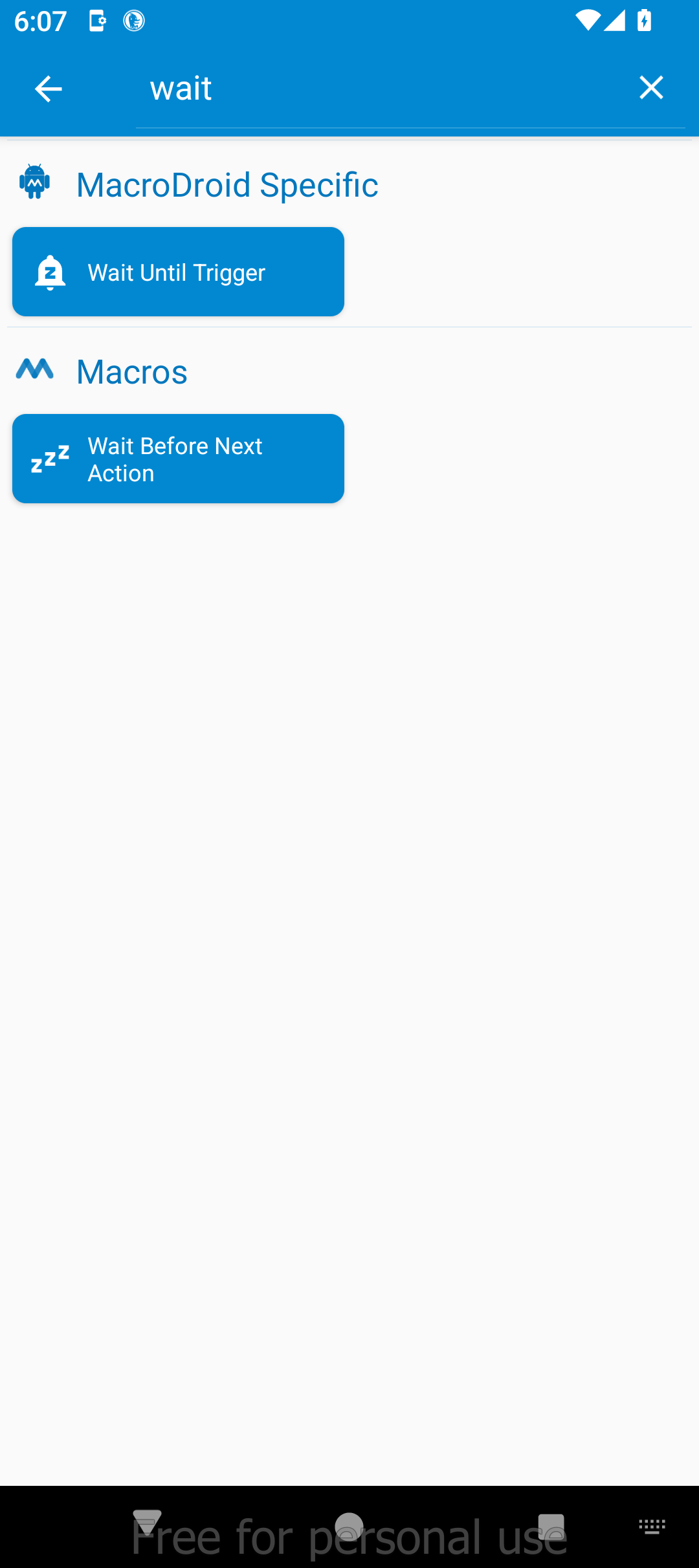
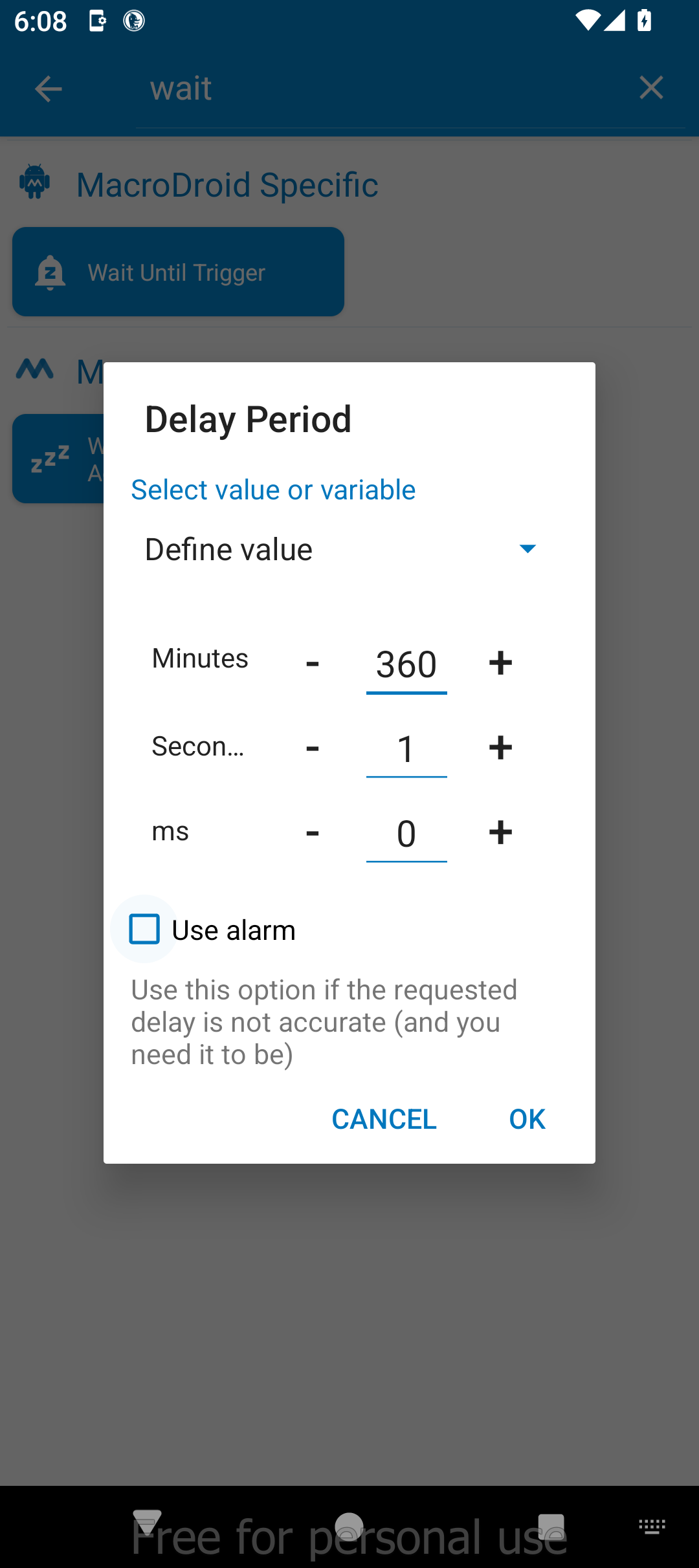
Then we’ll just repeat the last two steps for the remaining three wallpapers: set the wallpaper and add a wait time of 360 minutes.
Every 24 hours, the macro will be triggered, and the wallpaper will be automatically changed. Then MacroDroid will wait 360 minutes (or six hours) and switch the wallpaper again. This pattern will repeat until all four wallpapers are cycled through.
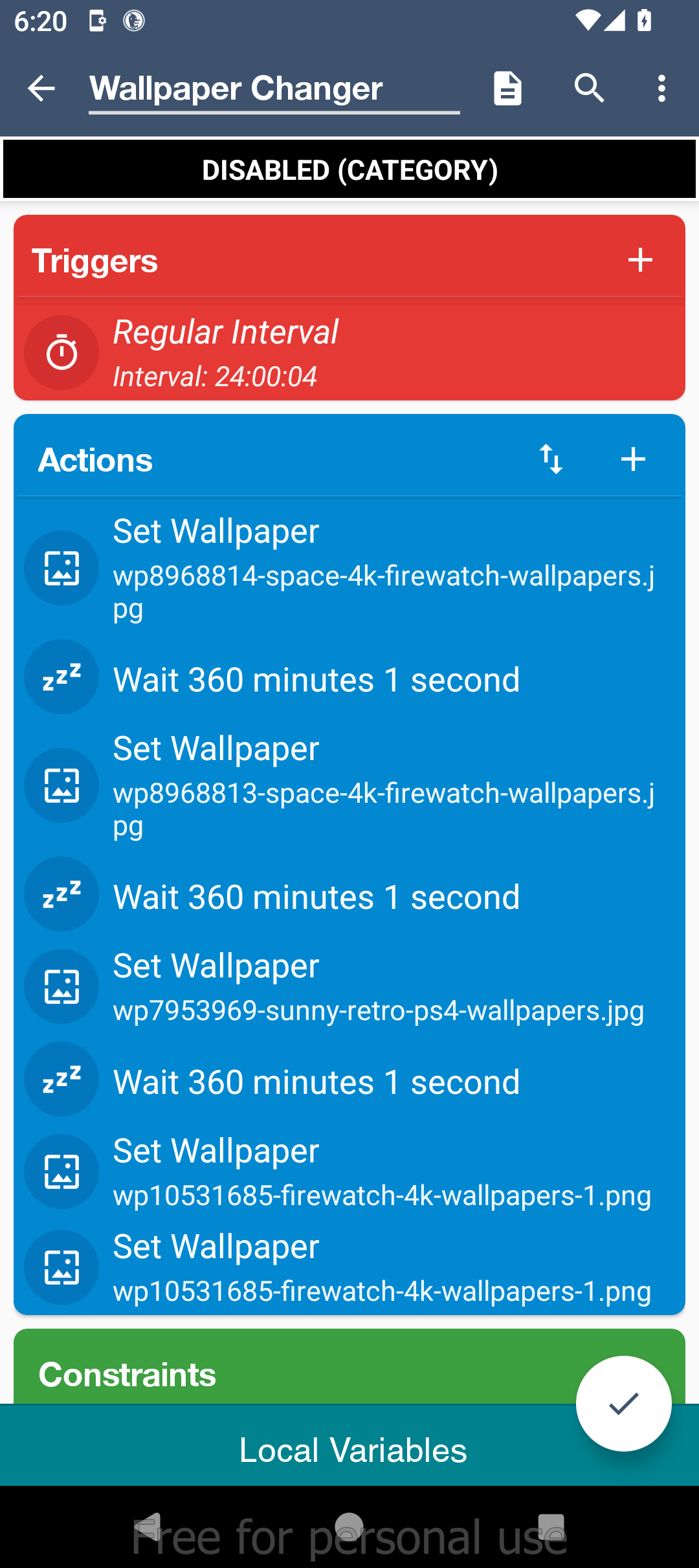
Give the Macro a name, and press the checkmark button at the bottom to save the macro. Make sure it’s enabled in the list of Macros and your wallpaper should automatically change every six hours as long as MacroDroid is active in the background.
Leave A Comment?