
Situatie
Microsoft Defender regularly downloads security intelligence updates (signatures) to identify the latest viruses, ransomware, and spyware.
Solutie
Pasi de urmat
PowerShell is the quickest and easiest method to check the Defender AV Signature version. To accomplish that, launch the PowerShell as administrator and run the below command.
Get-MpComputerStatus | Select-Object AntivirusSignatureVersion
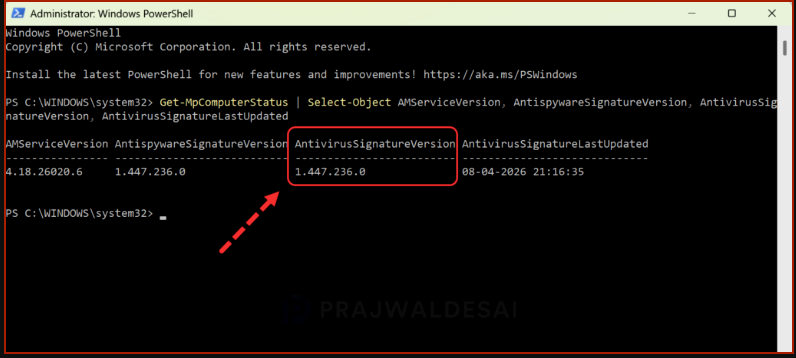
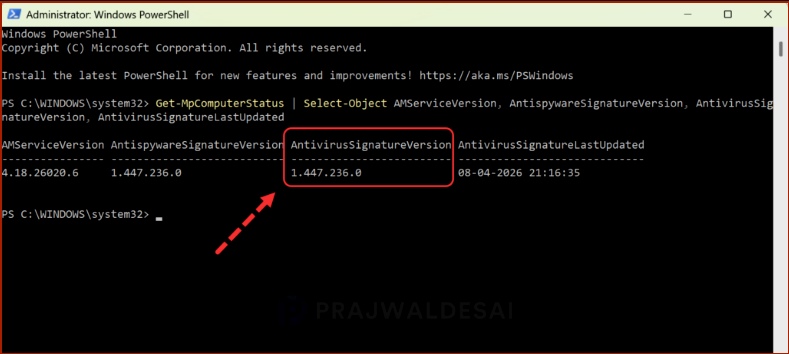
To view more information about the Defender antivirus components, execute the following command. The output contains the following information:
Get-MpComputerStatus | Select-Object AMServiceVersion, AntispywareSignatureVersion, AntivirusSignatureVersion, AntivirusSignatureLastUpdated
Leave A Comment?