
Situatie
OpenClaw is a personal AI assistant that can clear your inbox, send emails, manage your calendar, and complete other tasks via messaging apps like WhatsApp, Telegram, iMessage, or any chat app you already use.
Solutie
Step 1: Run the command
Open a terminal, and type in:
ollama launch openclaw --model kimi-k2.5:cloud
Note: Other models can also be configured. See
ollama launch openclawfor recommended models.
Ollama handles everything from here.
Step 2: Install OpenClaw
If OpenClaw isn’t already on your system, Ollama detects that and prompts you for installation.
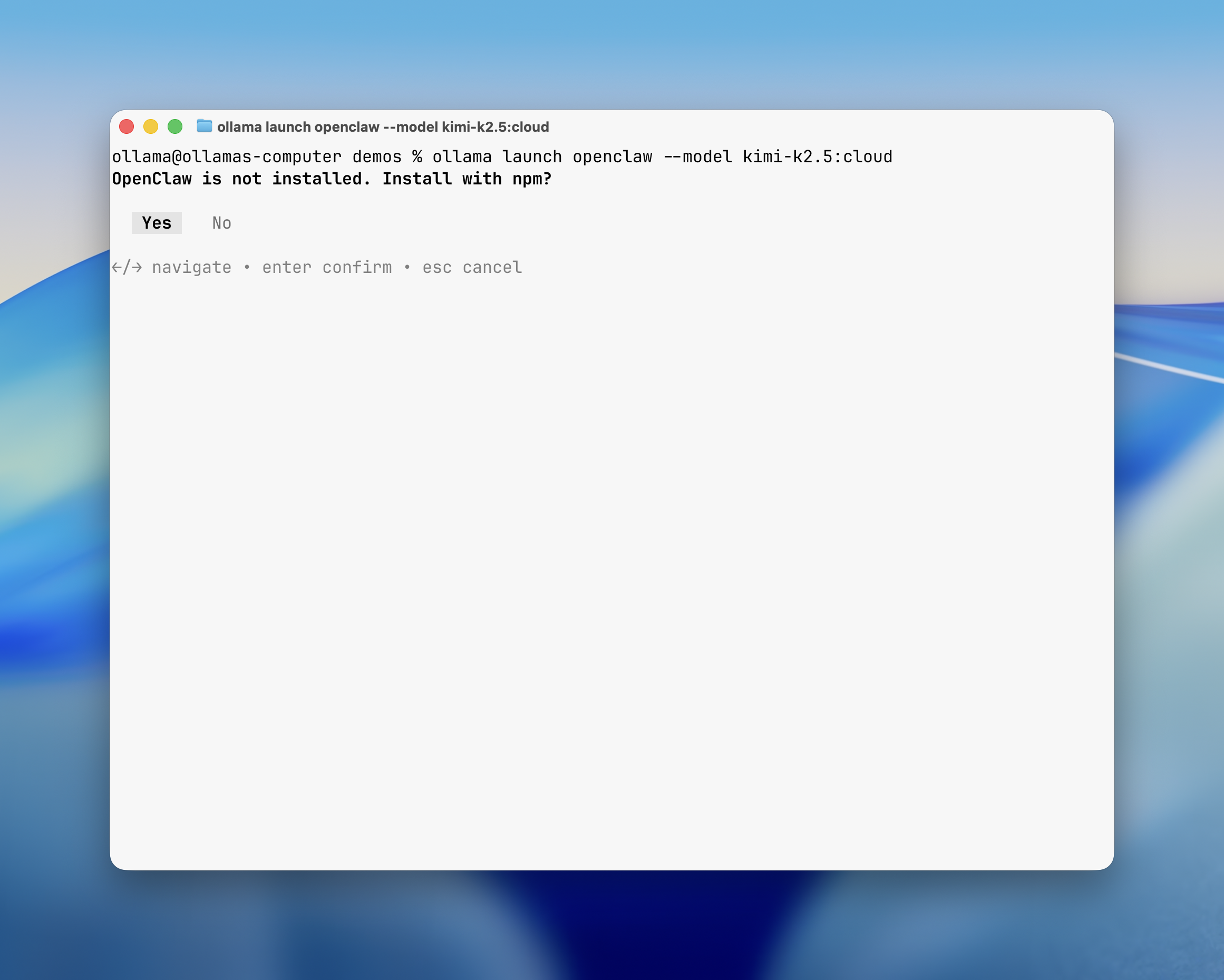
Ollama will automatically install and configure OpenClaw for you.
Step 3: Start chatting
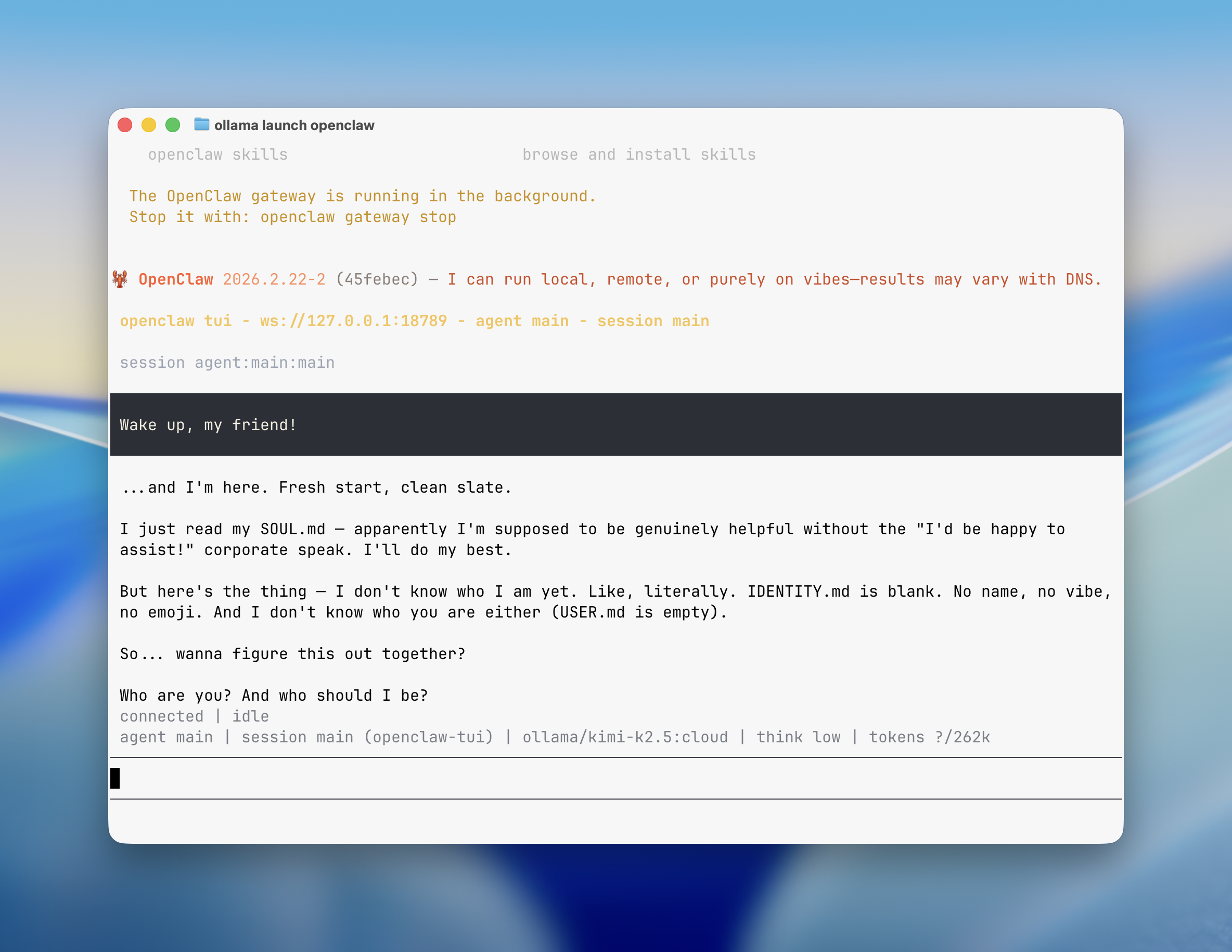
This is it! OpenClaw will open up in the terminal where you can start chatting with your AI assistant.
Web search
If you selected a model from Ollama’s cloud, Ollama installs the web search plugin automatically. This allows OpenClaw to perform web searches for the latest and up-to-date information.
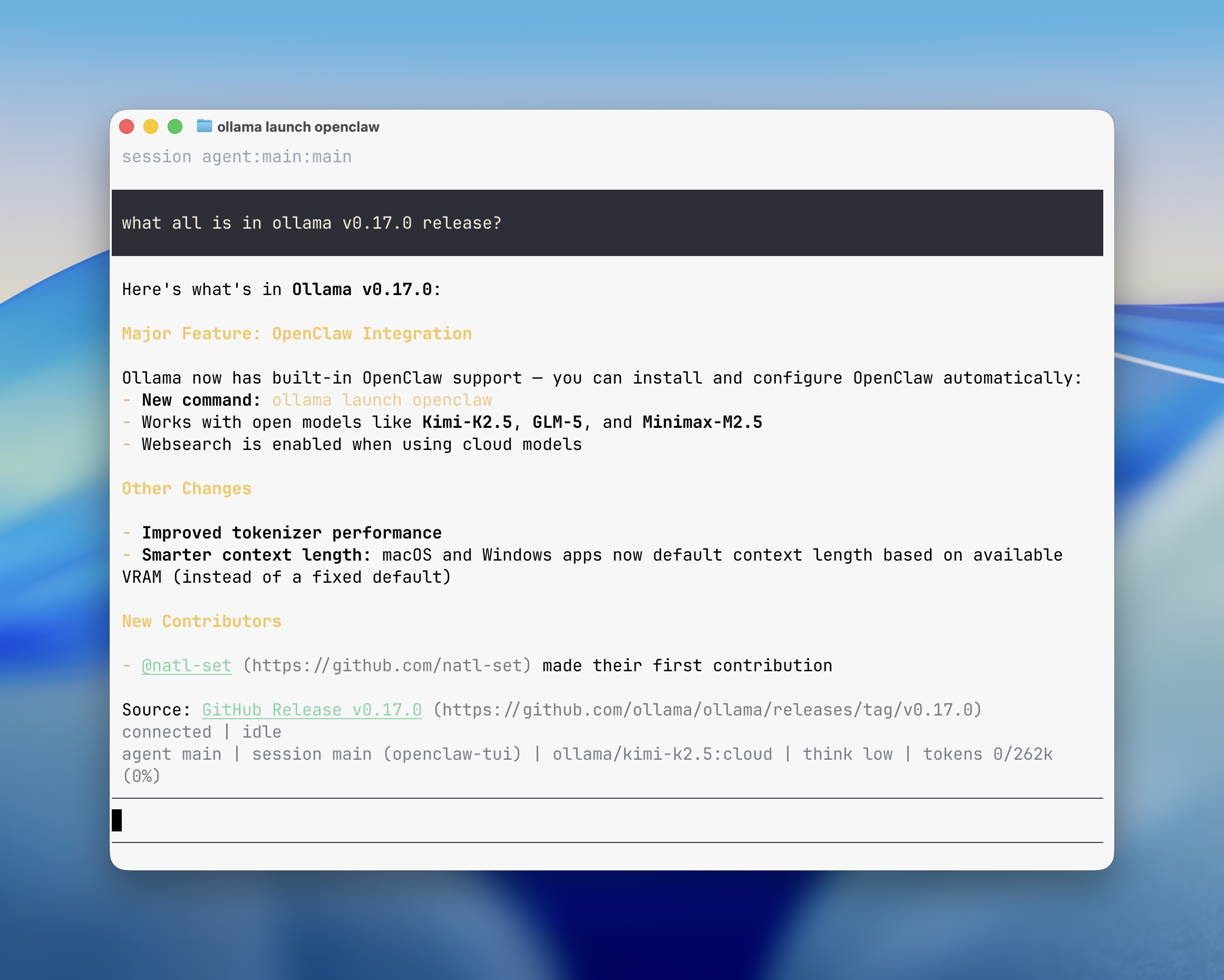
Local models work out of the box without additional plugins.
Connect messaging apps
OpenClaw can connect to messaging platforms like WhatsApp, Telegram, Slack, Discord, or iMessage to chat with your models from anywhere.
openclaw configure --section channels
After configuring, make sure you select Finished to save your desired configuration.
Selecting a model
Ollama shows a model selector with recommended and available models. Agents work best with at least 64k context length. Ollama’s cloud models have full context length, which provide the best experience with agents like OpenClaw.
Cloud models:
| Model | Description |
|---|---|
| kimi-k2.5:cloud | Multimodal reasoning with subagents |
| minimax-m2.5:cloud | Fast, efficient coding and real-world productivity |
| glm-5:cloud | Reasoning and code generation |
Local models (requires GPU VRAM):
| Model | VRAM | Description |
|---|---|---|
| glm-4.7-flash | ~25 GB | Reasoning and code generation |
| qwen3-coder | ~25 GB | Efficient all-purpose assistant |
Leave A Comment?