
Situatie
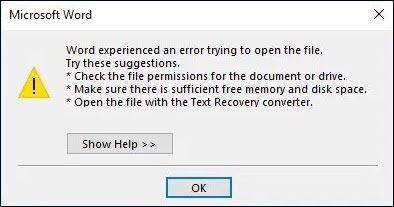
The “Word experienced an error trying to open the file” issue can be caused by several reasons, the following are the methods to fix it.
Solutie
Pasi de urmat
Open Word. Click the File tab from the ribbon and click Options.
In Options, click Trust Center. Then click Trust Center Settings.
In Trust Center settings, select Protected view and uncheck the following boxes:
- Enable Protected View for files originating from the Internet
- Enable Protected View for files located in potentially unsafe locations
- Enable Protected View for Outlook attachments
Save the changes and check to see if the issue still exists. If yes, try the final method.
Leave A Comment?