
Situatie
The error is preventing users from downloading the available cumulative or security updates on their systems.
Solutie
- Open Command Prompt from Search and run it as administrator
- In the elevated window, type DISM /Online /Cleanup-Image /RestoreHealth and hit Enter
- Once done, type sfc/scannow and hit Enter
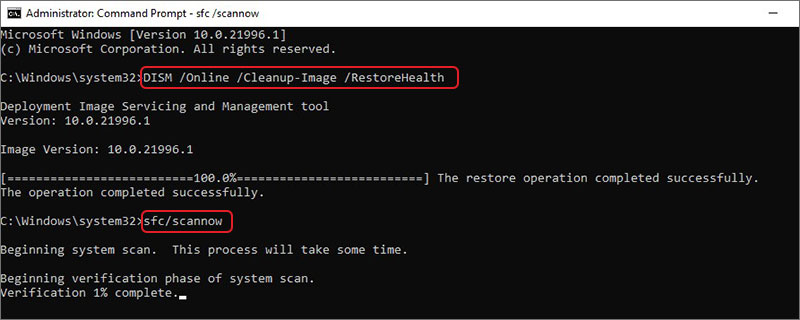
The process will take some time, so wait until it’s completed. Once done, reboot your system and see if the problem is resolved.
Leave A Comment?