Situatie
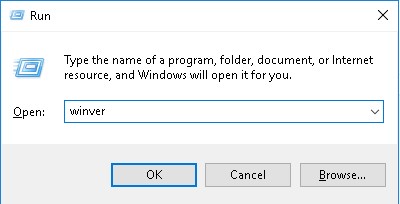
To find out the build number and the version of the operating system you need to hit Windows+R and type winver , than hit Enter.
Solutie
After that a window will pop up with all the information about the operating system


Soluții pentru problemele tale IT
To find out the build number and the version of the operating system you need to hit Windows+R and type winver , than hit Enter.
After that a window will pop up with all the information about the operating system
Leave A Comment?