
Situatie
Microsoft has begun rolling out Windows 11 KB5095093, a preview update for versions 25H2 and 24H2. This update adds a new point-in-time restore feature, the ability to pause Windows updates up to 35 days, and improvements across File Explorer, Bluetooth, audio, networking, widgets, accessibility, and overall system reliability.
Solutie
Pasi de urmat
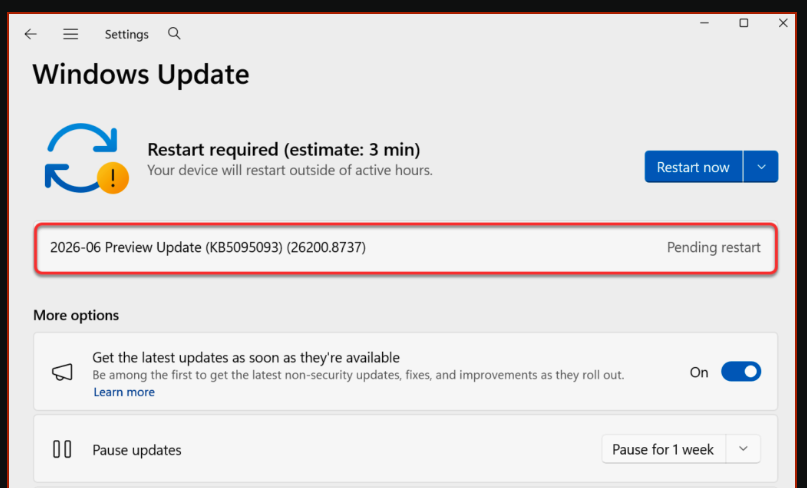
- Open Settings > Windows Update
- Enable Get the latest updates as soon as they’re available
- Check for updates
- Install the 2026-06 Preview Update (KB5095093) (26200.8737) when it appears.
The update requires a system reboot to complete the installation. Simply click the “Restart Now” button to restart your computer. Once your system restarts, your Windows 11 25H2 build will be updated to version 26200.8737, and the Windows 11 24H2 build will be updated to version 26100.8737.
Leave A Comment?