
Situatie
By default, iPhones enable noise cancellation during calls made through the Phone app to help minimize background sounds and improve voice clarity. While this feature enhances call quality for most users, some people may find the processed audio less natural or slightly distracting. If you prefer a more unfiltered listening experience, you can easily disable noise cancellation in your iPhone’s settings.
1. First, you need to open the “Settings” on your iPhone
2. In Settings, navigate to “Accessibility”
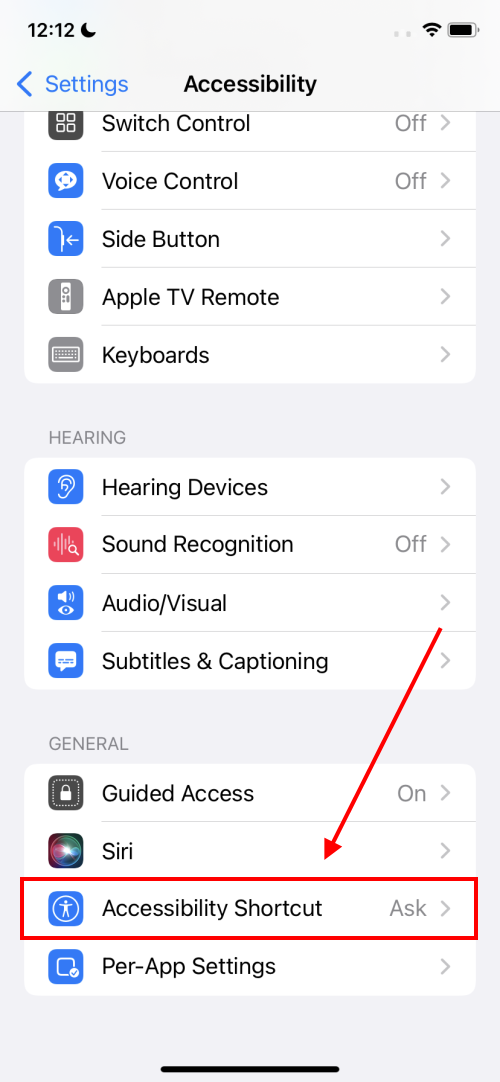
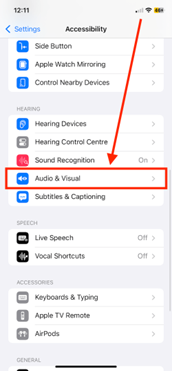
3. Scroll down to the Hearing section and tap “Audio/Visual”
4.Tap the “Phone Noise Cancellation” switch to turn it off.
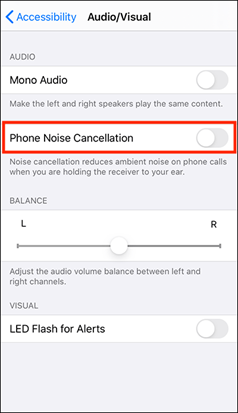
You may want to return to the previous menu to ensure the setting has been applied correctly. Once confirmed, you can close the Settings app. From that point on, any incoming or outgoing phone calls will take place without noise cancellation enabled.
Leave A Comment?