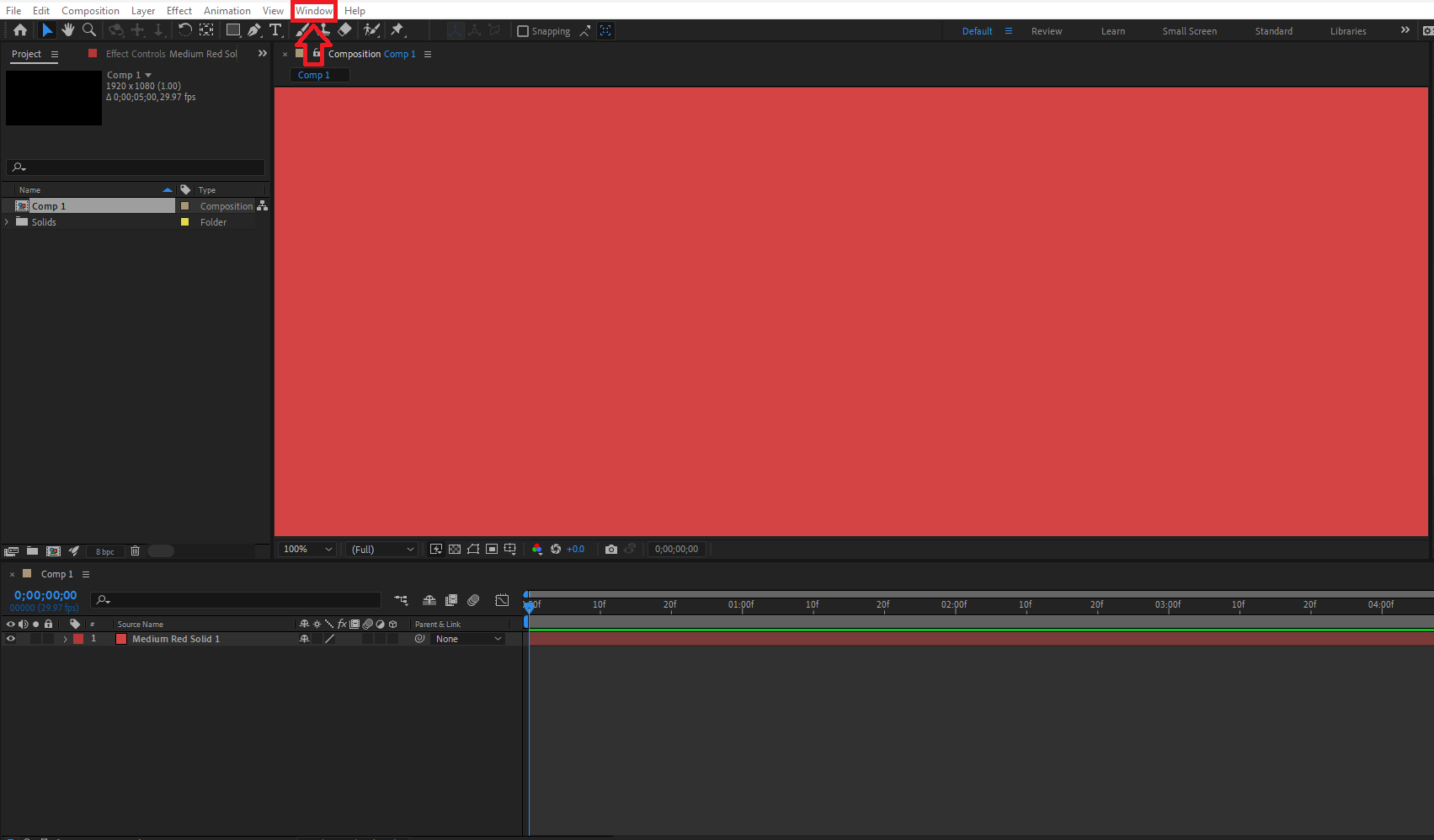
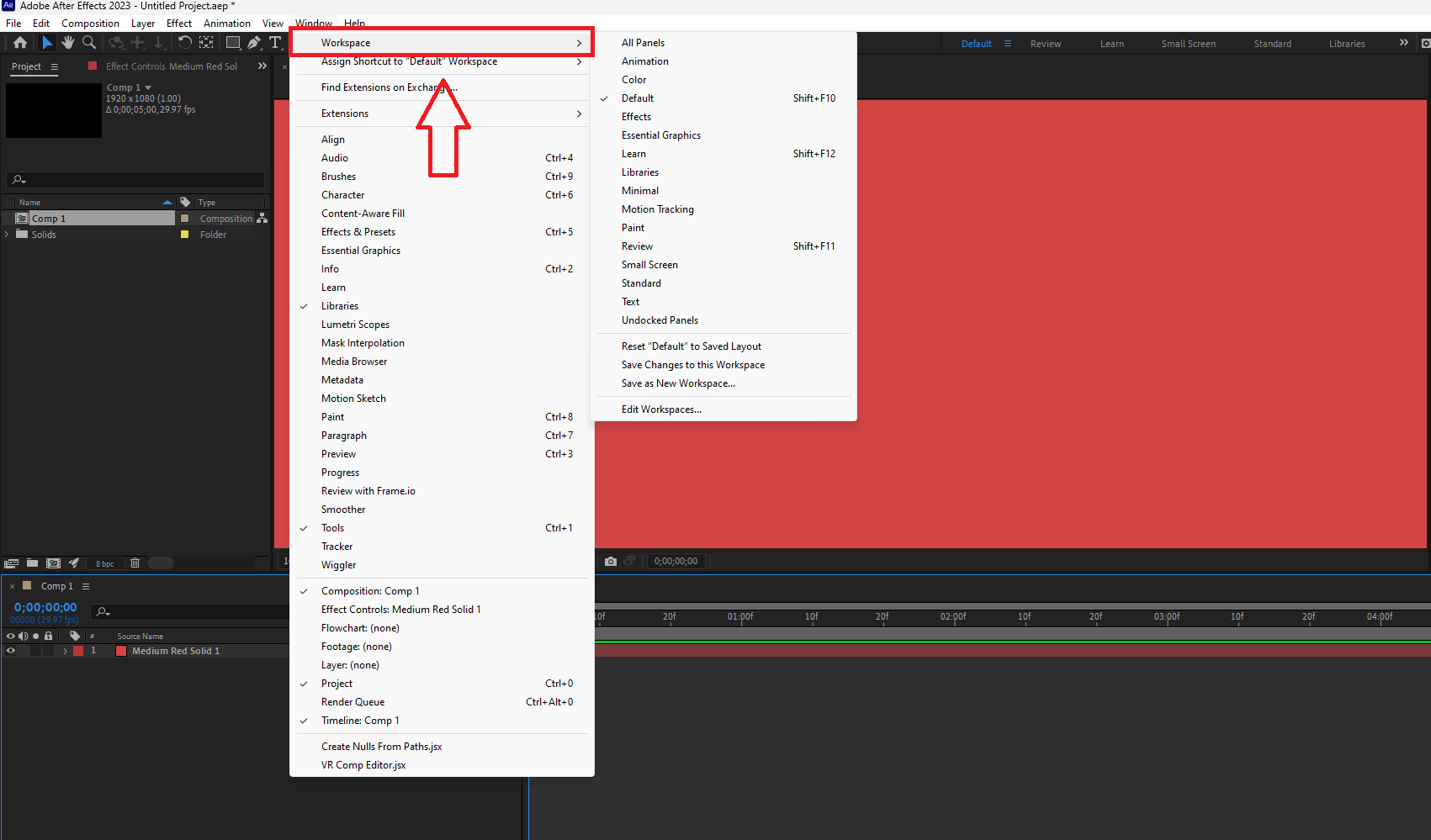
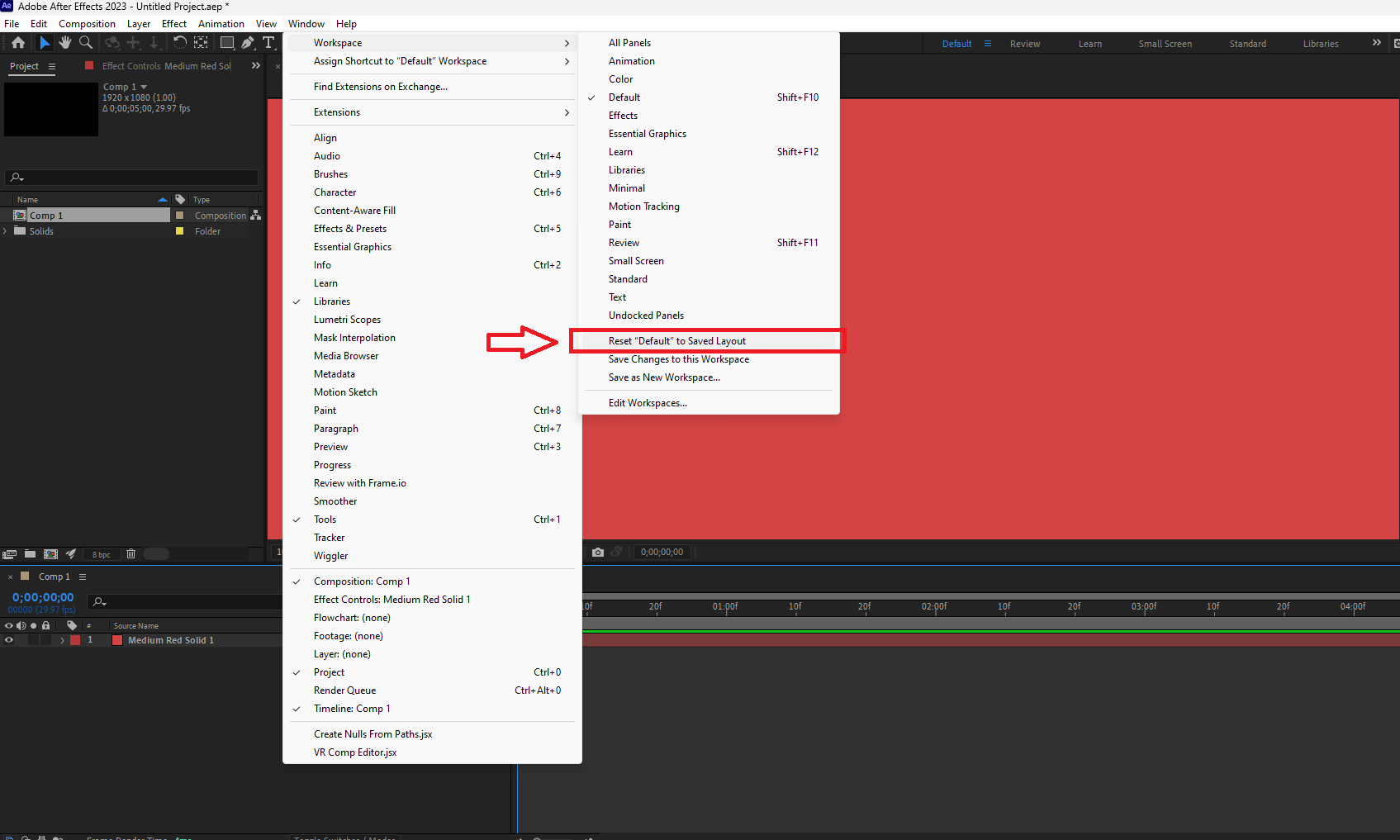
How to reset your Workspace in Adobe After Effects Data 20/02/2023 Autor stefan cirstea Categorie Soluții, Aplicatii specifice 0 367 Configurare noua (How To) Situatie Solutie 1. Go to Window. 2. Select Workspace. 3. Click on Reset “Default” Saved Layout. Tip solutiePermanent Voteaza Up Down (21 din 41 persoane apreciaza acest articol) ShareTweetShare Despre Autor stefan cirstea Solutii Asemanatoare Remedierea problemelor legate de driverul ODBC 18.6.1.1 cu ajutorul Configuration Manager 0 Generați alerte privind eșecurile de sincronizare SUP în ierarhia dvs. 1 Permiteți sau blocați datele mobile folosind Intune -1 Cum verifici și identifici driverele instalate în Windows folosind PnPUtil -1 Cum verifici serviciile Windows care pornesc automat și starea lor cu PowerShell 1 Cum identifici interfața de rețea activă și gateway-ul implicit folosind PowerShell 1 Leave A Comment? × Cancel Reply Save my name, email, and website in this browser for the next time I comment. five × = forty five

Leave A Comment?