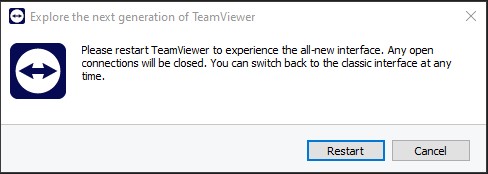
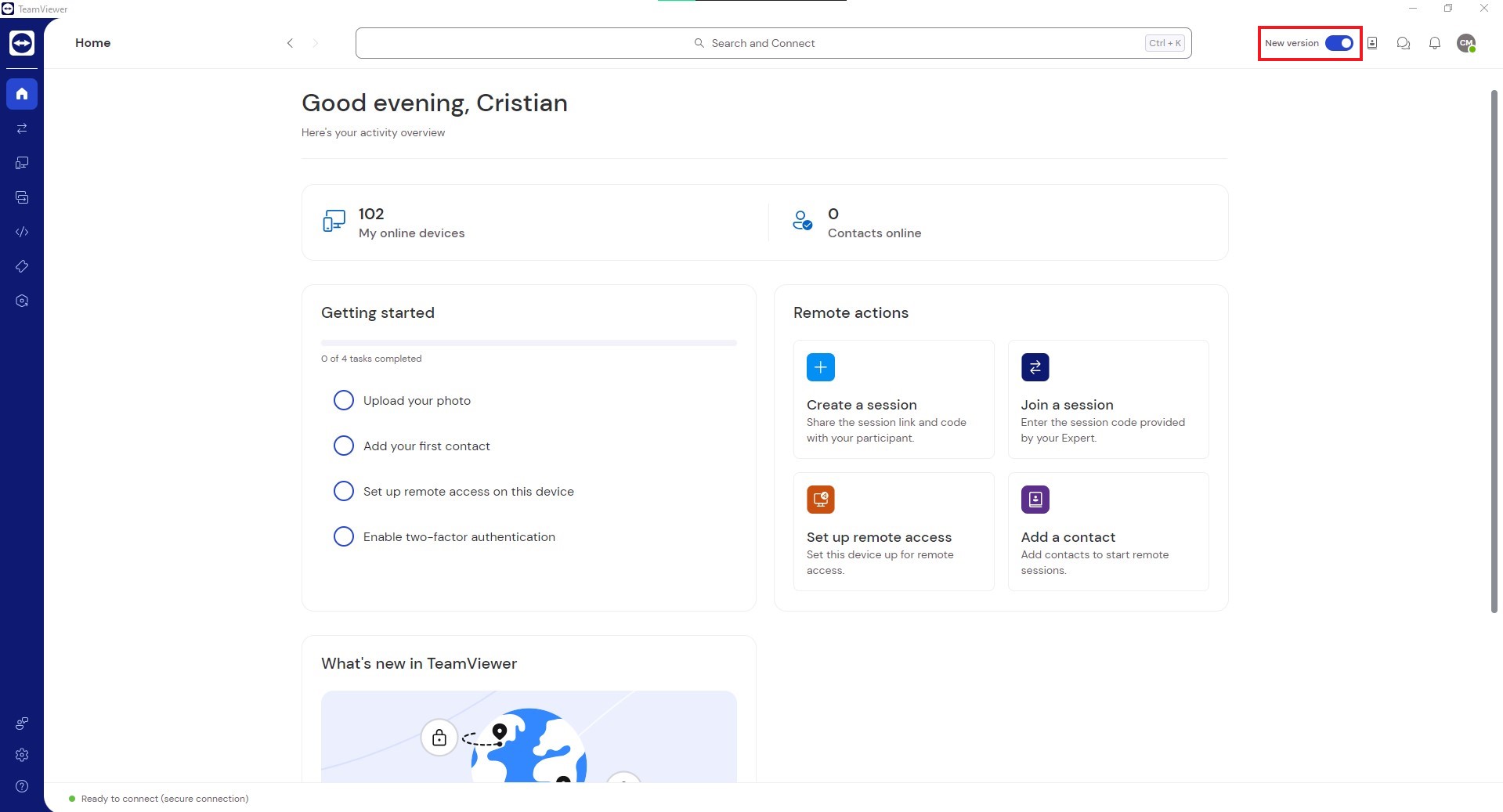
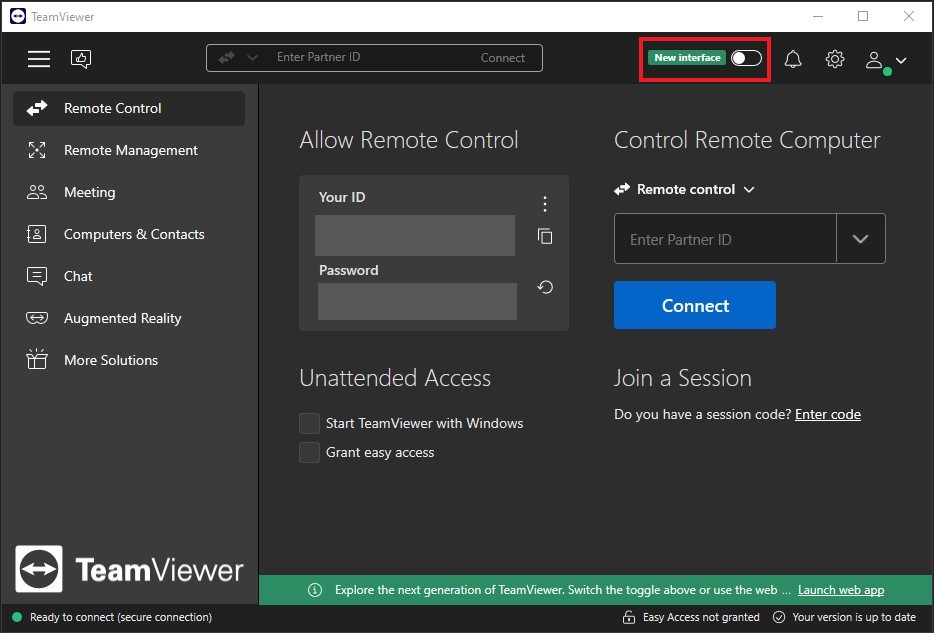
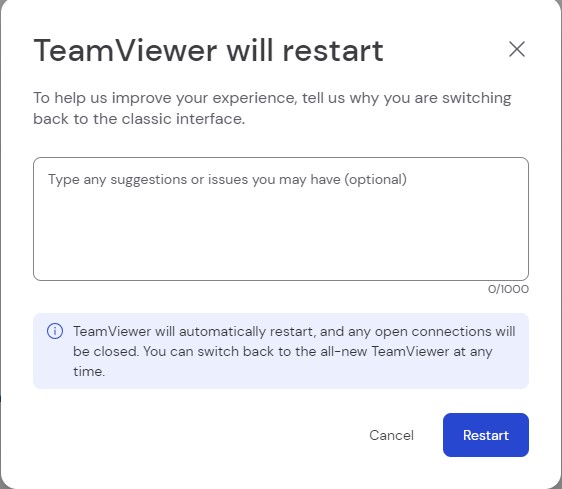
How to turn on/off Teamviewer’s new interface Data 24/07/2023 Autor Cristian Magureanu Categorie Soluții, Configurare program, Aplicatii specifice 5 354 Configurare noua (How To) Situatie Solutie Pasi de urmat Install (the latest version) and open Teamviewer. Locate the “New Interface” switch button that is located near the notifications button and press it Click Restart The New Interface is activated Press the switch button again and Restart to return to the Old Interface. Tip solutiePermanent Voteaza Up Down (15 din 26 persoane apreciaza acest articol) ShareTweetShare Despre Autor Cristian Magureanu Solutii Asemanatoare Cum activati un profil custom pe Antivirusul Bitdefender 1 Check who’s using your iPhone Hotspot Data 0 Funcția UNIQUE nu funcționează în Excel 3 Outlook nu funcționează cu VPN pe PC Windows 3 Bara de volum in Windows 11 apare incontinuu 5 Kubuntu installation guide 1 Leave A Comment? × Cancel Reply Save my name, email, and website in this browser for the next time I comment. three + = eight
Leave A Comment?