
Situatie
Windows Subsystem for Linux lets developers run a GNU/Linux environment.
Solutie
Pasi de urmat
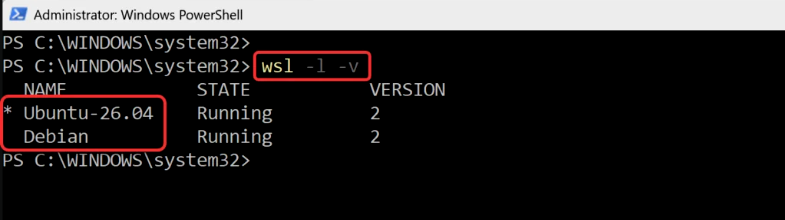
Open PowerShell as an administrator and run the command below.
wsl –l –v
In the image below, running the above command reveals that two Linux distributions are installed: Ubuntu-26.04 and Debian.
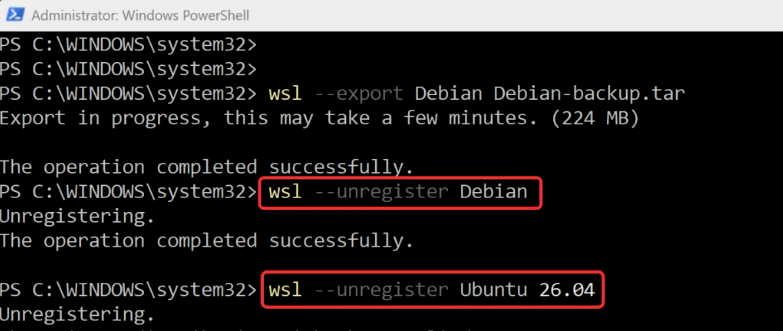
Next, run the below commands in the PowerShell window to unregister each Linux distro that’s installed on your Windows 11 PC.
wsl —unregister Ubuntu 26.04
wsl —unregister Debian
Open PowerShell as Administrator and run:
wsl —uninstall
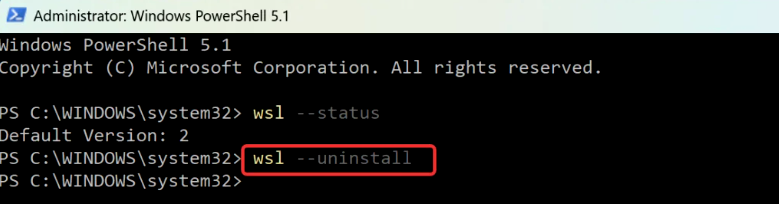
A reboot is usually required to complete the removal of WSL
Leave A Comment?