Situatie
Imaginile atașate în document nu pot fi printate.
Solutie
Pasi de urmat
Deschideti Microsoft Word si accesati FIle>Options.
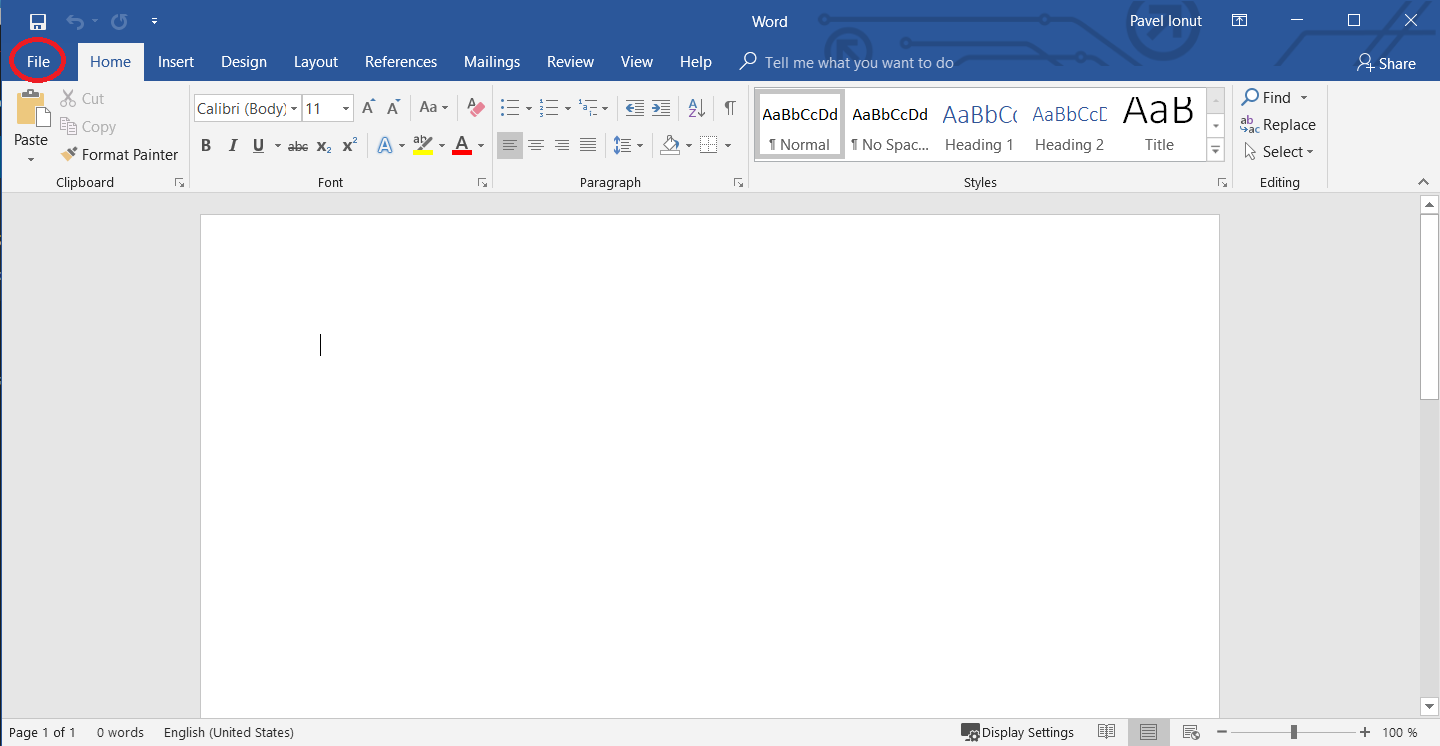

Accesați Display> Bifați Print Drawings Created in Word si Print Background Colors and Images.


Soluții pentru problemele tale IT
Imaginile atașate în document nu pot fi printate.
Deschideti Microsoft Word si accesati FIle>Options.
Accesați Display> Bifați Print Drawings Created in Word si Print Background Colors and Images.
Leave A Comment?