Cum să faci downgrade de la iOS 13.1.2

De ce ai nevoie pentru a face downgrade?

Procesul de downgrade este unul relativ simplu deoarece nu necesită instalarea prea multor programe sau o experiență în folosirea de terminale iPhone, iPad sau de computere. Pentru a face downgrade vei avea nevoie, pe langa dispozitivul cu iOS, de:

  • Un Mac sau PC (cu Windows) cu iTunes instalat – cea mai recentă versiune (13.1.2) ar fi indicată. Poți descărca ultima versiune de iTunes fie direct din interiorul programului, fie de pe Mac App Store, fie de pe site-ul web al Apple.
  • Fișierul .ipsw al iOS pe care îl poți descărca  – de asemenea, în lista de mai jos vei vedea și toate terminalele iPhone, iPad și iPod touch pe care este posibil downgrade-ul.
[mai mult...]

How to Connect a PS4 or Xbox Controller to Your iPhone or iPad

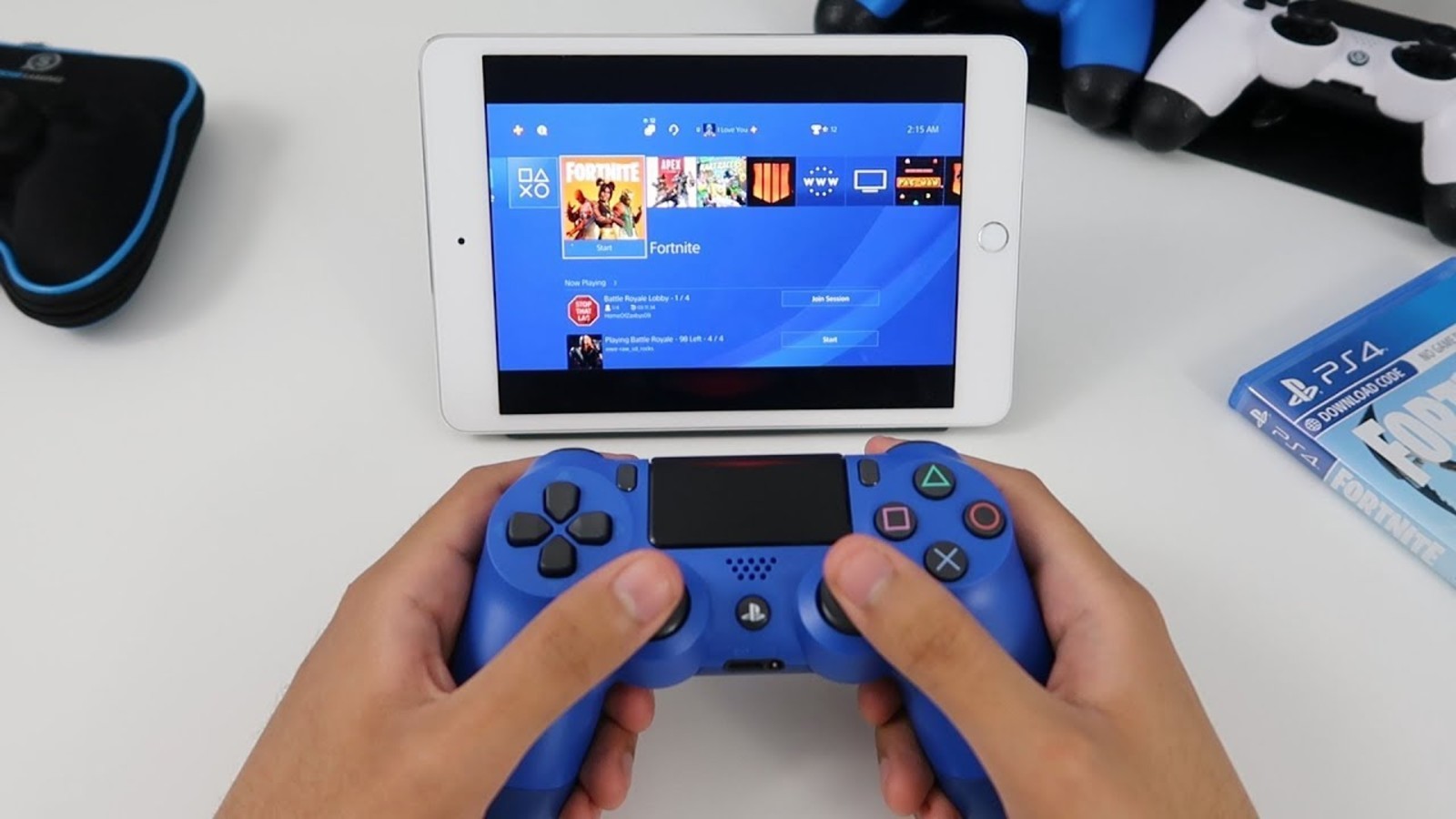
iOS 13 and iPadOS 13 open up the world of iPhone and iPad gaming to the two most popular game controllers. You can now connect a PS4 or Xbox One S controller directly to your device and instantly start playing any game that supports controllers.

iOS 13 and iPadOS 13 are adding support for more wireless controllers, but the system is not open for all Bluetooth-based wireless controllers. Only PS4 Dualshock 4 and Xbox One controllers are currently supported. The Nintendo Switch Pro Controller doesn’t work.

There are a couple of Xbox One controllers in the wild. Apple currently supports only model 1708, which is the Xbox One S controller (the original Xbox One controller doesn’t work). Most PS4 Dualshock controllers are supported (except for the CUH-ZCT1U model that shipped with the original PS4 back in 2013).

The easiest way to check if your controller is supported is by, well, connecting it to your iPhone or iPad.

[mai mult...]