
Situatie
Android has terrible defaults for settings that directly concern your digital privacy. They’re all built on an “opt-out” design, so you’re expected to turn them off yourself if you don’t want to give away all your personal information.
Solutie
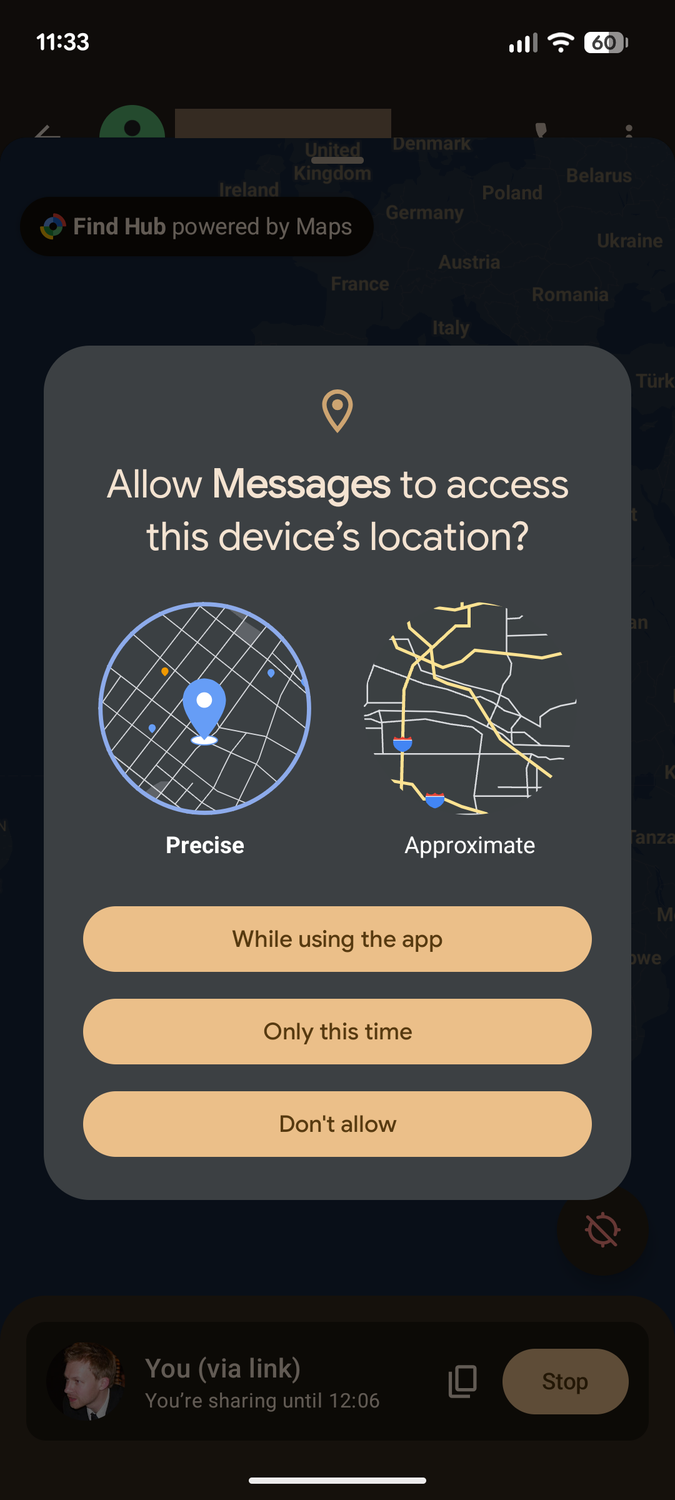
Your phone can pinpoint your exact location within a meter or two. This feature is called “precise location.” Without precise location enabled, apps and websites can only get an approximate location within a couple of miles.
I had assumed that the approximate location was the default on Android phones. I recently had a little bit of a rude awakening regarding that. A mobile wallet app would not let me proceed with the setup until I enabled the precise location feature (I had turned it off for an unrelated experiment).
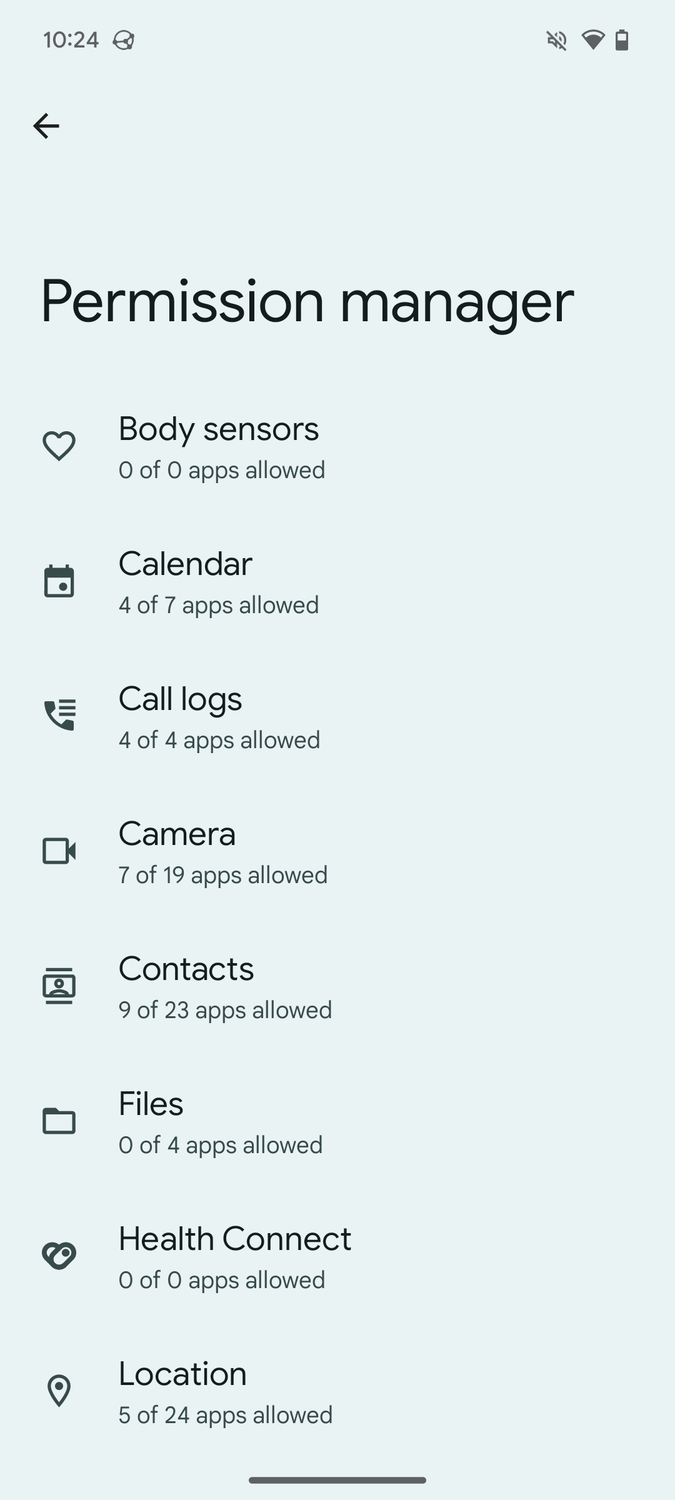
Since then, I have made it a point to keep precise location disabled on all my Android devices. Sometimes apps will explicitly ask you for that permission, giving you the option to choose between precise and approximate. However, apps will often just give you three location permission options: “Allow all the time,” “Allow while using the app” and “Deny” If you allow it, it can access your precise location, unless you explicitly go into settings and turn it off.


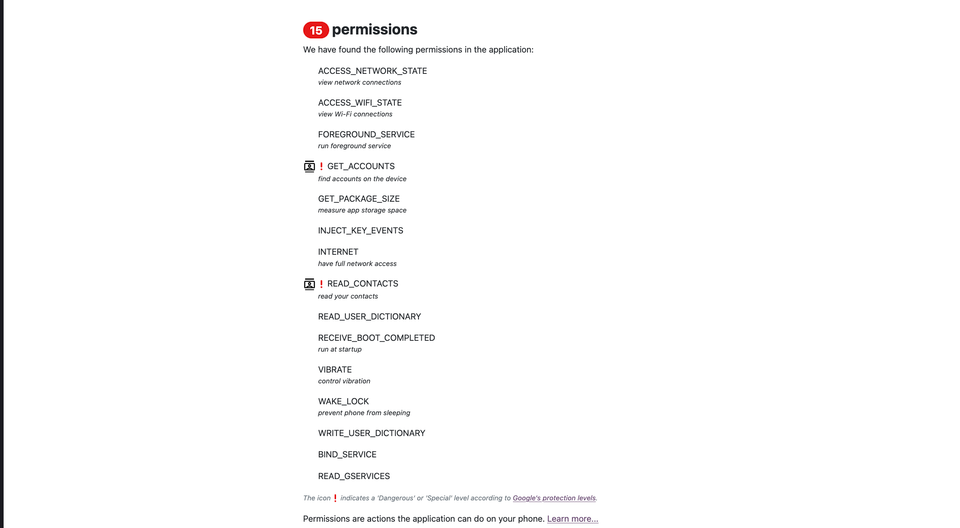
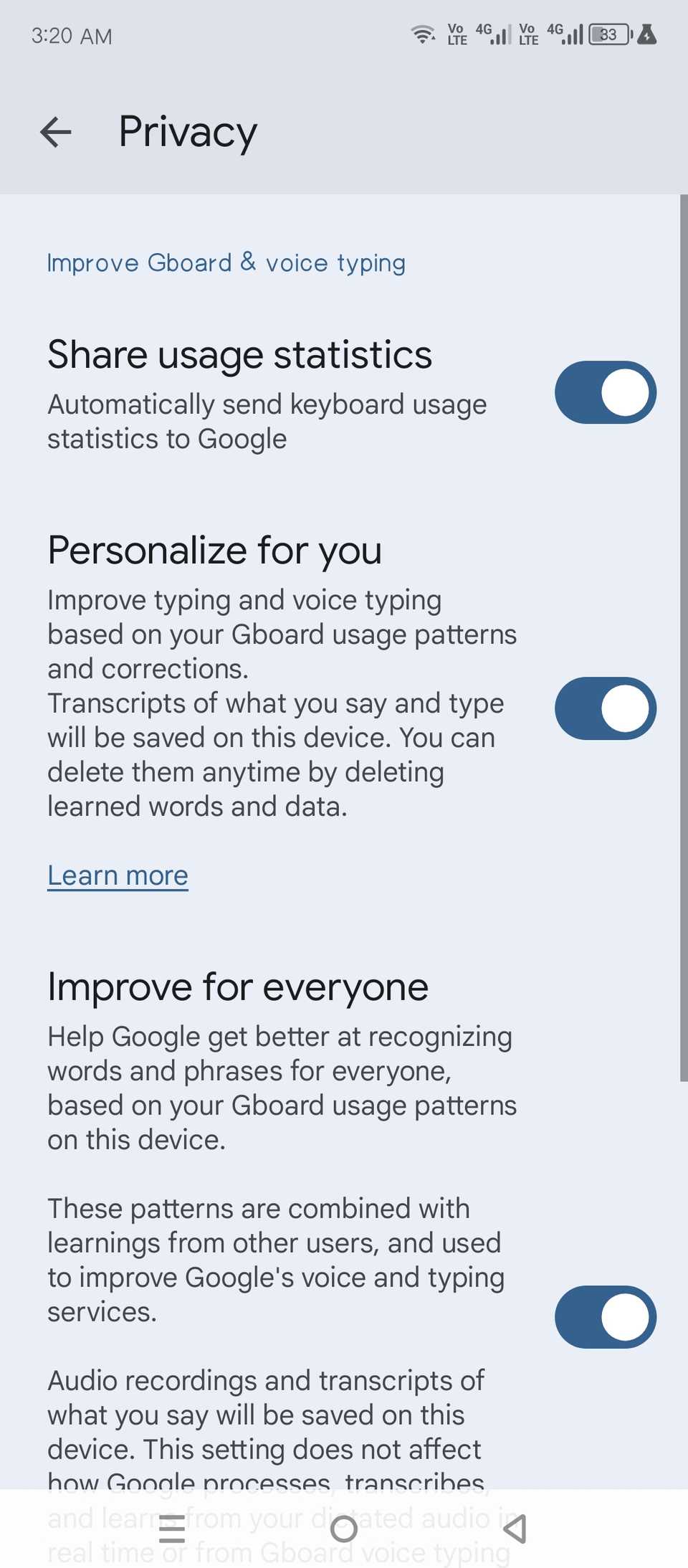
All this tracking and logging is enabled by default. So you’re opted in automatically, and you have to manually opt out. Go to Gboard settings (the little gear icon on the Gboard menu bar) and navigate to Privacy > Improve Gboard & Voice typing. Switch off “Share usage statistics,” “Personalize for you,” and “Improve for everyone.” You should also tap “Delete learned words and data” to clear the logs Gboard already has.
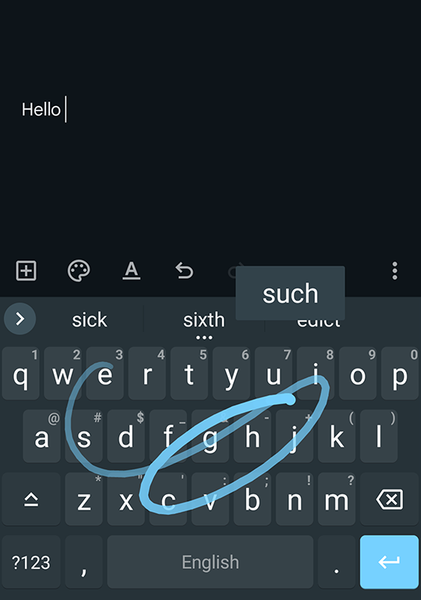
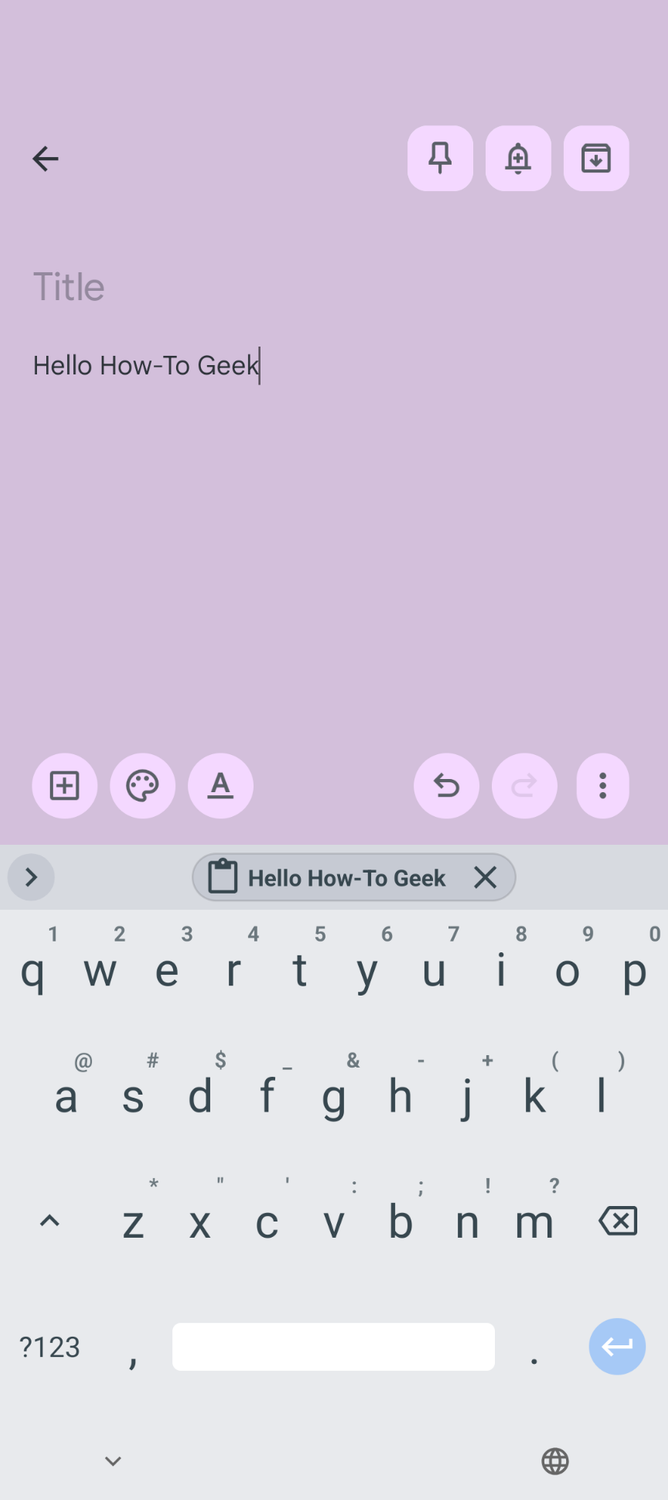
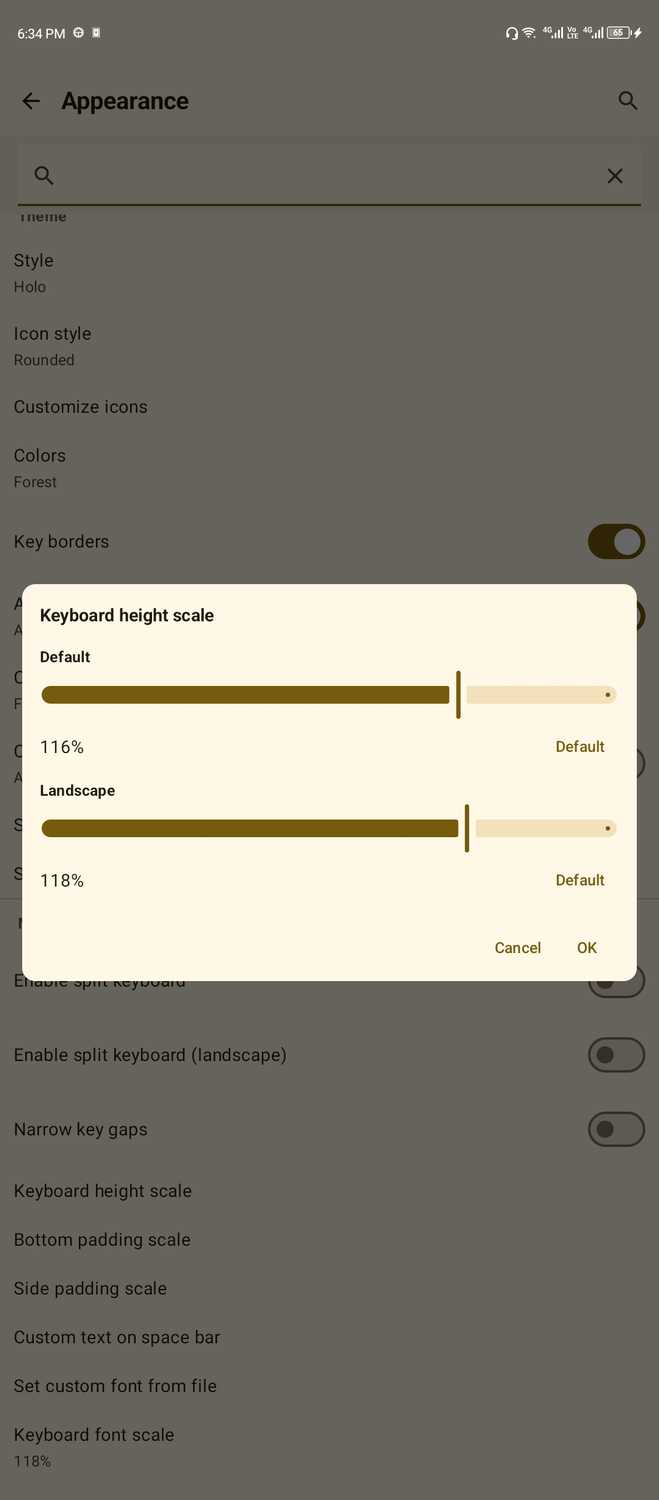
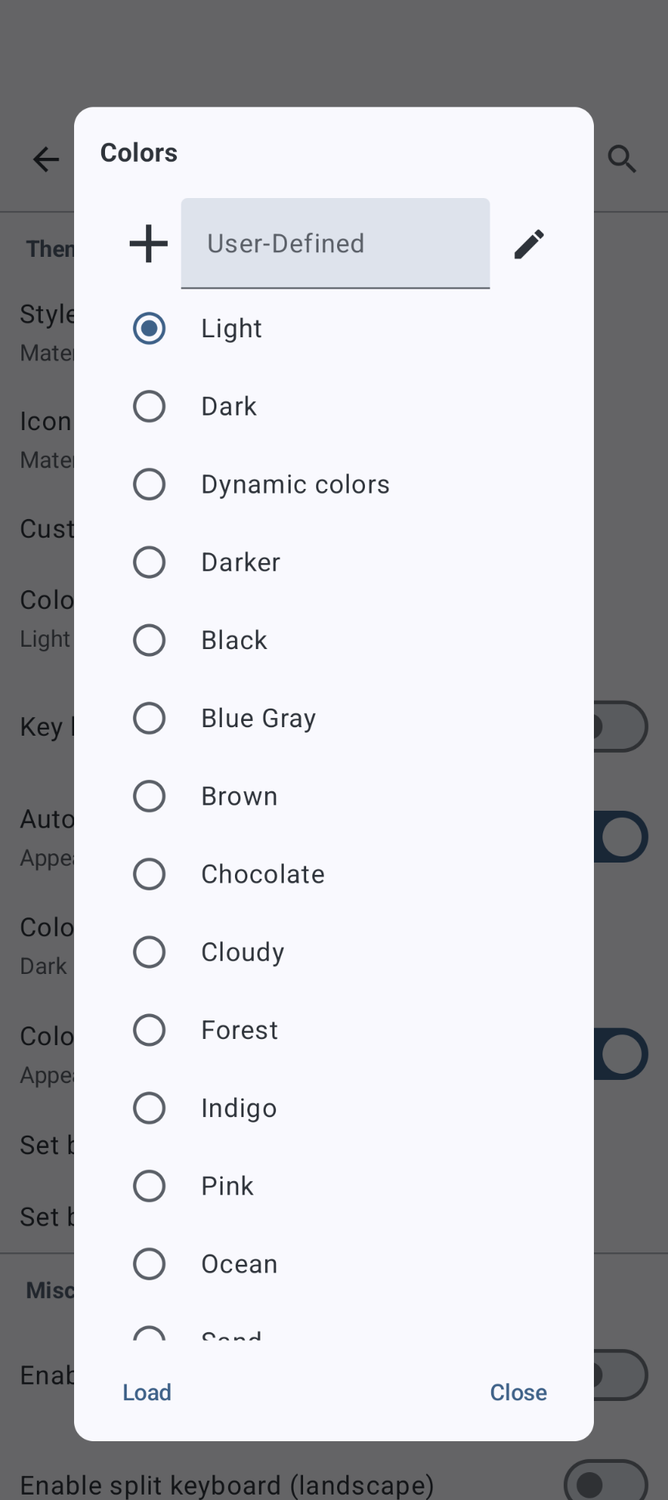
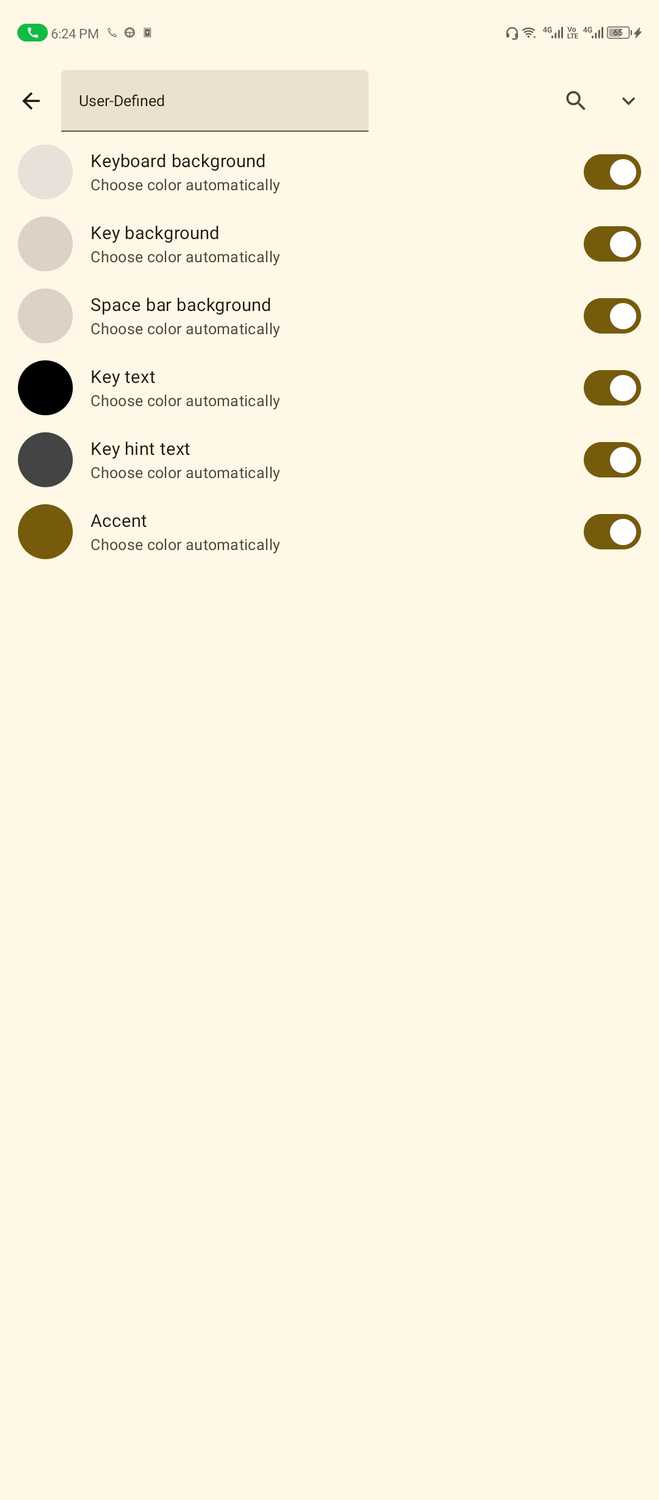
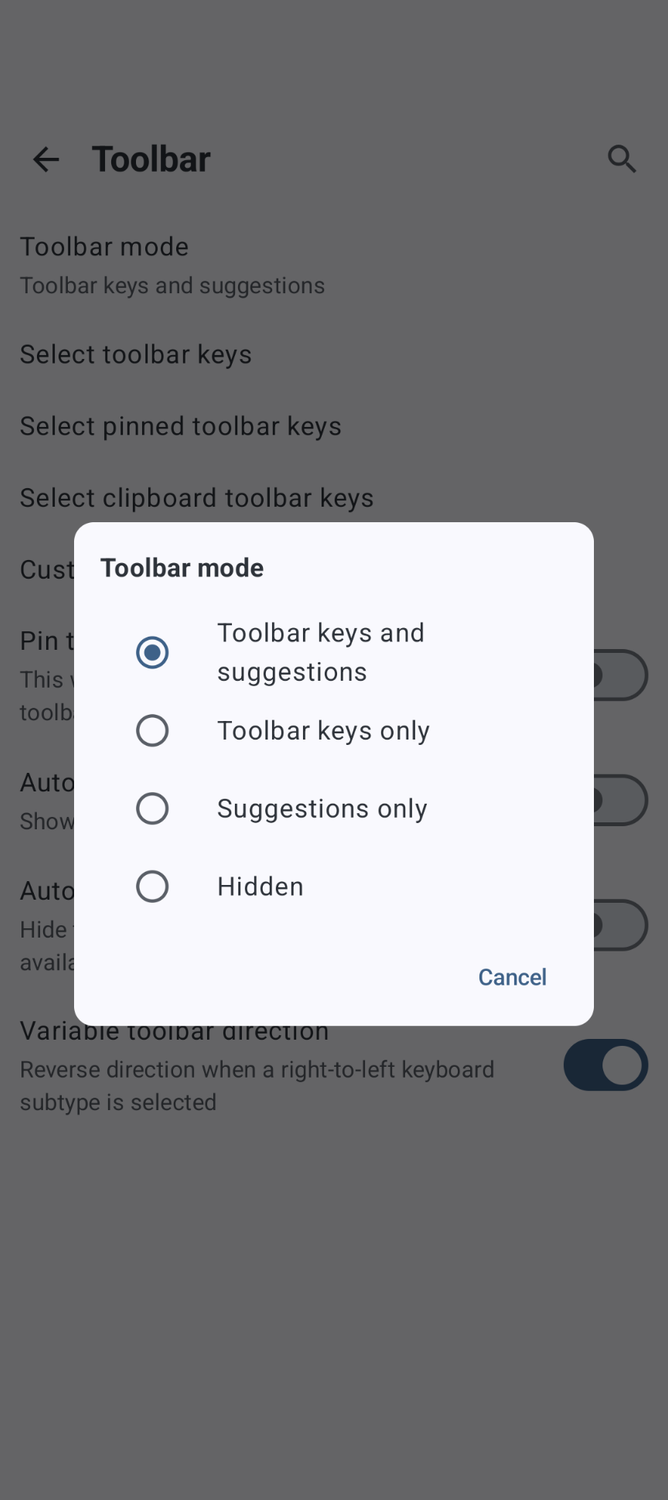
Gboard is a privacy nightmare, which is why I use a fully offline keyboard instead. It has all the features of Gboard and then some, including sophisticated gesture typing and next-word prediction. I’ve been using it as my default keyboard for almost a year, and it works just fine.
If you care about your online privacy, these three settings are the first you should change whenever you’re setting up an Android phone. There are other settings you can change, too, but these are the easiest to turn off and actually make your phone a more private device.
Leave A Comment?