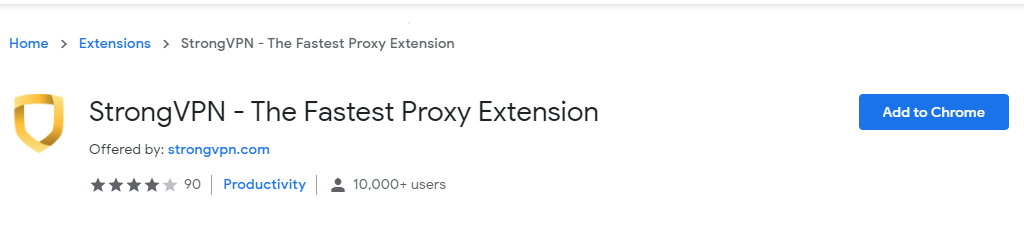
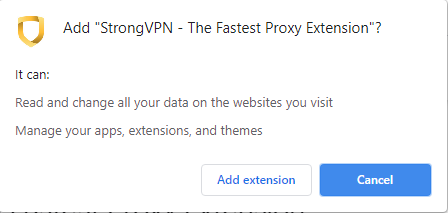
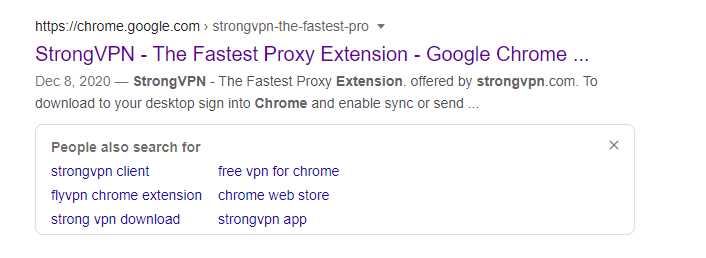
Cum setezi vpn direct din browser cu ajutorul extensiei StrongVPN Data 12/04/2021 Autor Costinel Cirstea Categorie OS - Windows, Aplicatii specifice, Aplicații -2 600 Configurare noua (How To) SituatiePentru a utiliza vpn in Chrome, putem folosi extensia StrongVPN. Pasii de urmat pentru a instala extensia sunt urmatorii: Solutie Pasi de urmat Deschidem o pagina de Google si scriem StrongVPN Selectati Add to Chrome Selectati Add Extension Tip solutiePermanent Voteaza Up Down (21 din 42 persoane apreciaza acest articol) ShareTweetShare Despre Autor Costinel Cirstea Solutii Asemanatoare Stop using Rufus to burn ISOs, these 2 tools for Windows and Linux are better 4 Tuxedo OS install guide 1 Spyware-ul pe înțelesul tuturor: cum îl eviți? 1 How to enable hidden CPU performance boost mode on Windows 11 3 Cum remediem: you can’t Sign in with this account error In Windows 11 1 Remediere: ASSIGN_DRIVE_LETTERS_FAILED 2 Leave A Comment? × Cancel Reply Save my name, email, and website in this browser for the next time I comment. + nine = twelve
Leave A Comment?