Inlocuire placa video
Tutorial step by step pentru inlocuirea placii video a unui desktop sau server.
[mai mult...]
Soluții pentru problemele tale IT

Tutorial step by step pentru inlocuirea placii video a unui desktop sau server.
[mai mult...]Cerinte pentru inlocuirea unei placi de baza, tinand cont de componentele deja existente.
[mai mult...]Tutorial pentru inlocuirea unui display pentru laptop. Acest tutorial va fi unul general, deoarece fiecare laptop are un mod diferit de dezmembrare, dar la baza, fiecare swap de display este la fel.
[mai mult...]
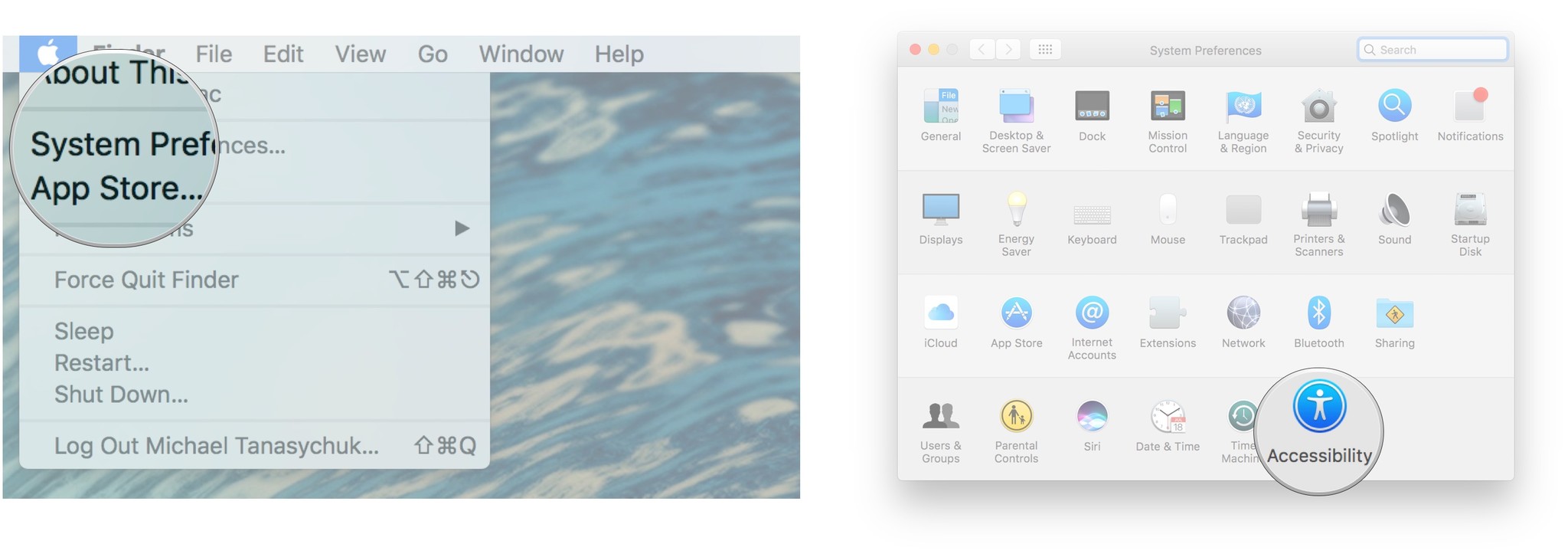
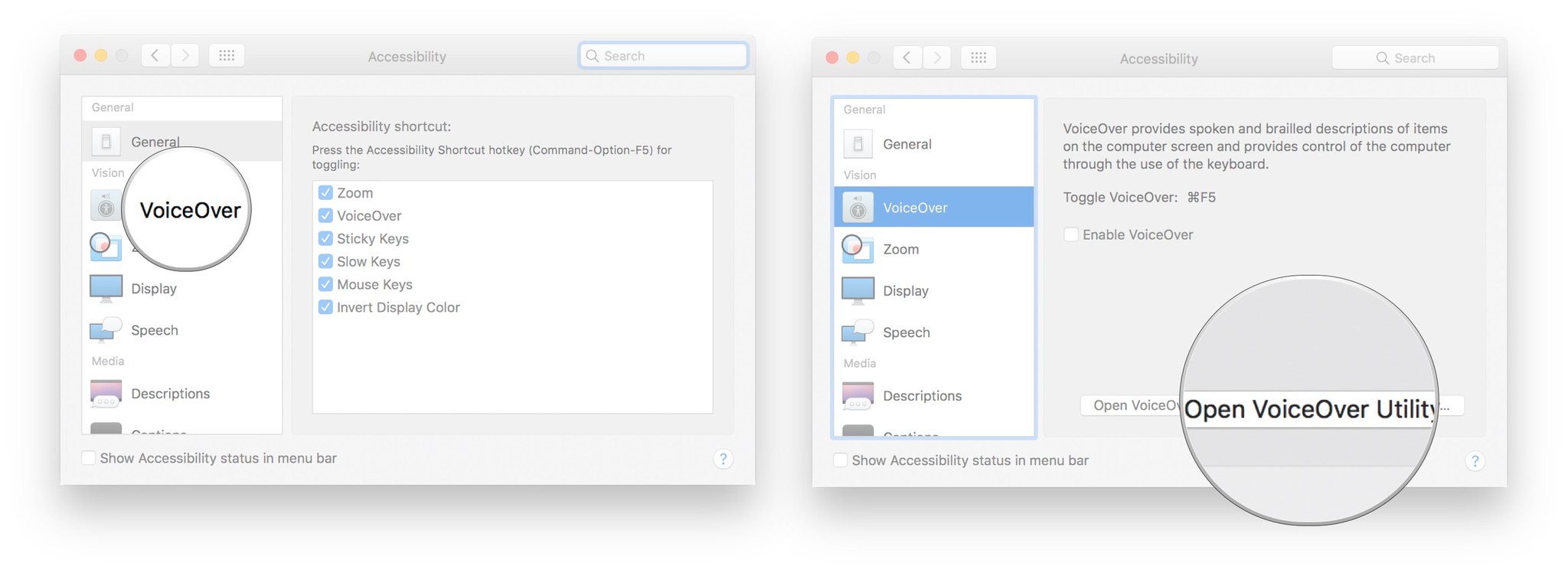
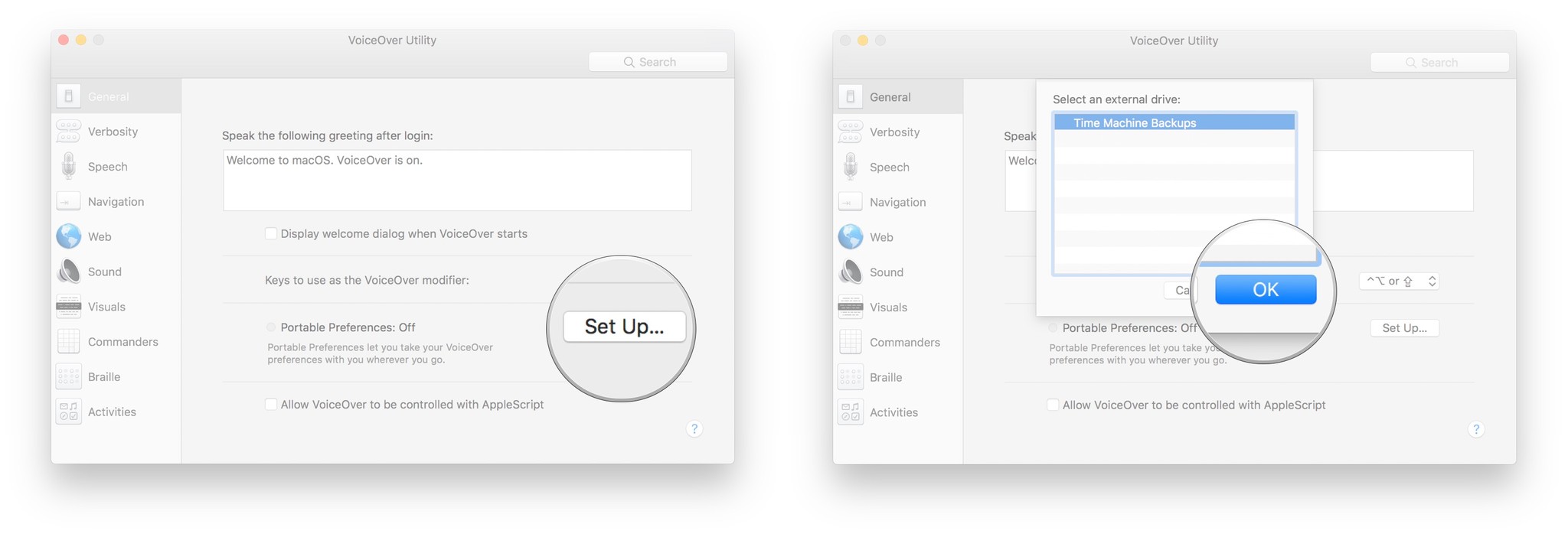
You can set your preferences for VoiceOver and then take them with you wherever you go using a removable drive.
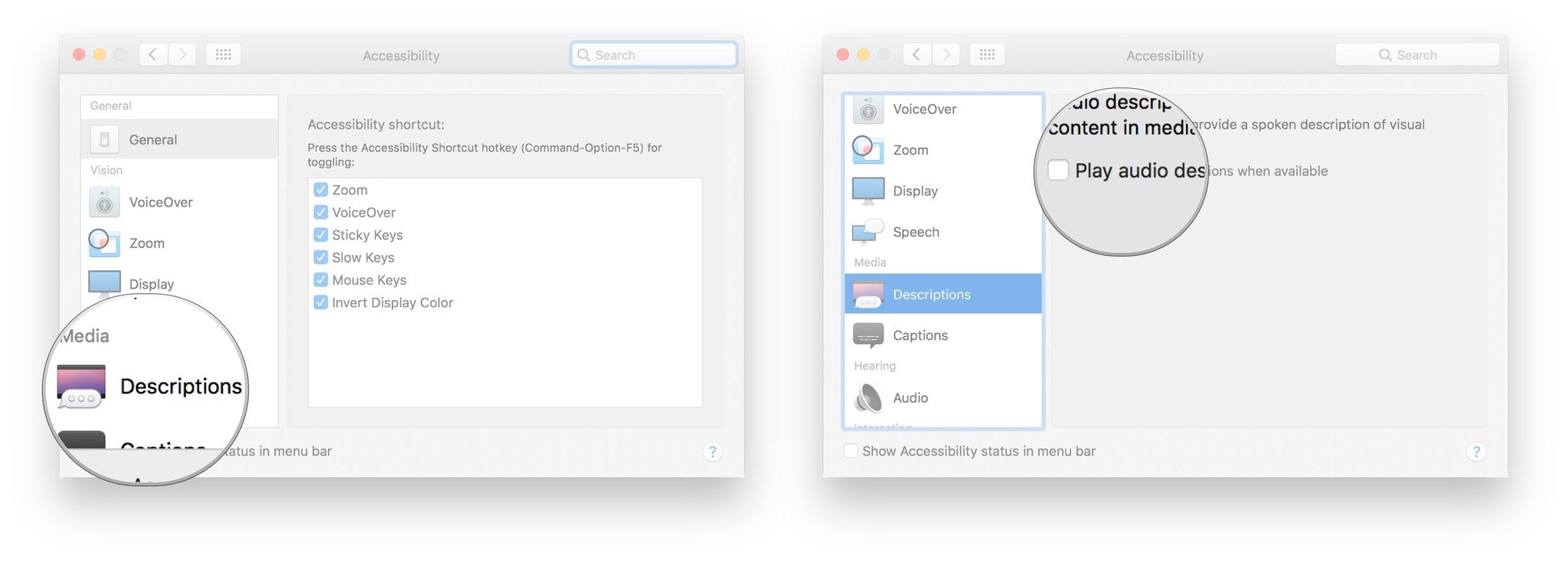
You can enable voice description of visual content so that, when available, you’ll hear descriptions of the video you’re watching.
In cazul in care incercati sa intrati pe un calculator in retea si va cere o parola, se poate dezactiva acest serviciu urmand pasii de mai jos.
1. Se acceseaza reteaua, selectam setari de internet si retea:
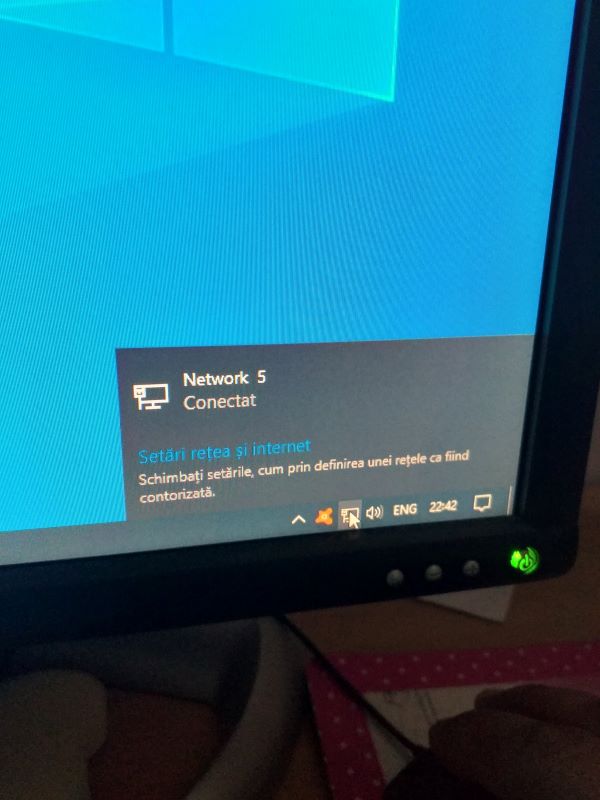
2. Se selecteaza placa de retea:
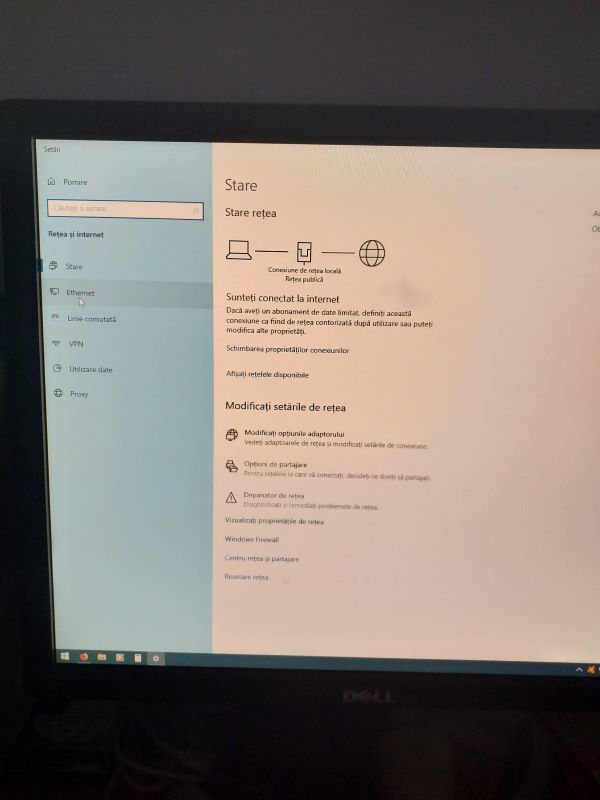
3. Vom selecta centru retea si partajare:
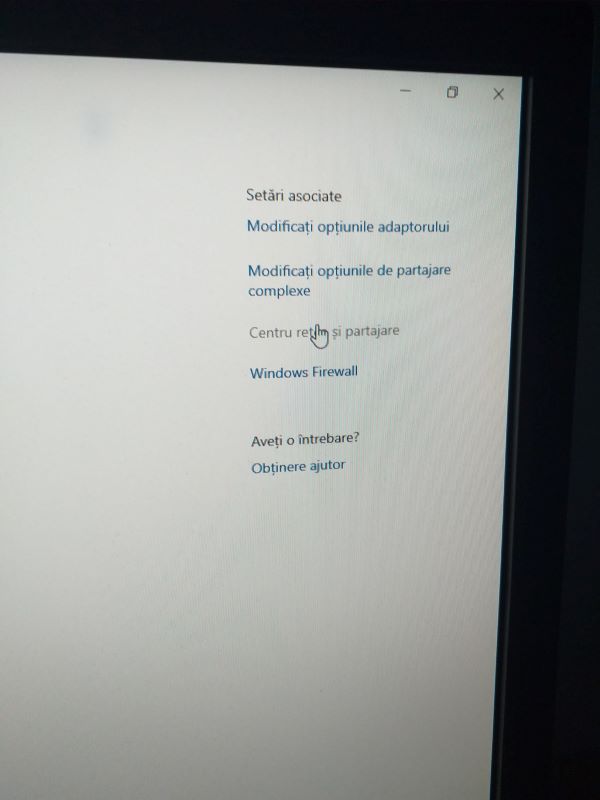
4. Modificari de setari:

5. Vom selecta toate retelele si vom dezactiva protejarea prin parola:
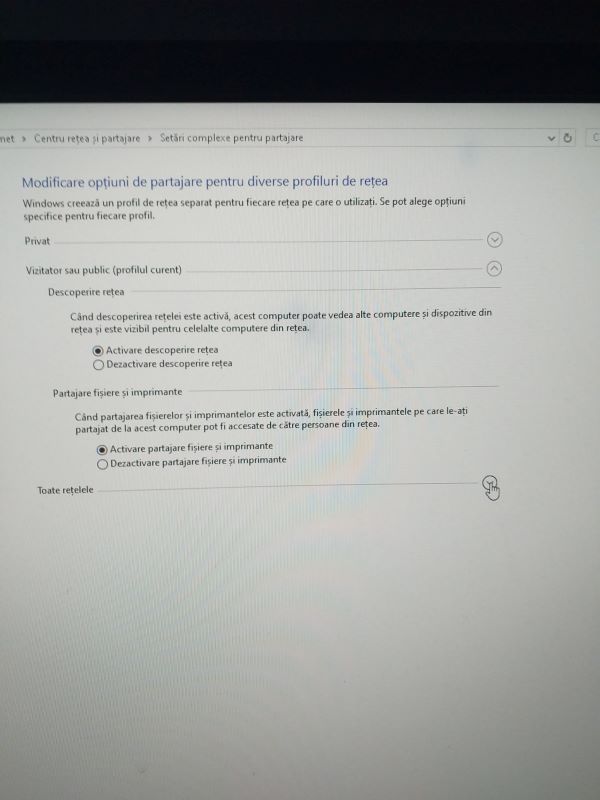
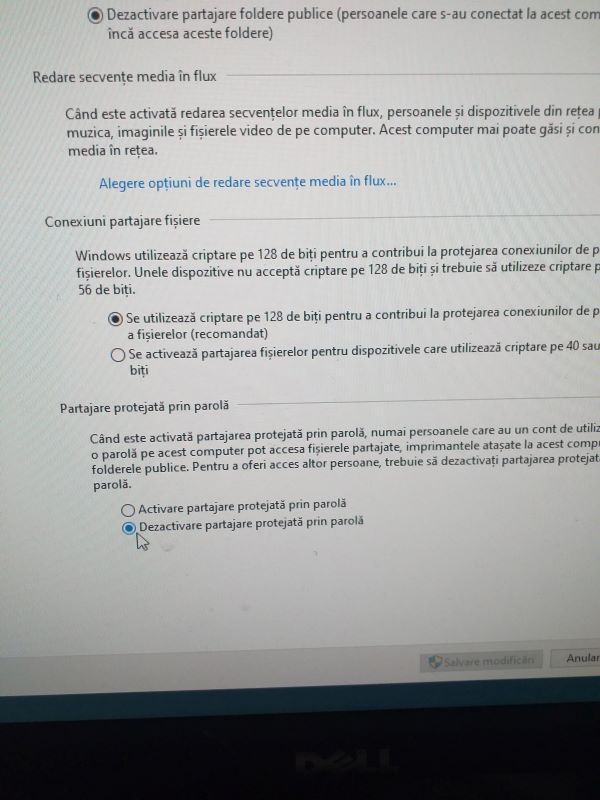
Daca ati mai dezactivat, de obicei se reactiveaza cand se face un update la windows. Trebuie urmatii pasii de mai sus pentru a rezolva problema cu parola.
[mai mult...]