How to fix Logitech G HUB on Windows 11 via Windows Updates
This known bug has been affecting Logitech customers for many years on Windows 10 and 11 and might be related to updates.
[mai mult...]
Soluții pentru problemele tale IT

This known bug has been affecting Logitech customers for many years on Windows 10 and 11 and might be related to updates.
[mai mult...]Disconnect any Logitech gear connected to G HUB. If G HUB won’t open, you may be able to fix it by closing any running G HUB processes and then restarting the app. First, unplug any external Logitech webcams or other gear you use with G HUB.
[mai mult...]Disconnect any Logitech gear connected to G HUB. If G HUB won’t open, you may be able to fix it by closing any running G HUB processes and then restarting the app. First, unplug any external Logitech webcams or other gear you use with G HUB.
[mai mult...]Disconnect any Logitech gear connected to G HUB.If G HUB won’t open, you may be able to fix it by closing any running G HUB processes and then restarting the app. First, unplug any external Logitech webcams or other gear you use with G HUB.
[mai mult...]Disconnect any Logitech gear connected to G HUB.If G HUB won’t open, you may be able to fix it by closing any running G HUB processes and then restarting the app. First, unplug any external Logitech webcams or other gear you use with G HUB.
[mai mult...]Implicit level-ul de zoom al browser-ului este la 100%.
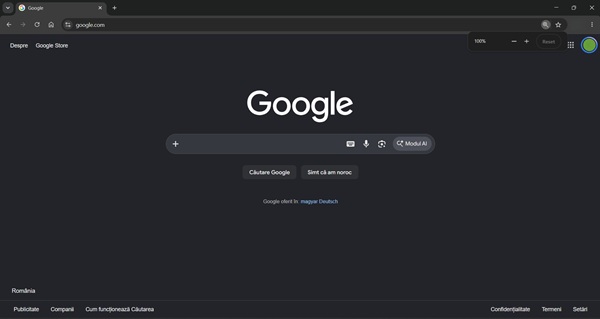
Daca vrem sa ne “jucam” cu zoom in si zoom out este foarte simplu si nici macar nu trebuie sa ne ridicam mainile de pe tastatura.
[mai mult...]