
Situatie
Solutie
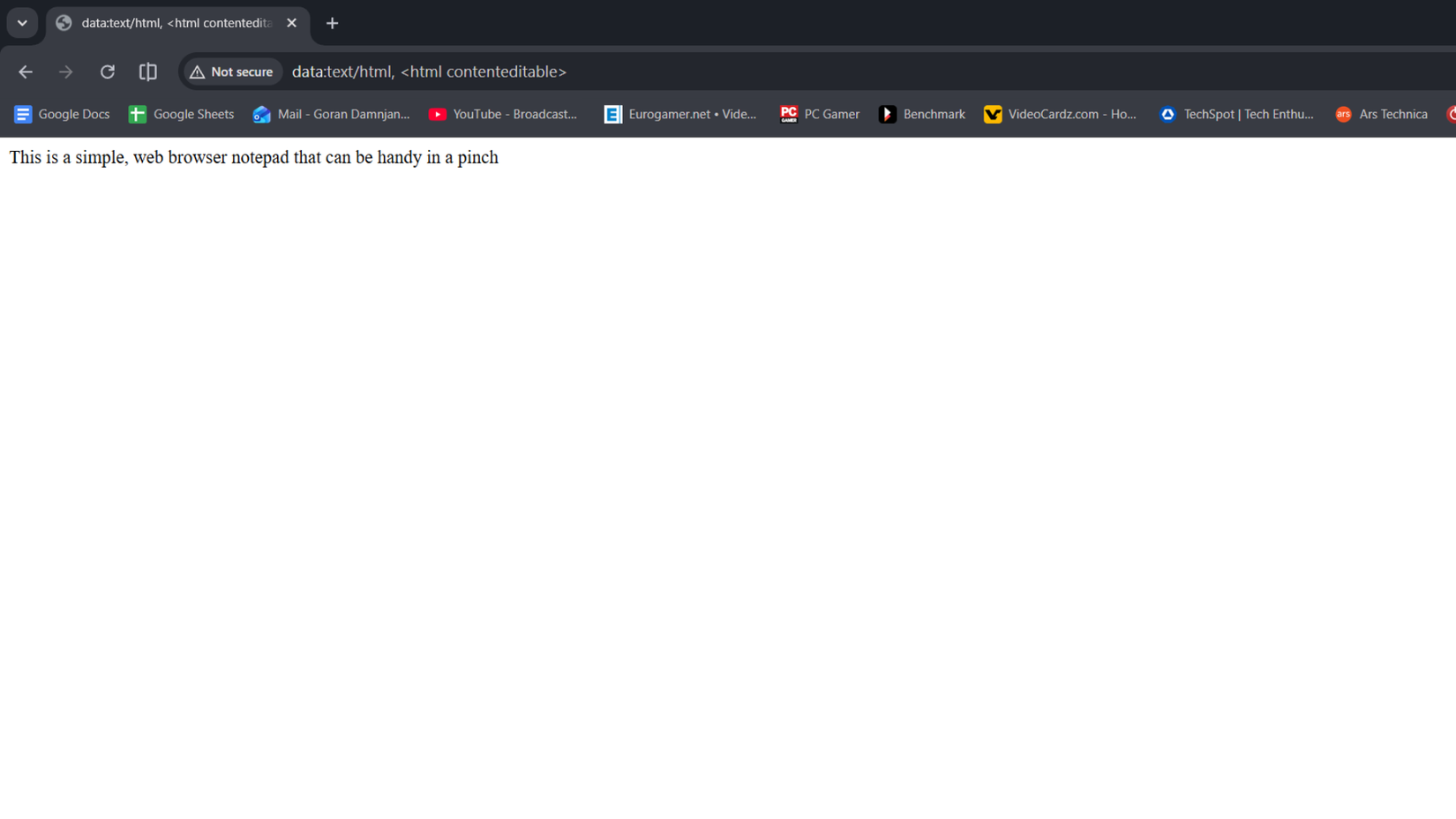
This “hack” is super simple. All you have to do is open Google Chrome and type or copy the following into the address bar:
data:text/html, <html contenteditable>
Now you can use that page as a no-frills word processor It’s handy to have it when you want to write notes while working, take a phone call, or, in my case, jot down ideas and thoughts while writing.
The best thing about this DIY notepad is that it works in most modern browsers. I’ve tested it in Chrome, Firefox, and Edge, but it should work in pretty much every browser you might be using, no matter how obscure it is.
You aren’t limited to desktop browsers either. I tried taking notes in the Android versions of Chrome and DuckDuckGo, and I managed to turn them into notepads just by copying the command into their address bar and opening the page.
You can bookmark the page and open it in a second when you’re working and want to write down something your coworker or boss said, or jot down a quick note or two during a phone or video call. When you’re in an online meeting and get a great idea but have to wait for your turn to speak, you can immediately write it down instead of opening a separate app.
I occasionally use this browser-based notepad when working on an article or doing research. It’s great for capturing fleeting thoughts I might otherwise forget, jotting down subheading ideas, pasting useful links, or using it as a temporary note-taking space I can simply close and forget about once I’m done.
There are “some” limitations
A dearth of features
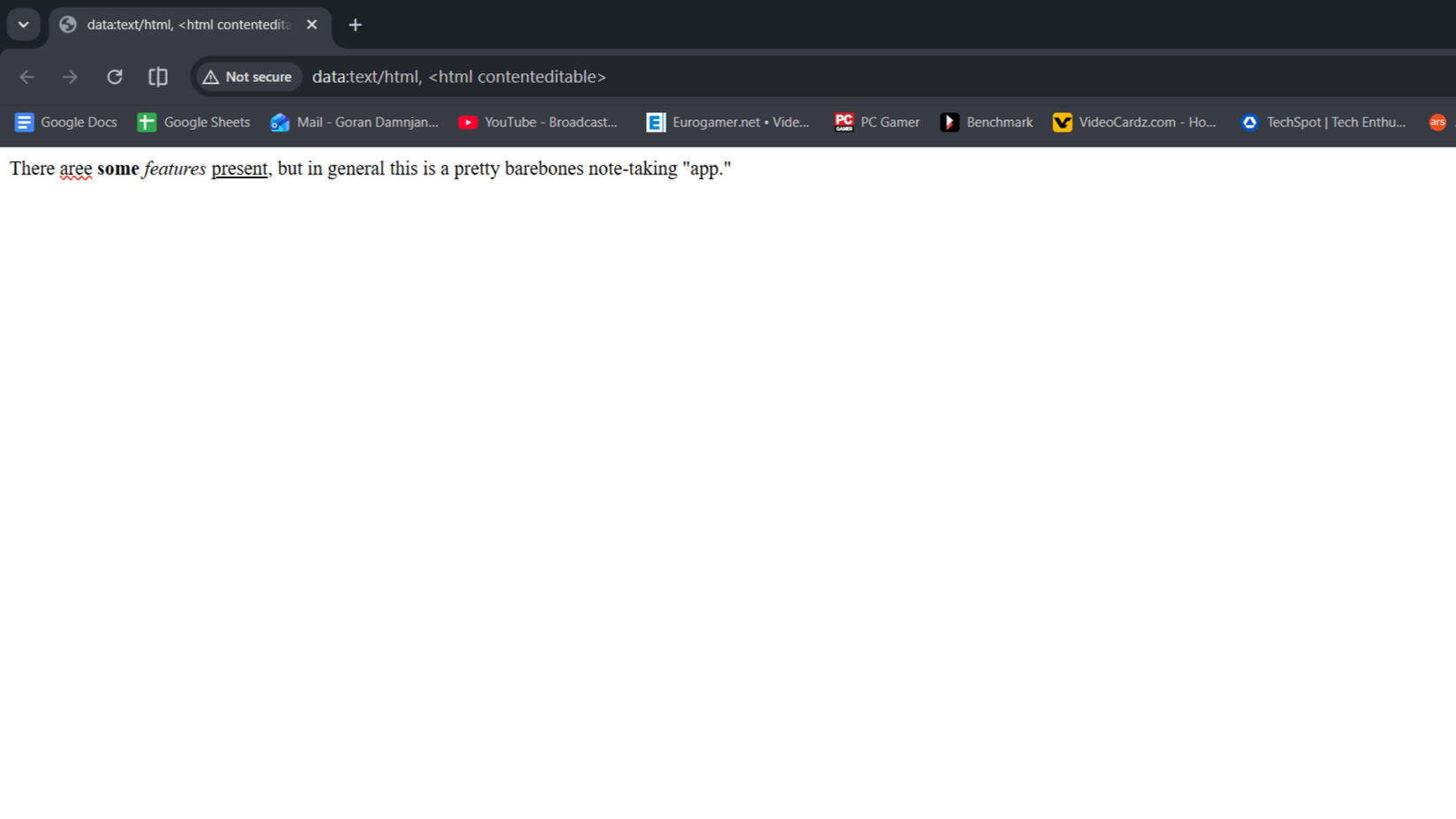
This browser notepad works great as a dead-simple note-taking app, but the fact that it’s just a tiny code snippet also means you shouldn’t expect a slew of features.
Leave A Comment?