How to open a shortcut in maximized window
Follow the steps below to open a shortcut in maximized window.
[mai mult...]
Soluții pentru problemele tale IT

Follow the steps below to open a shortcut in maximized window.
[mai mult...]If you want to record audio in Windows 11, Microsoft provides a native app exclusively for recording. All you need to do is just access this application and start to record audio.
[mai mult...]To make a copy of all your saved passwords, bookmarks, and add-ons, back up your Mozilla Firefox profile to a safe location either on your internal or your external storage. Later, you can restore this backup to bring all your items back into the browser. The way this works is that you copy your Firefox profile folder to a location you deem safe.
This location could be on the same computer, another computer, external storage, or even cloud storage. Later, when you want your backed-up items back, paste the folder in your profile location and Firefox will import all your data.
[mai mult...]On a Mac, Finder is the file management application that comes with every Mac. Thanks to tabs, you can keep multiple folders open in the same window, reducing clutter.
[mai mult...]Do you want to protect folders and files with a password?
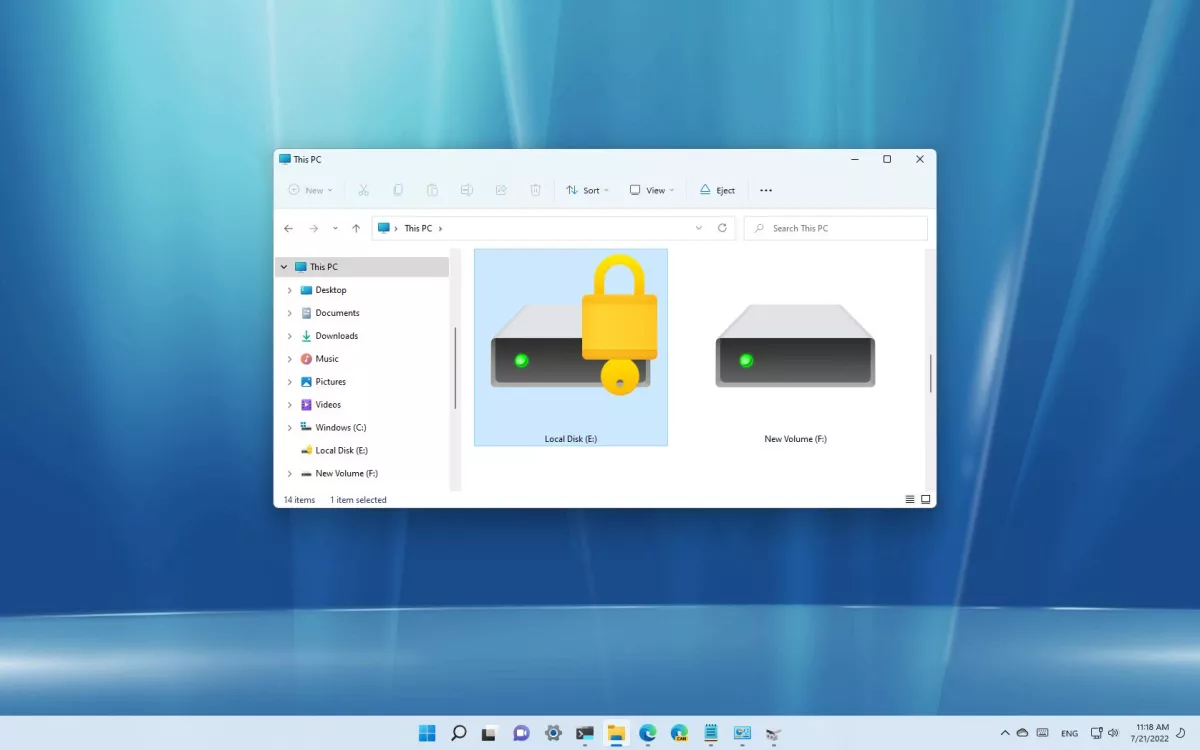
On Windows 11, you won’t find a feature to add a password to a folder to protect your files because your account is already protected with a password and encryption, and it’s assumed that you will be the only one using it.
However, if you share the computer with others, are concerned about unauthorized access, or want to add another layer of security, you can use the virtual hard disk feature along with BitLocker to protect files and folders with a password on Windows 11.
Windows 11 doesn’t have a feature to protect a folder with a password because the account is already protected with your profile credentials. However, you can use the virtual drive and BitLocker features to create a drive you can secure with a password, which works similarly to a password-protected folder.
If after viewing the Google Sheets and third-party templates, you don’t see one that quite fits your needs, you can create one from scratch. Google Sheets offers helpful functions for adding income and expenses as well as subtracting amounts for money left over.
[mai mult...]