How to make Microsoft Word to always create a backup copy of your document.
If you want another safety option for your Word documents, you can set Word to always create a backup copy of your document when you save it.
[mai mult...]
Soluții pentru problemele tale IT

If you want another safety option for your Word documents, you can set Word to always create a backup copy of your document when you save it.
[mai mult...]Ne aflam in situatia in care dorim sa dam disable la optiunea din Privacy, a “Let Windows track app launches to improve Start and search results”, dar nu stim de unde sa facem acest lucru.
[mai mult...]Ne aflam in situatia in care dorim sa dam enable la optiunea din Privacy, a “Let websites provide locally relevant content by accessing my language list”, dar nu stim de unde sa facem acest lucru.
[mai mult...]Ne aflam in situatia in care dorim sa dam disable la optiunea din Privacy, a “Let websites provide locally relevant content by accessing my language list”, dar nu stim de unde sa facem acest lucru.
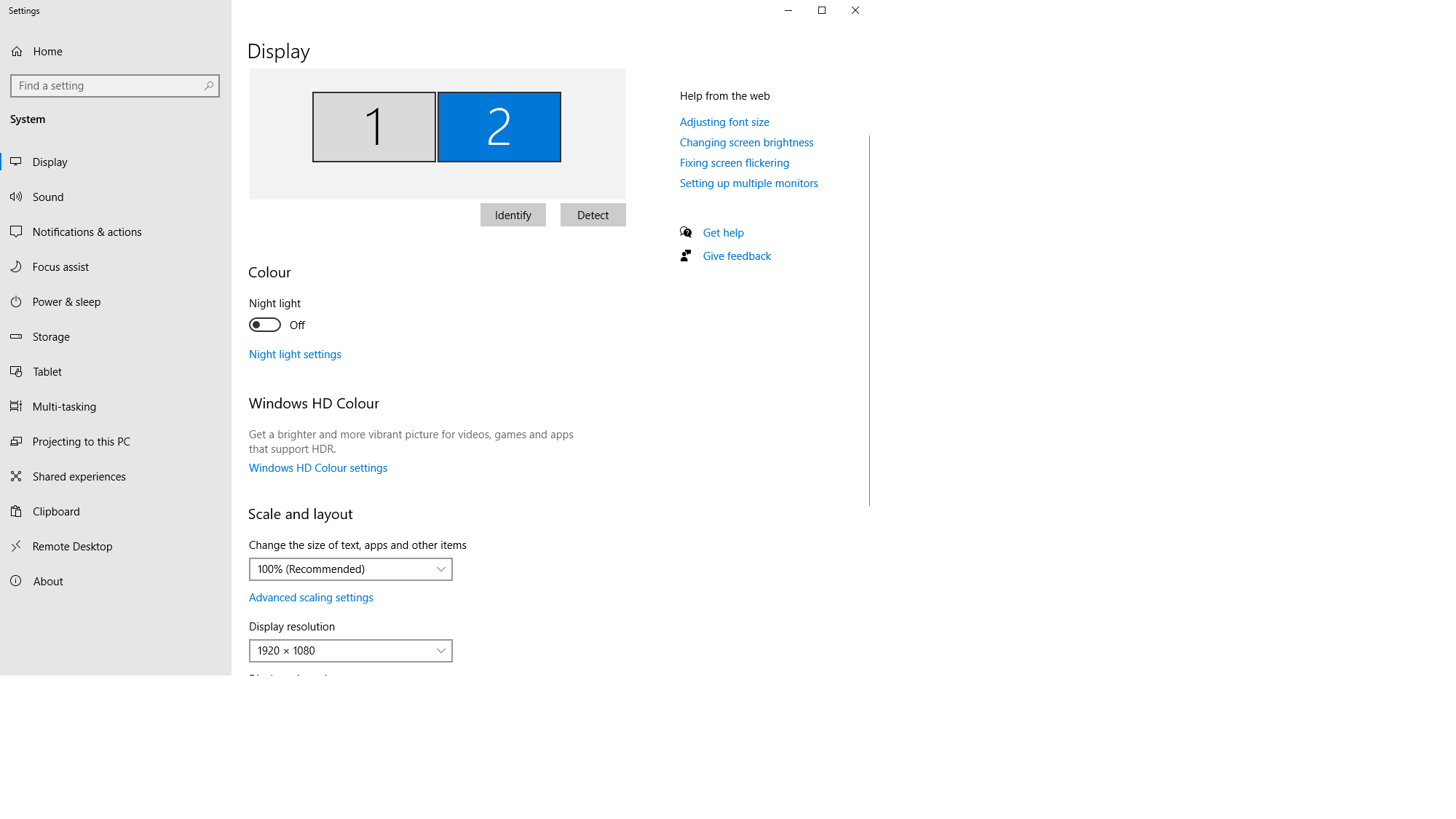
[mai mult...]How to change the resolution of a specific monitor,or how to change whre the information is shown

From here,you can select your desired monitor to either change the resolution,make it your primary.

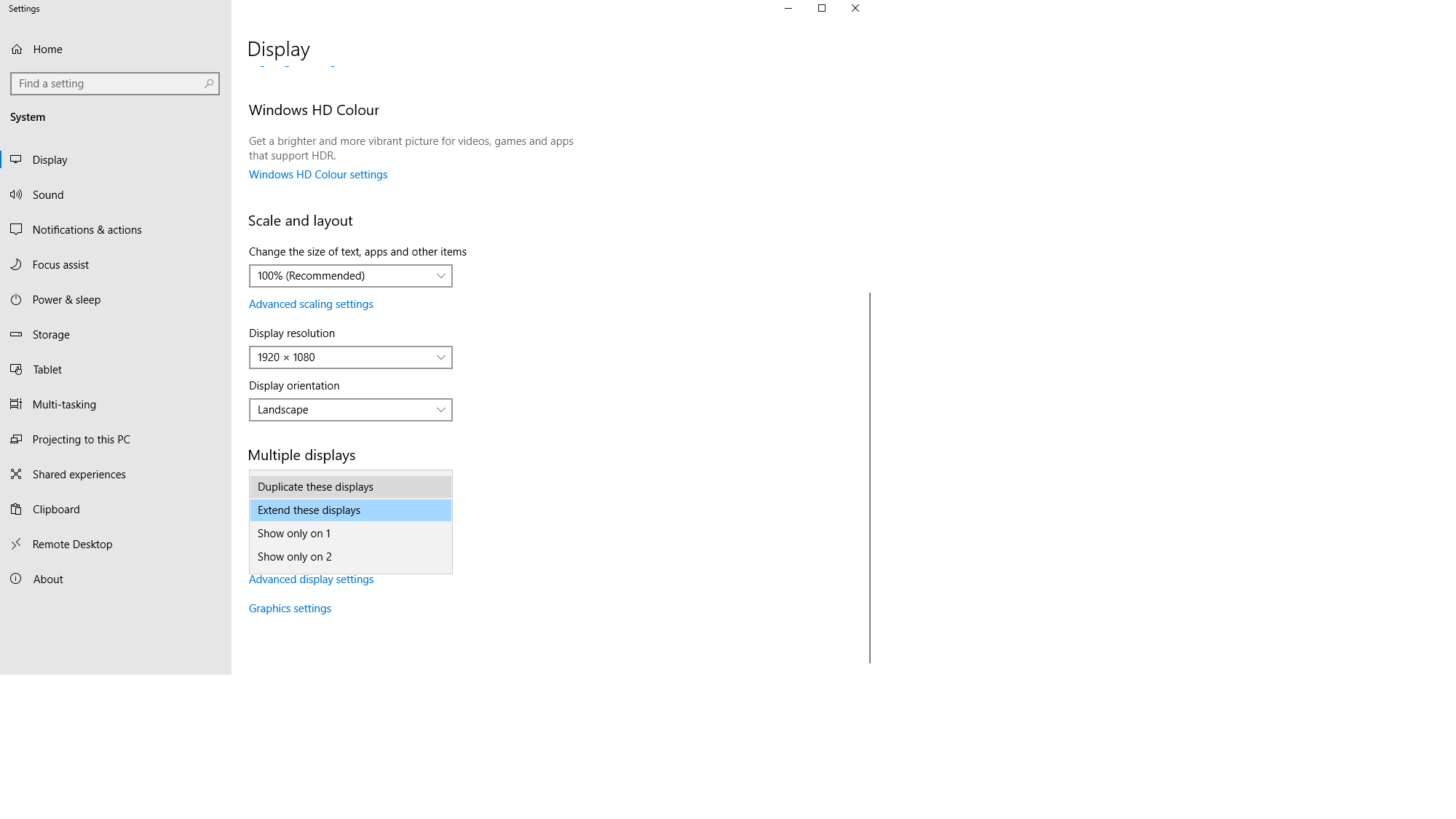
Under the “Multiple displays” option you can change what your monitors to, for example:
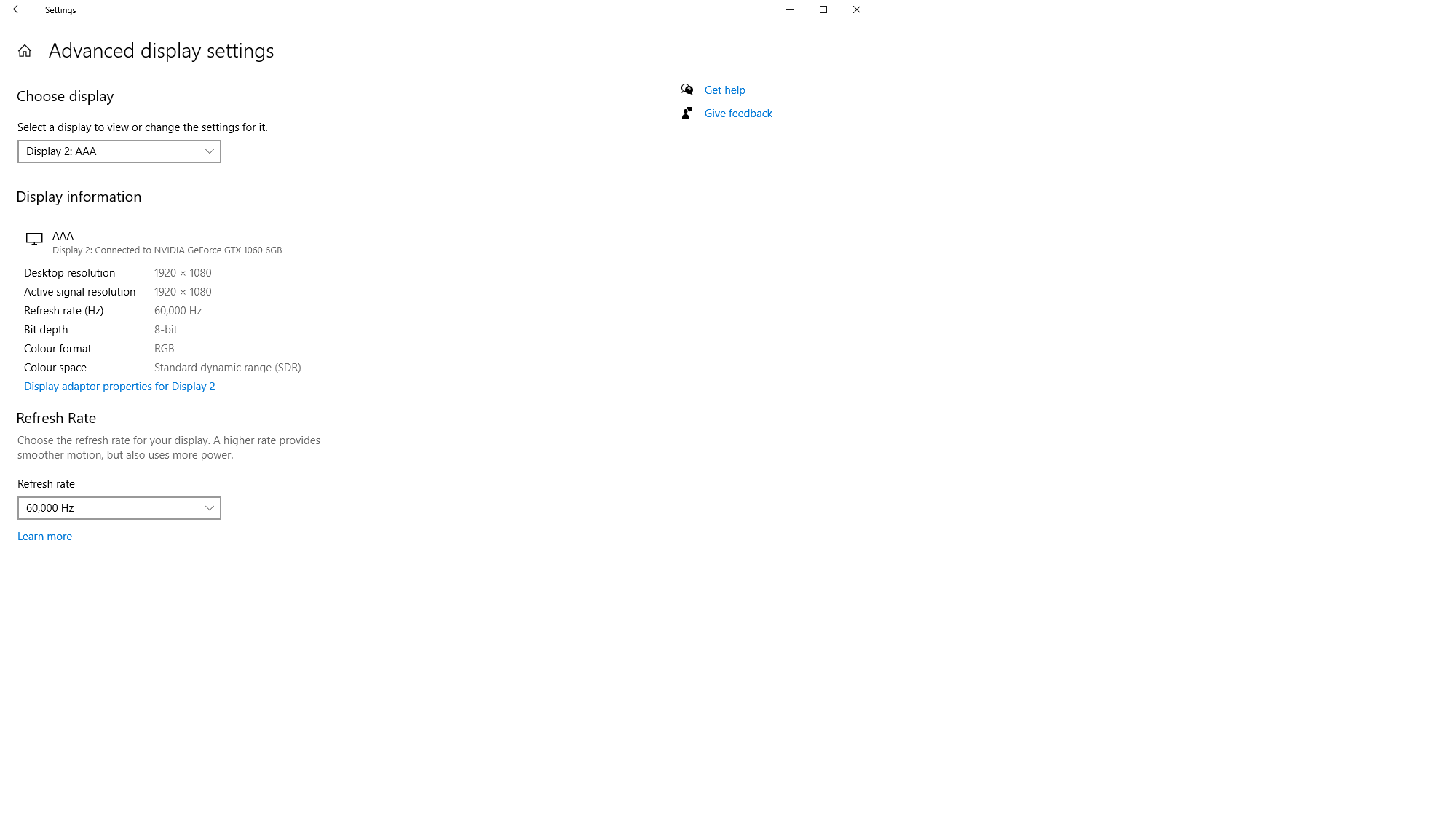
To change the monitor refresh rate(Hz) go to Advanced display settings, select the desired monitor.
Sa presupunem ca avem doua coloane: una in care sunt informatiile despre nume si o alta in care sunt informatiile despre prenume. Daca vrem sa “combinam” cele doua informatii intr-o a treia coloana unde sa avem numele intreg, acest lucru este posibil folosind simbolul &.
[mai mult...]