How to enable or disable Videos access on Windows 10
Check the steps below to see how you can enable or disable video access on Windows 10.
[mai mult...]
Soluții pentru problemele tale IT

Check the steps below to see how you can enable or disable video access on Windows 10.
[mai mult...]Check the steps below to see how you can enable or disable file system access in Windows 10.
[mai mult...]Windows 11 users often find Quick Searches to be an infrequently used feature. In fact, many users would be happy to disable this seemingly bothersome function. However, locating a straightforward method to achieve this is not a simple task.
[mai mult...]Short how to guide about what you can do to “unfreeze” your PC when your App crashes and the screen in frozen.
1.Press “Ctrl” + “Shift” + “Escape” simultaneously and your Task Manager will pop up.
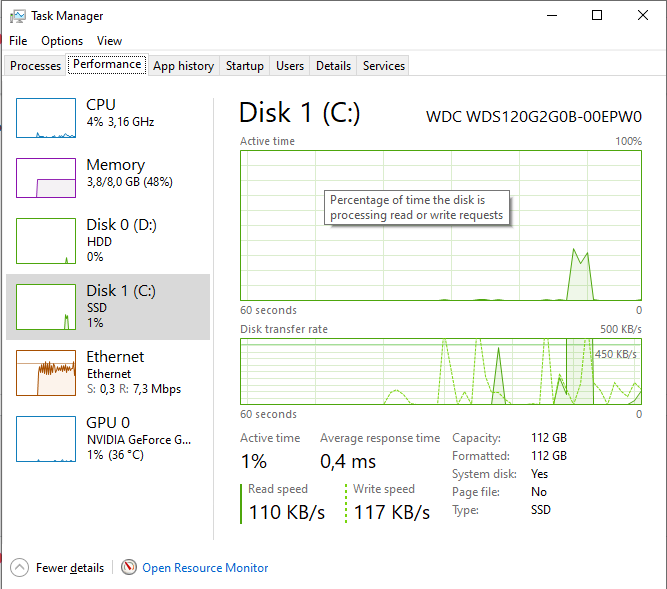
2.Go to the “Options” tab and tick the “Always on top” box as shown below.

This will make Task Manager appear over any frozen app and let you use it.
[mai mult...]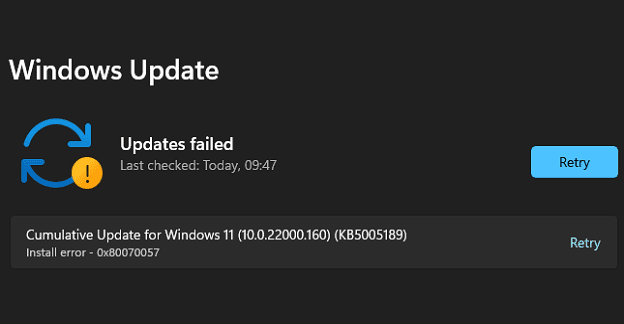
Windows 11 may sometimes throw up error code 0x80070057 when you try to install the latest updates. This error indicates your computer failed to install the updates. If you have already restarted your machine, but the error persists, follow the troubleshooting solutions below.
[mai mult...]