Bluetooth Icon lipseste dupa Update Windows 10
Iconita Bluetooth nu mai apare in Windows 10.
[mai mult...]
Soluții pentru problemele tale IT
Iconita Bluetooth nu mai apare in Windows 10.
[mai mult...]Windowa Update nu poate alege ultima versiune
Problemă de actualizare Windows: În unele cazuri, problema este temporară ce poate fi rezolvată relativ ușor prin executarea instrumentului de depanare Windows Update pentru a analiza și identifica inconsecvențe comune care pot împiedica rularea actualizărilor.
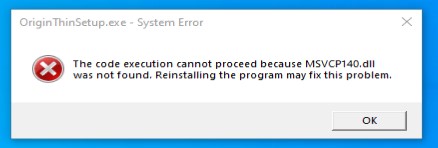
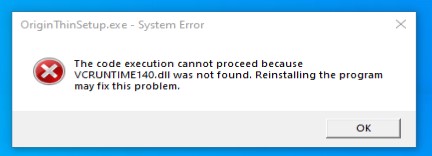
[mai mult...]If you encounter those error messages when trying to start the Origin installer, it means you are missing the Microsoft Visual C++. Check the steps below to see how you can fix the errors MSVCP140.dll and VCRUNTIME140.dll when trying to install Origin.
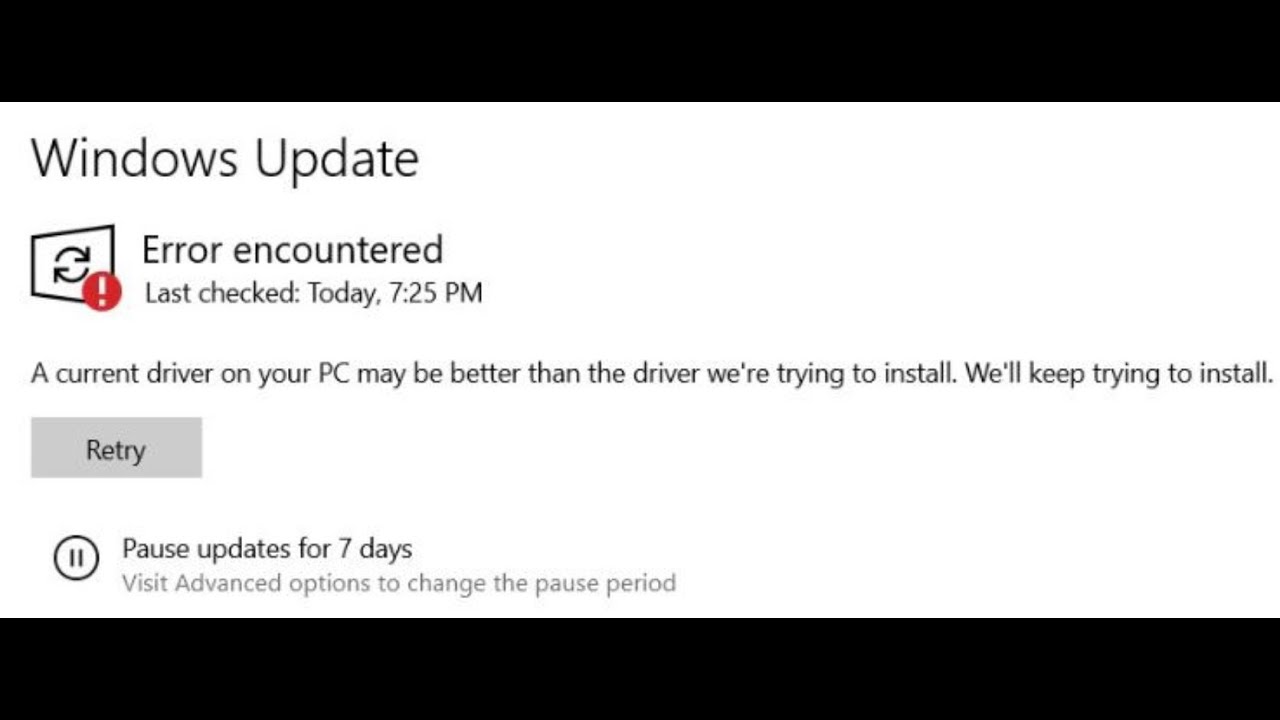
During Windows Updates it is possible to encounter the issue from the image “A current driver on your PC may be better than the driver we’re trying to install. We’ll keep trying to install”. Check the steps below to see how you can fix it by disabling the computer from trying to update drivers during Windows Updates.
Sets in a new feature that Microsoft is building into Windows 10, and it allows you to group apps, documents, and web pages into tabs similar to tabs on a browser.
While working on a project typically users keep multiple tabs in the same window and they switch between them as needed. The same idea is what Microsoft is envisioning with Sets, but with the difference that tabs will extend to all applications. For example, using this tab experience, you can start working on a Word document, while looking into additional content you bring to your project from OneNote or a web page using the same window.
Although Sets a useful feature, it might not be something for everyone. If you don’t to have tabs in apps, Windows 10 includes an option to disable it in the Settings app.
[mai mult...]Google Chrome keeps track of every move you make on the web. If you want to stop this behavior, you can always start the browser in Incognito mode. In this guide, you will learn how. On Chrome, Incognito mode is a feature that loads the browser with a specific set of settings that do not track your activities, including browsing history, site data, and cookies, and it does not save any information you enter in forms.
However, it is worth noting that this feature does not prevent websites, your organization, internet provider, and other third-party entities from tracking your activities.
[mai mult...]